
 WhatsApp: +86 16626708626
 Email:
  Phone: +86 16626708626
Description
2. Product Core Brief
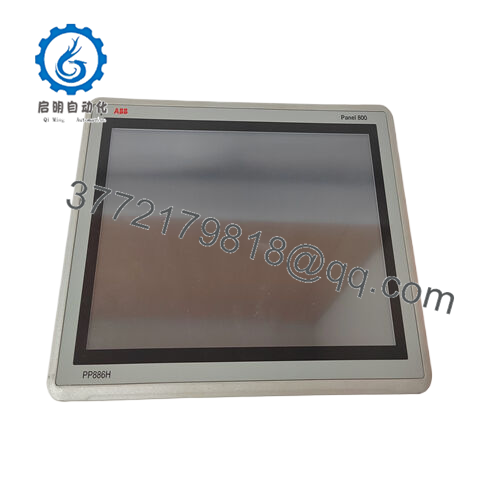
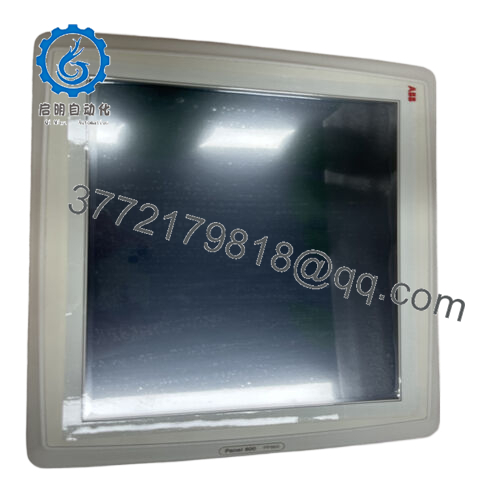
- Model: PP882 (3BSE069275R1)
- Brand: ABB
- Series: Panel 800
- Core Function: Operator interface for PLC/DCS systems
- Product Type: Industrial HMI / Operator Panel
- Key Specs: 12.1″ TFT display, 1280 × 800 resolution, Intel Atom 1.1 GHz CPU
- Condition: New Original / New Surplus
3. Key Technical Specifications
| Parameter | Value |
|---|---|
| Model | PP882 |
| ABB Article Number | 3BSE069275R1 |
| Product Type | Industrial HMI Operator Panel |
| Series | ABB Panel 800 |
| Display Size | 12.1″ TFT-LCD |
| Resolution | 1280 × 800 (16:10) |
| Display Colors | 262k colors, LED backlight |
| Brightness | 400 cd/m² |
| Touch Technology | Resistive touchscreen (≈1 million operations) |
| Processor | Intel Atom 1.1 GHz |
| Main Memory | 1 GB DDR2 |
| Application Memory | ≥1.4 GB |
| External Storage | SD / SDHC card slot |
| Ethernet Ports | 2 × RJ45 (1 × Gigabit, 1 × 100 Mbps) |
| USB Ports | 3 × USB 2.0 |
| Serial Ports | 2 combined ports (RS-232 / RS-422 / RS-485) |
| Power Supply | 24 V DC (18–32 V DC) |
| Power Consumption | ~22 W |
| Protection Rating | IP65 front / IP20 rear |
| Operating Temperature | −10 °C to +50 °C |
| Dimensions (W×H×D) | 340 × 242 × 79 mm |
| Weight | ~2.6 kg |
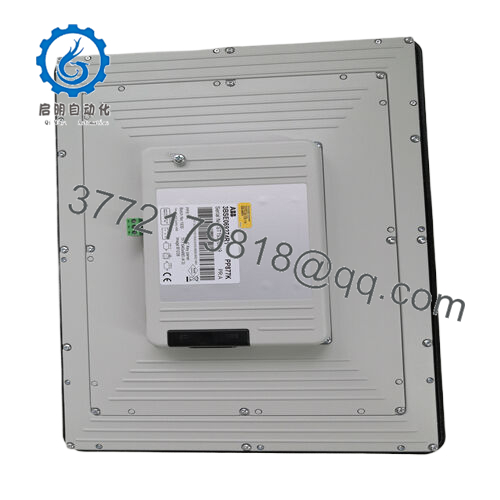
The panel includes dual Ethernet ports, multiple USB interfaces, and serial communication options for connection with PLCs, drives, and industrial networks.

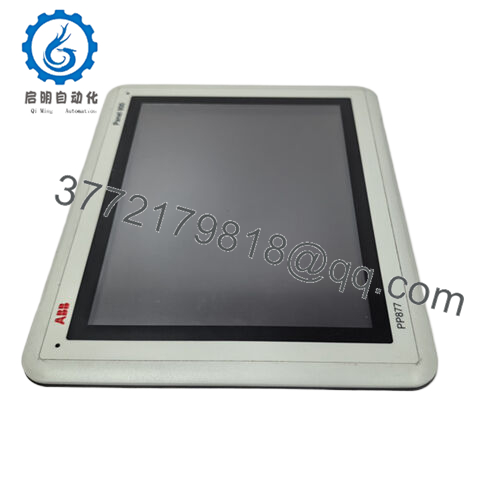
- PP882
4. Product Introduction
The ABB PP882 (3BSE069275R1) is a high-performance industrial HMI from the Panel 800 series, designed to provide operators with a graphical interface for monitoring and controlling industrial processes. It connects to PLC or DCS systems and displays process data, alarms, and control screens in real time.
The panel features a 12.1-inch touchscreen with 1280 × 800 resolution, an Intel Atom processor, and multiple communication interfaces including Ethernet, USB, and serial ports. These capabilities allow integration with ABB automation platforms such as AC800M controllers as well as third-party PLC systems.
5. Troubleshooting Quick Reference
| Symptom | Possible Cause | Relevance to this Part | Quick Check Method | Recommendation |
|---|---|---|---|---|
| HMI screen completely blank | No 24 V DC supply | ❌ Low | Measure 24 V DC at power terminals | Check cabinet PSU and wiring |
| Touchscreen not responding | Touch calibration lost | ⚠️ Medium | Enter service menu and run touch calibration | Recalibrate or reload project |
| PLC communication timeout | Network configuration mismatch | ❌ Low | Verify Ethernet link LEDs and IP settings | Check PLC protocol configuration |
| Panel stuck on boot logo | Corrupted HMI application | ⚠️ Medium | Connect engineering PC via Ethernet/USB | Reload project using Panel Builder |
| Panel restarting randomly | Hardware fault or overheating | ✅ High | Inspect cabinet temperature and system logs | Replace panel if issue persists |
Field note: Many HMI replacements are unnecessary. Communication misconfiguration or a corrupted HMI project is far more common than actual hardware failure.
If diagnostics are unclear, capture screenshots of the startup screen and communication settings before ordering a replacement.
6. Frequently Asked Questions (FAQ)
Q1: What does the ABB PP882 panel actually do?
It serves as the Human-Machine Interface (HMI) between plant operators and the automation system. The panel displays process values, alarms, and trends while allowing operators to start/stop equipment or change parameters.
Q2: What software is used to configure the PP882?
ABB uses Panel Builder 800 engineering software. Engineers create graphics, alarms, and communication settings and download the project to the panel via Ethernet, USB, or SD card.
Q3: Can the PP882 communicate with non-ABB PLCs?
Yes. The panel supports several industrial interfaces including:
- Ethernet communication
- RS-232 / RS-422 / RS-485 serial links
These allow integration with PLCs using protocols like Modbus or other supported drivers.
Q4: Is the PP882 suitable for harsh industrial environments?
Yes. The panel front carries IP65 protection, meaning it resists dust and water spray when installed in a cabinet door. It also operates between −10 °C and +50 °C in typical industrial conditions.
Q5: Can I replace a failed PP882 without modifying the PLC program?
Usually yes. The HMI only handles visualization and operator interaction. The PLC or DCS executes the control logic. When replacing the panel, simply download the original HMI project to the new unit.
Q6: What typically fails on this HMI after years of operation?
In real plant maintenance cases, the most common issues are:
- Backlight aging after long runtime
- Touchscreen wear or calibration drift
- Corrupted firmware or HMI application files
The CPU electronics rarely fail unless exposed to heat or voltage surges.
Q7: Does the replacement panel include the HMI application?
No. The hardware normally ships blank. You must load the HMI project from the Panel Builder engineering workstation or from an SD/USB backup.



