
 WhatsApp: +86 16626708626
 Email:
  Phone: +86 16626708626
Description
2. Product Core Brief
- Model: CMA140
- Brand: ABB
- Series: SYNPOL D
- Core Function: Generator monitoring and control interface
- Product Type: Generator Control and Management Display Panel
- Key Specs: Operator display | Synchronization/protection functions | Marine/power gen compatible
- Condition: New Surplus (original OEM manufacturing, QC tested, anti-static packaged)
- Inventory Status: Legacy spare—strategic last-time-buy candidate as SYNPOL D components phase out and availability tightens
3. Key Technical Specifications
- Part number: 3DDE300420
- Function: Generator control, management, and display in SYNPOL D system
- Interfaces: Operator panel with display, keys/buttons for monitoring, control, and parameterization
- Applications: Synchronous generator sets, excitation control, load sharing, synchronization, protection relays
- Power supply: Typically 24 V DC (system dependent)
- Operating temperature: 0°C to +55°C (typical for marine/industrial panels)
- Mounting: Panel or console integration in generator control cabinets
- Communication: Internal bus to SYNPOL D CPU/excitation modules
- Display: LCD or similar for parameters, alarms, status (backlight)
- Dimensions (approx.): 200–300 mm width × 150–200 mm height × 50–100 mm depth (varies by enclosure)
- Weight (approx.): 1–2 kg
- Certifications: Marine class approvals (e.g., DNV, ABS, BV) typical for SYNPOL D

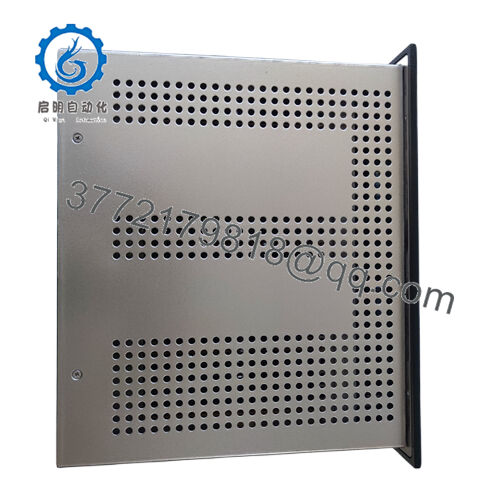
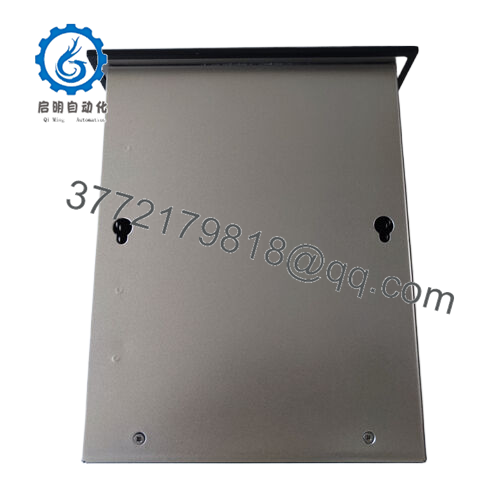
- CMA140
4. Product Introduction & Supply Chain Strategy The ABB CMA140 (3DDE300420) serves as the human-machine interface in the SYNPOL D generator control system. It displays real-time parameters (voltage, current, frequency, power), handles synchronization commands, protection settings, and alarm acknowledgments for reliable generator operation in marine auxiliaries, emergency power, and industrial standby systems.
New Surplus is the tactical choice for SYNPOL D sites. With legacy status and shrinking spares pools, CMA140 failures can blind operators to critical generator states, risking blackouts or damage—lead times spike without alternatives. Genuine New Surplus avoids refurbished display wear, key failures, or signal issues that cause unreliable monitoring or missed protections. Hold 1-2 units on-site as buffer stock to minimize lead time exposure and achieve lower total cost of ownership than refurbished gambles or emergency retrofits in critical power applications.
5. Installation & Configuration Guide Stage 1: Pre-Installation (Prep & Safety) Lock out/tag out generator control panel power. Discharge capacitors and confirm zero voltage. Wear grounded ESD wrist strap. Photograph existing panel: orientation, wiring terminations, cable routing, any labeling, and mounting hardware. Verify tools: ESD-safe screwdriver set, torque driver, multimeter for continuity/insulation checks.
Stage 2: Removal Power down the SYNPOL D cabinet. Disconnect power and communication cables carefully (note positions or label). Loosen mounting screws/brackets evenly. Extract panel straight—avoid stressing connectors or display edges. Inspect cables, mounting points, and panel for damage. Bag removed unit ESD-safe.
Stage 3: Installation (Clone & Seat) Align new CMA140 panel with mounting holes/brackets. Secure with screws torqued to ABB spec. Reconnect all cables exactly as photographed (match power, comms, and any I/O). Ensure proper grounding and cable routing to avoid interference.
Stage 4: Power-On & Testing Apply power gradually. Monitor display for boot-up sequence and status indications (no faults). Use panel keys to navigate menus, verify parameter display, alarm logs, and control functions (e.g., sync check). Run generator diagnostics or simulation tests. Confirm communication with CPU/excitation modules, no error codes, and full functionality before resuming generator service.
6. Firmware/Software Versions & Upgrade Notes The CMA140 display panel has embedded firmware for interface operation—no user-upgradable version typically applies. Configuration parameters (alarms, setpoints, display layouts) are managed via the SYNPOL D system tools or directly on the panel.
Compatibility note: Drop-in compatible within SYNPOL D generator control setups—no major changes required. Document existing system firmware/parameters before swap. Firmware mismatches or parameter jumps can alter display behavior or protection logic—always mirror removed panel settings. Test in offline mode if possible, and validate generator sync/protection post-install.
7. Frequently Asked Questions (FAQ) Is this really new and not refurbished? Yes—this is New Surplus from authorized channels: original ABB production, opened only for QC (visual/electrical), zero runtime hours, no repairs or rework. We reject field-pulled or serviced units.
Why choose New Surplus over refurbished when it’s pricier? Refurbished undercuts short-term but risks display degradation, button fatigue, or backlight failure that obscures critical generator data and leads to unsafe operation or trips—downtime costs multiply savings many times. New Surplus ensures clear, reliable interface at below legacy OEM pricing, with less risk than 20-50+ week waits.
Is the CMA140 obsolete or becoming scarce? Yes—SYNPOL D is legacy with production shifted to newer generator controls. Availability dwindles, so strategic stocking of 1-2 New Surplus units is key to avoid multi-month delays on display failures.
Can this display panel be hot-swapped? No—always de-energize the control cabinet, discharge, and lock out. Live replacement risks electrical hazards, data corruption, or generator control disruption. Follow full safety isolation.
Does the panel retain any configuration? No—the CMA140 is hardware; parameters and settings reside in the SYNPOL D CPU or load via tools. Backup/export configs or photograph menus/settings before removal, then reprogram as needed.



