
 WhatsApp: +86 16626708626
 Email:
  Phone: +86 16626708626
Description
2. Product Core Brief
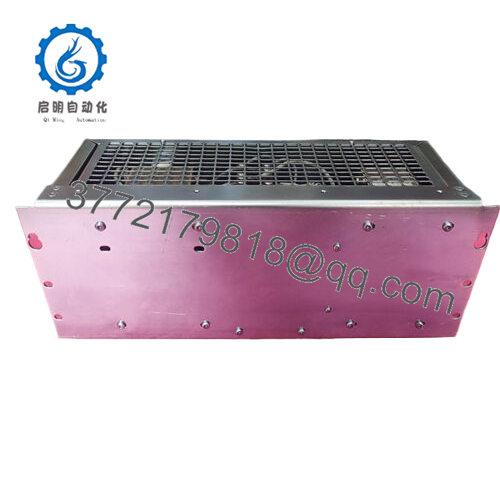
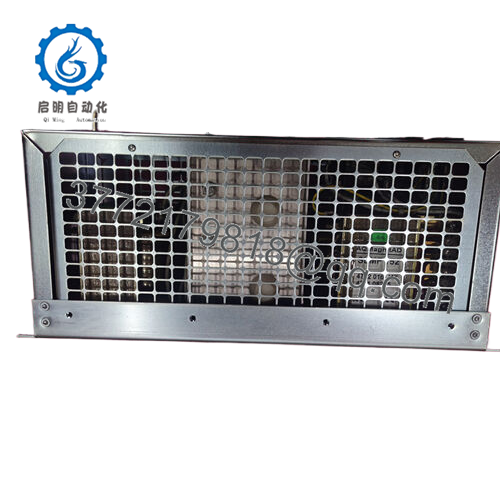
- Model: SA162 3BSE003388R1
- Brand: ABB
- Series: ABB S100 I/O System
- Core Function: Industrial digital signal acquisition
- Product Type: PLC Digital Input Module
- Key Specs: 24 V DC inputs | 16-channel input capacity | S100 backplane interface
- Condition: New Original / New Surplus
- Inventory Status: Legacy S100 component — EOL lifecycle; strategic buffer stock recommended
3. Key Technical Specifications
| Parameter | Value |
|---|---|
| Model Number | SA162 |
| Ordering Code | 3BSE003388R1 |
| Manufacturer | ABB |
| System Platform | ABB S100 I/O |
| Channel Count | 16 Digital Inputs |
| Input Voltage | 24 V DC |
| Input Signal Type | Sink/Source compatible industrial inputs |
| Backplane Interface | S100 rack interface |
| Isolation | Channel group isolation to system bus |
| Operating Temperature | 0 to 55 °C |
| Mounting Method | Rack-mounted S100 I/O card |
| Typical Industrial Use | Process signals, limit switches, digital status monitoring |
4. Product Introduction & Supply Chain Strategy
The ABB SA162 3BSE003388R1 is a 16-channel digital input module designed for the ABB S100 distributed I/O platform. It collects 24 V DC discrete signals from field devices such as limit switches, pushbuttons, and status contacts, then transmits those signals to the control processor through the S100 backplane.
This product is a Brand New Surplus unit. It is not used, not pulled from a decommissioned plant, and not refurbished. Procuring genuine new surplus S100 modules is a strategic move because the platform is approaching end-of-life. Maintaining buffer stock reduces exposure to lead time variability and prevents emergency procurement during a plant outage. The Total Cost of Ownership (TCO) strongly favors new surplus modules over refurbished cards that may contain aging capacitors or undocumented repairs.
5. Installation & Configuration Guide
Stage 1 — Pre-Installation (Prep & Safety)
- Apply lock-out/tag-out (LOTO) procedures to isolate the control cabinet.
- Wear a grounded ESD wrist strap before touching the module.
- Photograph the existing module’s terminal wiring and DIP switch settings.
- Confirm the S100 rack power supply maintains a 20% capacity buffer on the 24 V rail.
Stage 2 — Removal
- Release the front locking clips or retaining screws on the installed module.
- Pull the module straight out using even force from both edges.
- Avoid rocking the card, which can bend S100 backplane connector pins.
Stage 3 — Installation (Clone & Seat)
- Match the DIP switch configuration exactly to the removed module.
- Inspect backplane connectors for dust or bent pins.
- Slide the SA162 module into the rack guides until fully seated.
- Engage retaining clips or screws to secure the module.
Stage 4 — Power-On & Testing
- Re-energize cabinet power and observe module LEDs.
- Confirm RUN indicator active and no ERR indication.
- Trigger several input signals from field devices.
- Verify the PLC or DCS logic registers each channel correctly.
6. Firmware / Software Versions & Upgrade Notes
- The SA162 module operates as a hardware input interface and typically does not require user firmware updates.
- Compatibility depends on the ABB S100 controller firmware version and rack configuration.
- When replacing a module, maintain the same I/O addressing configuration in the control program.
- Avoid unnecessary controller firmware upgrades during a hardware replacement. Firmware jumps can introduce communication timing differences between S100 I/O racks and the controller CPU.
Best practice: document controller firmware and system configuration before removing the original module.

- SA162 3BSE003388R1
7. Frequently Asked Questions (FAQ)
Q1: Is this module truly new if the S100 platform is discontinued?
Yes. This unit is New Surplus inventory sourced from authorized industrial channels. It has never been installed in a running system and shows zero wear on connectors or backplane pins.
Q2: Why does the price differ from OEM factory pricing?
OEM factories no longer mass-produce S100 modules. New surplus inventory comes from controlled surplus channels. Pricing reflects the cost of locating authentic parts globally while remaining lower than historic OEM list pricing.
Q3: Why avoid refurbished S100 modules?
Refurbished cards often contain aging capacitors, replaced relays, or solder repairs. These hidden issues can cause intermittent failures. Saving a few hundred dollars on refurbished hardware can lead to tens of thousands in downtime if a module fails during production.
Q4: Can the SA162 be hot-swapped?
Hot swapping is not recommended for S100 racks unless the specific rack and controller configuration explicitly support it. Removing I/O cards under power can cause bus faults.
Q5: Does replacing the module affect the PLC program?
No program changes are normally required if the replacement module uses the same address configuration and wiring. Always confirm channel mapping during commissioning.
Q6: What warranty is provided for this part?
New Surplus modules typically include a 12–24 month functional warranty covering manufacturing defects and electrical failure under normal operating conditions.
Q7: Should plants stock this module locally?
Yes. Because the S100 system is in the late lifecycle stage, maintaining 1–2 units as buffer stock is a common reliability strategy. This prevents extended downtime caused by market scarcity or shipping delays.



