
 WhatsApp: +86 16626708626
 Email:
  Phone: +86 16626708626
Description
Key Technical Specifications
- Connector Type: 21-pin female (matches Modulebus plug on TU8xx baseplates or last I/O module)
- Termination: Passive RC network (resistor-capacitor) for impedance matching on electrical Modulebus
- Bus Type Supported: Electrical Modulebus (part of S800 I/O cluster; max 12 m per segment without repeaters)
- Compatibility: S800 I/O modules, TU810/TU812/TU830 baseplates, AC 800M CEX-bus extensions via optical links
- Operating Voltage: Passive—no aux power required (powered by bus signals)
- Environmental Rating: -25…+70°C operating (per IEC 61131-2), IP20 enclosure
- Mounting: Direct plug-in to open Modulebus socket at end of chain
- Dimensions: Compact plug form (approx. 13 × 19 × 17 mm per some listings)
- Weight: 0.005 kg (net product weight)
- Certifications: CE, meets EMC EN 61000-6-4, mechanical per IEC 61131-2
- Power Consumption: 0 W (passive device)

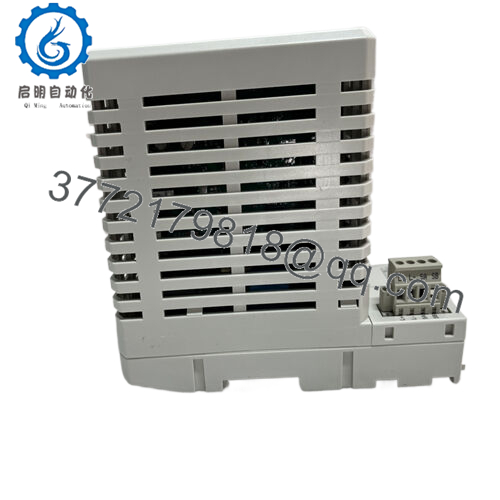
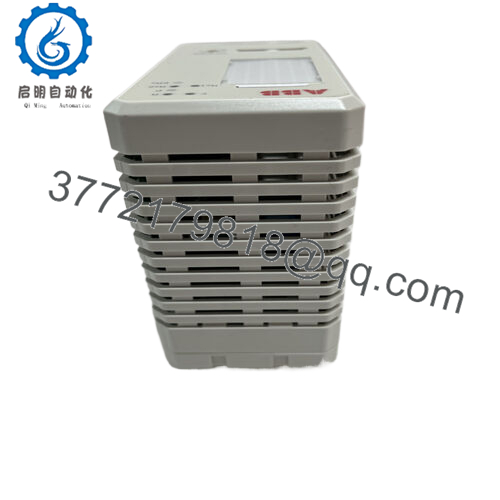
- TB807 3BSE008538R1
Product Introduction
The ABB TB807 (3BSE008538R1) is a simple but essential passive terminator in the S800 I/O family, installed at the far end of an electrical Modulebus segment to absorb signal reflections and stabilize communication waveforms. It connects directly to the 21-pin Modulebus interface on the last I/O baseplate or TU8xx unit in a chain linked to an AC 800M controller.
Its primary value comes from preventing data errors, timeouts, or intermittent faults in distributed I/O setups—common when clusters exceed short runs or include multiple extensions. Maintenance teams rely on it because mismatched or missing termination often surfaces as subtle comms issues during commissioning or after adding modules; this plug eliminates guesswork in compliance with ABB’s Modulebus guidelines.
Installation & Configuration Guide
Stage 1: Pre-Installation Preparation (5-10 min) ⚠️ Safety First: Plan brief downtime if inserting into live cluster—Modulebus faults can disrupt I/O. Lock out/tag out controller power if full rack isolation needed. Wait 5 min for discharge. Tools Required: ESD wrist strap, small flat screwdriver (for gentle leverage if needed), camera for photos. Data Backup: Not applicable—no config or firmware. Photograph existing Modulebus chain layout and open socket condition before work.
Stage 2: Removing the Old Terminator (if present) (5 min)
- Locate the open 21-pin female socket at the end of the electrical Modulebus (last TU8xx baseplate or extension).
- If old terminator present, grip firmly and pull straight out—avoid twisting to prevent pin damage.
- Inspect pins for corrosion, bent contacts, or dust—clean with approved contact cleaner and compressed air if required. ⚠️ Note: Keep the old plug as reference; compare visually with replacement.
Stage 3: Installing the New Terminator (5-10 min)
- Apply ESD strap. Confirm part is exact 3BSE008538R1 (check label for TB807).
- Align 21-pin male plug with open female socket—ensure keyway orientation matches (polarized).
- Push firmly until fully seated (audible/tactile click; no gaps).
- Verify no loose fit—gentle tug should not dislodge. Self-Checklist: [ ] Exact part match, [ ] Fully seated with no exposed pins, [ ] Chain end correctly terminated.
Stage 4: Power-On & Testing (10-20 min) Pre-Power Check: Visual inspection only—no electrical test needed for passive part. Power-On Steps:
- Restore power to controller/rack.
- Monitor controller diagnostics (via 800xA or Control Builder): Check Modulebus status—no “bus error,” “timeout,” or high retry counts.
- Force I/O updates or watch live values from end-of-chain modules—confirm stable comms.
- Run system soak test (hours if critical) to verify no intermittent faults post-install. ⚠️ Troubleshooting Note: Persistent bus errors after install? Double-check seating, inspect for damaged pins, or verify total chain length (<12 m electrical). If optical links involved, confirm TU8xx converter termination separately.
Frequently Asked Questions (FAQ)
Is the TB807 hot-pluggable? Yes, in most cases—Modulebus supports live insertion of terminators without power-down, as it’s passive and at the chain end. Still, schedule brief checks to avoid rare transient faults; I’ve seen noisy environments cause brief dropouts during plug-in.
Is this model obsolete? No—active in ABB’s 2026 catalogs and hardware selectors for S800 I/O. New production continues; no limited/last-buy notices.
What happens if I run without a terminator? Signal reflections build up, especially on longer chains—leads to CRC errors, module dropouts, or full cluster failure. Always install at electrical ends; optical segments self-terminate differently.
Will swapping fix my Modulebus comms issues? Often yes—if the old terminator is corroded, loose, or damaged. But first rule out cable faults, excessive length, or controller-side issues. Test by swapping known-good units.
Why buy surplus when new is available? Surplus pricing reflects excess distributor/plant stock. Units are unused/passive (no wear), but we inspect visually, verify connector integrity, and provide 1-year functional warranty—test photos available.
Can it be used on AC 800M CEX-bus? No—strictly for electrical Modulebus in S800 I/O. CEX-bus uses different terminators (TB850/TB851). Confirm your bus type before ordering.
Take a quick photo of the chain before and after—saves headaches if issues pop up later.



