
 WhatsApp: +86 16626708626
 Email:
  Phone: +86 16626708626
Description
3. Key Technical Specifications
| Parameter | Value |
| Data Rate | 10/100/1000 Mbps Auto-Negotiation |
| Connector Type | 8 x RJ45 Copper Ports |
| Bus Interface | Proprietary Alcatel Backplane Connector |
| Transmission Mode | Full Duplex / Half Duplex |
| LED Indicators | Link/Activity, Speed, and Module Status |
| Power Consumption | Low-wattage High-Efficiency Design |
| MTBF | > 100,000 Hours |
| Operating Humidity | 5% to 95% Non-condensing |
| Standards Compliance | IEEE 802.3, 802.3u, 802.3ab |
4. Product Introduction & Supply Chain Strategy
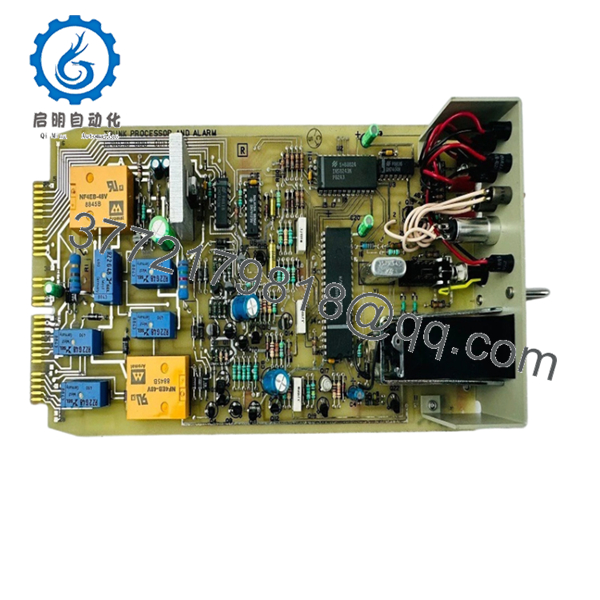
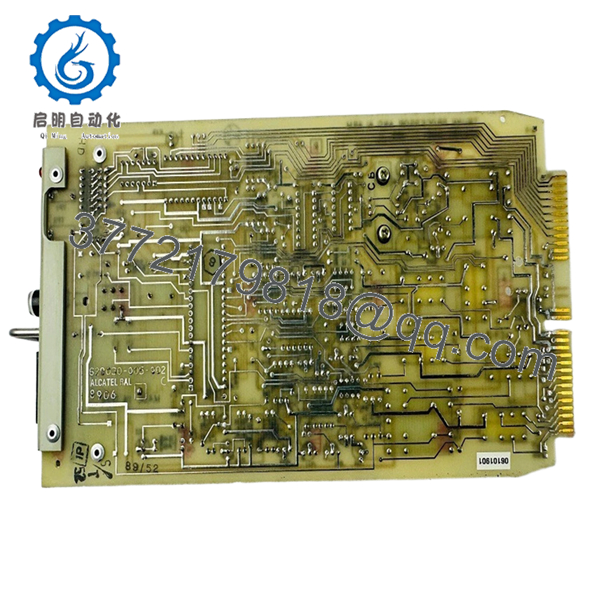
The Alcatel D4TPT101AA is a high-performance Ethernet interface module designed for the OmniPCX Enterprise ecosystem. It provides critical copper hand-offs for enterprise voice and data traffic, acting as a bridge between the core switching fabric and end-user devices. Its reliability is paramount for maintaining uninterrupted communication across corporate and industrial networks.
Purchasing this module as New Surplus is a strategic safeguard against network obsolescence. Many IT managers fall into the trap of buying refurbished D4TPT units, which often harbor “phantom” packet loss due to heat-stressed controller chips. By securing New Surplus inventory, you ensure original factory solder integrity and capacitor health, drastically reducing your Total Cost of Ownership (TCO) by avoiding the $10,000-per-hour cost of a local network blackout.

- D4TPT101AA
- D4TPT101AA
5. Installation & Configuration Guide
Stage 1: Pre-Installation (Prep & Safety)
Verify that the chassis has an available slot compatible with the D4TPT series. Wear a grounded ESD wrist strap to prevent static discharge to the sensitive PHY chips. Back up the current system configuration before inserting new hardware.
Stage 2: Removal
If replacing a failed unit, loosen the captive thumb screws on the faceplate. Use the ejector levers to smoothly disconnect the card from the backplane. Inspect the slot for any dust or debris before proceeding.
Stage 3: Installation (Clone & Seat)
Slide the New Surplus D4TPT101AA into the guide rails. Push firmly until the ejector levers snap into the locked position. Secure the captive screws to ensure a solid chassis ground connection.
Stage 4: Power-On & Testing
Monitor the module’s Status LED; it should transition from amber to solid green. Use the Alcatel management console to verify the ports are recognized. Perform a loopback test on at least one port to confirm duplex integrity.
6. Firmware/Software Versions & Upgrade Notes
The D4TPT101AA generally requires OmniPCX Release 6.0 or higher for full gigabit functionality. If you are integrating this into an older system, check the CPU software revision to ensure the drivers for the “AA” hardware revision are present.
Note: Firmware mismatches between the backplane controller and the interface card can lead to intermittent “Port Down” errors. Always match the hardware revision (e.g., AA) to the existing shelf configuration to maintain protocol stability.
7. Frequently Asked Questions (FAQ)
How do I know this is truly “New Surplus” and not a cleaned-up used part?
We verify every D4TPT101AA by inspecting the gold fingers on the backplane connector. Used parts show “insertion marks” or scratching on the contacts; our New Surplus units have pristine, untouched gold plating and original factory anti-static sealing.
Is this module hot-swappable?
While the Alcatel chassis supports hot-swapping, we recommend “soft-disabling” the slot via the management software before physical insertion to prevent data bus glitches that could affect neighboring cards.
Will this card work in a 10/100 legacy environment?
Yes. The D4TPT101AA features auto-sensing technology that will automatically down-shift to 10 or 100 Mbps to match your legacy infrastructure.
Does it come with a warranty?
Every New Surplus module we supply carries a full 12-month replacement warranty, which is significantly more robust than the 30-to-90 day “as-is” terms found on refurbished marketplaces.
What is the “AA” suffix at the end of the model number?
The “AA” indicates the specific hardware revision. It is vital for compatibility. If your system documentation specifies “AA,” using a different revision could cause boot-loop issues in your rack.



