
 WhatsApp: +86 16626708626
 Email:
  Phone: +86 16626708626
Description
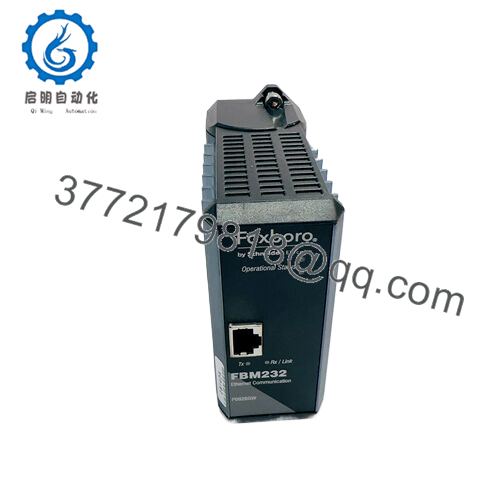
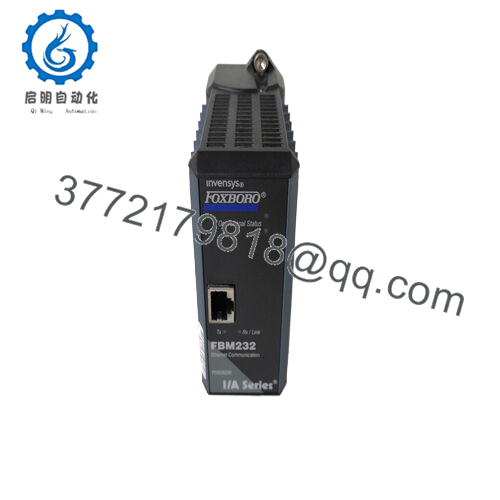
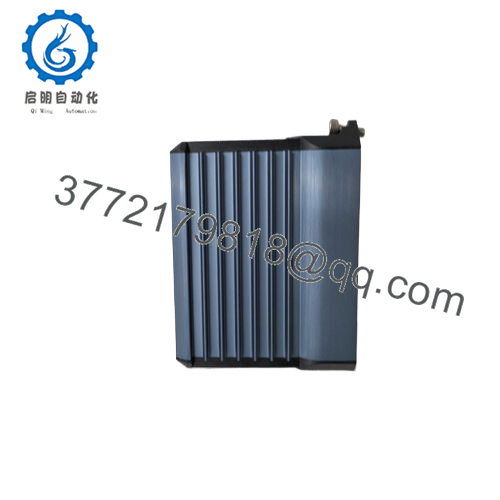
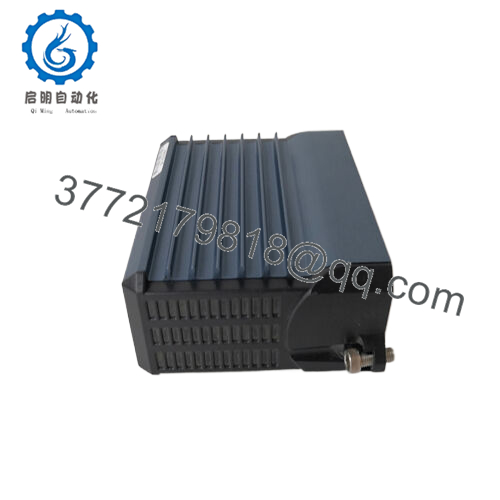
The Foxboro FBM232 P0926GW is an Ethernet communication module designed for the Foxboro I/A Series distributed control system (DCS). It provides a single Ethernet interface supporting both 10 Mbps and 100 Mbps network transmission rates, enabling communication between the Foxboro control system and up to 64 field devices. This module is essential in industrial automation sectors such as chemical processing, power generation, and water treatment, where reliable, high-speed digital communication with field instruments is critical for efficient process control and monitoring.
Serving as a Field Device System Integrator (FDSI), the FBM232 P0926GW supports multiple standard Foxboro control blocks, including binary input/output, integer input/output, real input/output, and string input/output, facilitating seamless integration and control of diverse field devices. The module’s IP address can be configured statically or assigned dynamically via DHCP, offering flexibility in network setups. It features downloadable I/O software drivers tailored to various protocols, with the capability to support custom drivers to meet specific device communication needs.
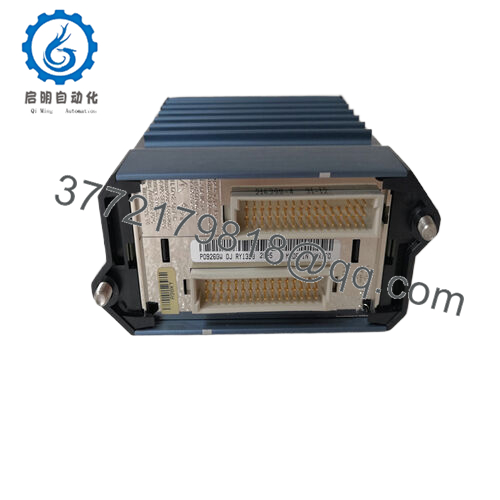
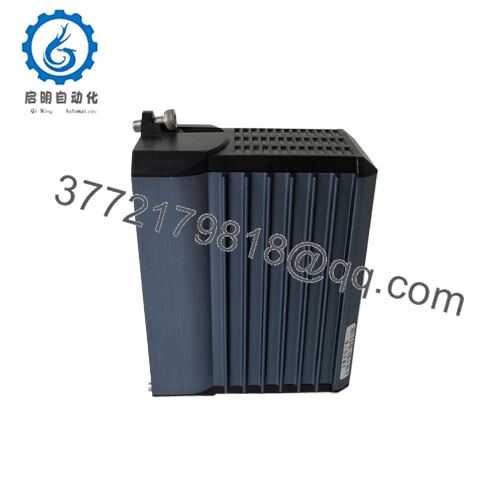
The module’s rugged design features an extruded aluminum enclosure providing physical and electrical protection, suitable for Class G3 harsh industrial environments in accordance with ISA Standard S71.04. It mounts on a Modular Baseplate that can be installed horizontally or vertically on a DIN rail or in a 19-inch rack, enhancing installation flexibility. LED indicators on the front panel provide real-time diagnostics and operational status feedback, aiding in maintenance and troubleshooting. The module operates with a 24 V DC power supply, consuming a maximum of 7 watts, and functions reliably within an operating temperature range of -20 °C to +70 °C.
| Parameter | Value |
|---|---|
| Model | Foxboro FBM232 P0926GW |
| Brand | Foxboro |
| Product Type | Ethernet Communication Module |
| Communication Speed | 10/100 Mbps Ethernet |
| Maximum Supported Devices | Up to 64 field devices |
| Communication Protocols | UDP/IP, TCP/IP |
| IP Address | Static or DHCP |
| Supported Control Blocks | Binary, Integer, Real, String IO |
| Power Supply | 24 V DC (+5%, -10%) |
| Power Consumption | 7 W max |
| Operating Temperature | -20 °C to +70 °C |
| Storage Temperature | -40 °C to +70 °C |
| Environmental Rating | ISA Class G3 (harsh industrial) |
| Mounting | Modular Baseplate (DIN rail/19-inch rack) |
| Dimensions (H x W x D) | 102 mm x 45 mm x 104 mm |
| Weight | Approx. 284 g |
| Certifications | UL/UL-C, CENELEC, EMC compliant |
| Diagnostic Features | LED Indicators |

- FBM232 P0926GW
- FBM232 P0926GW
Related Modules or Compatible Units
Foxboro FBM201 P0916AA – Analog input module compatible with the Foxboro DCS network.
Foxboro FBM230 P0926GU – Serial communication module for system integration.
Foxboro FCP270 – Field Control Processor that works with FBM232 for network control.
Foxboro FCM10E – Communication interface supporting Foxboro modular I/O.
Foxboro FBM247 – Universal I/O module for diverse sensor and actuator integration.
Foxboro P0971PK – Null hub adapter cable for Ethernet connections.
Foxboro FBM228 – Fieldbus interface and power conditioner supporting FOUNDATION Fieldbus.
Installation Notes & Maintenance Best Practices
Install the Foxboro FBM232 P0926GW on a Modular Baseplate within a suitable control cabinet that provides proper ventilation and environmental protection complying with ISA Class G3 standards. Ensure proper grounding and shielding of Ethernet cables to minimize electromagnetic interference. The Ethernet interface uses standard RJ-45 connectors, and cable length should be between 1 and 100 meters to maintain reliable signal integrity. The module can be mounted horizontally or vertically, offering flexible cabinet design options.
Routine maintenance includes monitoring LED status indicators for fault detection and network performance. Use Foxboro’s system software tools for diagnostic checks and firmware updates to maintain optimal module operation. Inspect connectors and cabling periodically to ensure secure, corrosion-free connections. Keeping spare modules and required accessories on hand can minimize downtime in case of hardware failure or upgrade.



