
 WhatsApp: +86 16626708626
 Email:
  Phone: +86 16626708626
Description
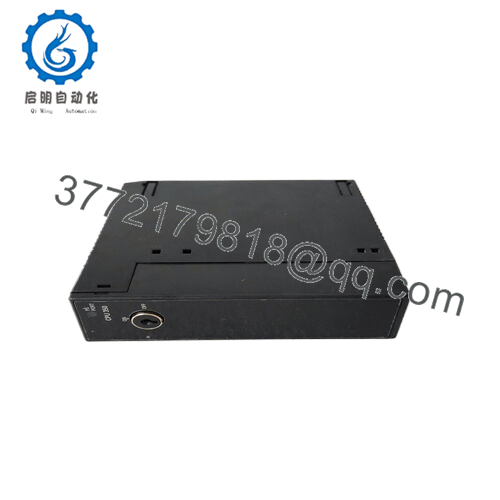
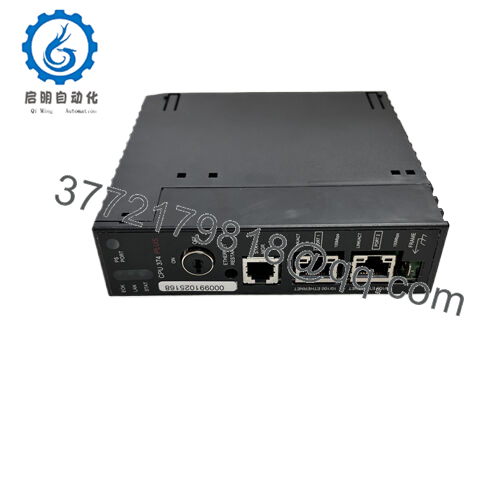
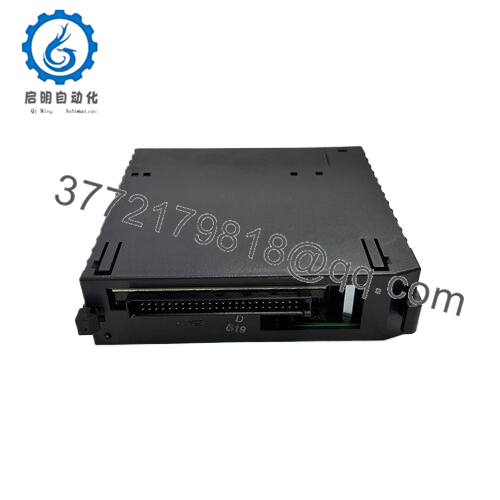
Product Model: IC693PBM200-CC
Product Brand: GE (Fanuc/Emerson legacy)
Product Series: Series 90-30 (ProControl/PLC family)
Product Features:
- Acts as a PROFIBUS DP Master module, enabling the Series 90-30 PLC to communicate with PROFIBUS DP slave nodes.
- Supports up to 125 DP slaves, all standard data rates from 9.6 kBaud up to 12 M Baud.
- Provides robust diagnostics: front-panel status LEDs (COM/SYS), support for Sync and Freeze modes, firmware upgrade via service port.
- Rugged industrial design: fits in any slot of the Series 90-30 backplane (except slot 1 on modular CPU rack), and supports typical backplane current of 450 mA @ 5 VDC.
| Specification | Value |
|---|---|
| Model | IC693PBM200-CC |
| Brand | GE (Fanuc/Emerson legacy) |
| Series | Series 90-30 |
| Supported Network Protocol | PROFIBUS DP (Master mode) |
| Supported Data Rates | 9.6 k, 19.2 k, 93.75 k, 187.5 k, 500 k, 1.5 M, 3 M, 6 M, 12 M Baud |
| Maximum Number of DP Slave Devices | Up to 125 slaves |
| I/O Data per Slave (typical) | Up to 244 bytes input / 244 bytes output per slave |
| Backplane Current Consumption | ~450 mA @ 5 VDC (typical) |
| Mounting Location | Any Series 90-30 baseplate slot except slot 1 on modular CPU baseplate |
| Operating Temperature | 0 °C to 60 °C |
| Storage Temperature | -40 °C to 85 °C |
| Diagnostic Indicators | Front-panel COM / SYS LEDs, Slave status bit array, Network diagnostic counters |

- IC693PBM200-CC
- IC693PBM200-CC
Installation & Maintenance Insights
When you go to install the IC693PBM200-CC, there are technical and practical considerations that will help to achieve a smooth commissioning and long-term reliable operation. First, ensure that the rack is powered down completely before inserting or removing the module. As always, safe-handling and proper ESD procedures apply.
Mount the module in any valid slot (except slot 1 in a modular CPU baseplate) and ensure that adjacent modules do not violate spacing or ventilation constraints. Wiring the PROFIBUS DP network requires proper bus termination and correct data rate matching across slave nodes — since the module supports multiple baud rates (9.6 k to 12 M), you must set the network to the correct rate and ensure all slave nodes and cables match. Also, because mounting may be in a harsh industrial environment, use shielded PROFIBUS cable, ensure the shield is grounded at one point (typically at the master end), and maintain good practice for segment length and stub lengths per PROFIBUS specification.
During commissioning, monitor the COM and SYS LEDs on the module — green indicates healthy communication; red or flashing may warn of errors or network faults. Use the service port to update firmware if any known network or module issue exists prior to startup. In operation, schedule periodic inspections: check that the backplane slot is secure, there are no loose connectors, no abnormal heating, and wiring is intact without excessive vibration or dust accumulation. If you’re in a 24/7 environment, it’s prudent to carry a spare module of the same model (or a hot-swap arrangement) so you can replace in minutes if a communication fault develops.
In maintenance-events, the Clear mode behaviour (where the module clears data when the PLC is not scanning I/O) is something to understand — during certain stop or maintenance modes you may see zeroed data being sent to slaves, which is expected for this module. Make sure that your control logic accounts for this if shutdowns or partial maintenance mode occur. Because the IC693PBM200-CC can exchange large amounts of data (up to 3,972 bytes in each direction in some configurations) you have to monitor network load and ensure that your scan times and PLC cycle times remain within acceptable bounds.



