
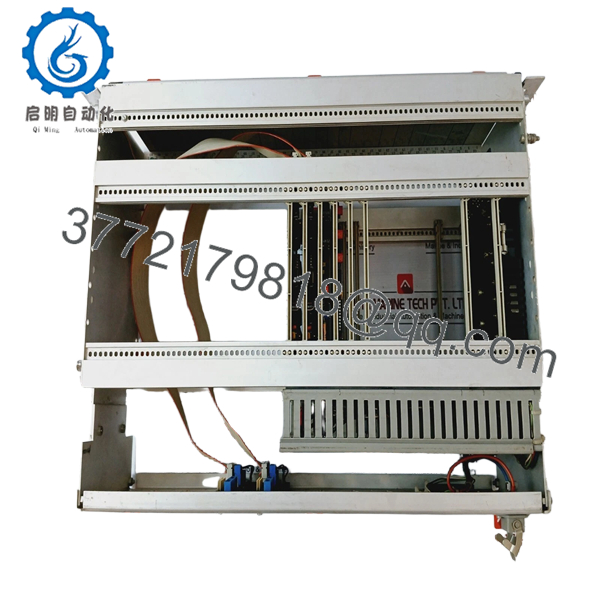
 WhatsApp: +86 16626708626
 Email:
  Phone: +86 16626708626
Description
Key Technical Specifications
| Parameter | Value |
|---|---|
| Manufacturer | H.M. Stein Sohn (Germany) |
| Board Model | A105.3 |
| Processor Type | Motorola 6809 / 68B09 8-bit MPU |
| Firmware Version | V.01.01 |
| System Family | CAMOS (Legacy Maritime Series) |
| Interface | Parallel Bus / Backplane Connector DIN 41612 |
| Supply Voltage | +5 V DC, +/- 12 V DC (System Supplied) |
| Memory | On-board EPROM/RAM sockets for V.01.01 Logic |
| Application | Centralized Alarm Systems, Diesel Engine Monitoring |
Product Introduction
The Stein Sohn A105.3 CAMOS 6809 is a high-reliability central processor module utilized in legacy maritime Computer Aided Monitoring and Operating Systems. Built around the robust Motorola 6809 8-bit architecture, this CPU board manages the core logic execution, alarm processing, and data coordination for shipboard automation racks.
Equipped with firmware V.01.01, the A105.3 is the “brain” of the CAMOS system, ensuring precise timing and synchronization across various I/O peripheral cards. Because this architecture is now obsolete and components like the 6809 MPU are increasingly rare, maintaining a verified V.01.01 spare is critical for avoiding a total system blackout and the mandatory dry-docking required for a full automation refit.
Installation & Configuration Guide
Stage 1: Pre-Installation Preparation (Estimated Time: 20 mins)
- ⚠️ Safety First: Shutdown the CAMOS system completely. Ensure no critical engine monitoring is bypassed without manual watchstanding.
- Tools Required: ESD wrist strap (Critical for 6809 MPUs), Phillips PH1 screwdriver, and a camera.
- Firmware Verification: Check the EPROM chips on your old board. If they are marked with a different version (e.g., V.01.02), you may need to swap the physical chips from the old board to the new board to maintain specific vessel configurations.
Stage 2: Removing the Old CPU Module
- Ground yourself to the cabinet frame with an ESD strap.
- Unfasten the front panel screws securing the A105.3 to the 19″ rack.
- Use the card handles to pull the module out with a steady, horizontal motion.
- Warning: Legacy backplanes can become brittle; do not “wiggle” the board vertically or you may crack the female connector on the rack.
Stage 3: Installing the New A105.3
- DIP Switch Match: Locate any DIP switches or jumpers on the A105.3 board. These often set the Node ID or memory addressing. Replicate the positions from the old board exactly.
- Slide the new board into the designated CPU slot (typically the leftmost slot in CAMOS racks).
- Ensure the DIN connector pins are aligned before pushing firmly to seat the board.
- Tighten the front panel screws to ensure a solid common ground.
- Self-Checklist: [ ] Firmware version verified, [ ] DIP switches matched, [ ] Board fully seated.
Stage 4: Power-On & Boot Sequence (Estimated Time: 15 mins)
- Re-apply power to the CAMOS rack.
- Observe the LED status on the A105.3 faceplate. A “RUN” or “HEARTBEAT” LED should begin flashing within 5–10 seconds.
- Watch the operator terminal (HMI) for a “System Initializing” message.
- ⚠️ Troubleshooting Note: If the system hangs at the boot screen, the EPROM checksum may be failing. Verify the EPROM chips are seated correctly in their sockets.

- STEIN SOHN CAMOS 6809 A105.3 V.01.01
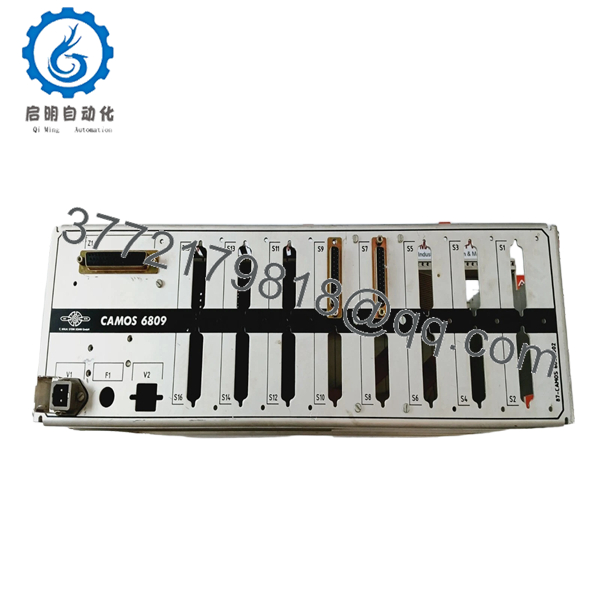
- STEIN SOHN CAMOS 6809 A105.3 V.01.01
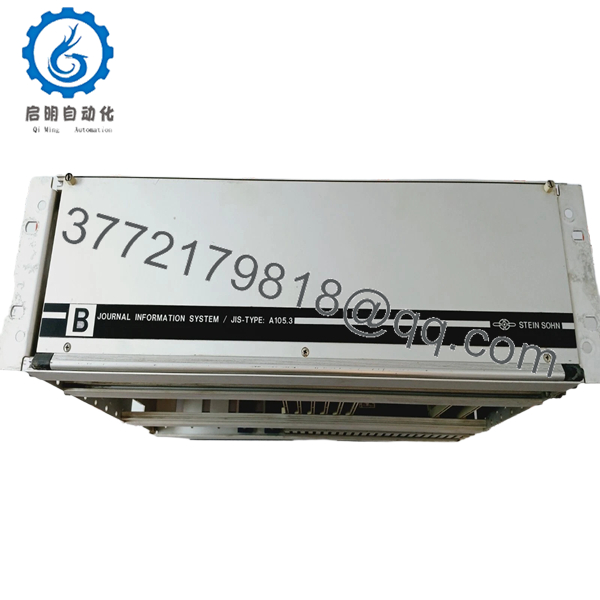
- STEIN SOHN CAMOS 6809 A105.3 V.01.01
Frequently Asked Questions (FAQ)
Can I use an A105.2 board instead of an A105.3? No. The .3 revision involved specific changes to the memory mapping and bus timing required for the CAMOS 6809 V.01.01 logic. Using a .2 revision will likely result in a “CPU Watchdog” error or a failure to communicate with newer I/O cards in the rack.
What happens if my firmware version is different? The V.01.01 firmware is stored on removable EPROM chips. If your vessel requires a custom configuration not present on this board, you can technically migrate the chips from your old A105.3 to this new one. However, this should only be done by a qualified technician to avoid ESD damage.
Why is my system still showing “General Alarm” after the swap? The CPU board replacement clears the hardware fault, but the system may still have “latched” alarms in its memory. You must perform a “Master Reset” or “Alarm Acknowledge” at the operator station to clear the legacy fault state.
Is the Motorola 6809 processor reliable in 2026? The 6809 was one of the most powerful 8-bit processors ever made. While “old,” its simplicity is its strength in marine environments; it doesn’t suffer from the complex OS crashes or thermal issues seen in modern ARM or x86 systems. As long as the EPROMs haven’t suffered “bit rot,” these boards are incredibly stable.
Are these boards “New Original” or “Refurbished”? We primarily stock “New Surplus.” These are boards that were manufactured by Stein Sohn as spare parts, kept in climate-controlled storage, and never installed. We perform a power-on test and visual inspection before shipping to ensure they are 100% functional upon arrival.



