
 WhatsApp: +86 16626708626
 Email:
  Phone: +86 16626708626
Description
Product Core Brief
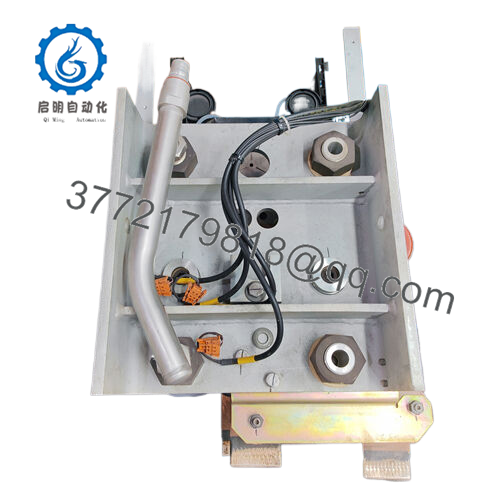
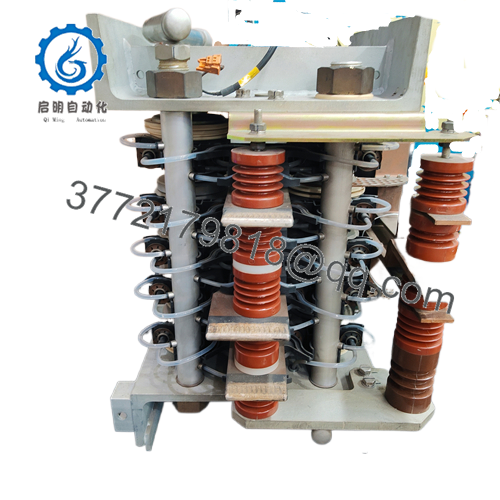
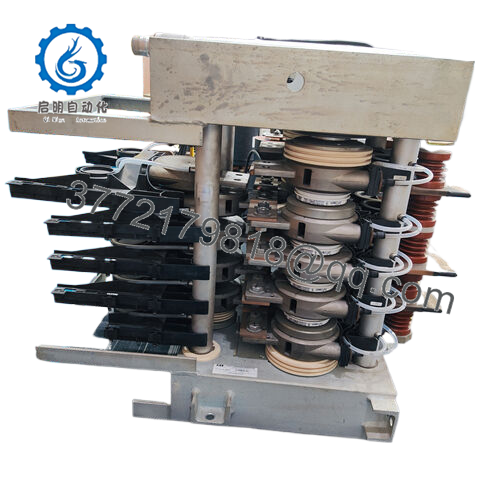
- Model: S-093S (3BHB030475R0009)
- Brand: ABB
- Series: ABB Industrial Drives
- Core Function: Processes drive control signals
- Product Type: Plug-in control board
- Key Specs: 24 VDC | 0-55°C | Backplane interface
- Condition: New Surplus (not refurbished)
- Inventory Status: Strategic buffer stock for EOL drives
Key Technical Specifications
| Parameter | Value |
|---|---|
| Brand/Model | ABB S-093S 3BHB030475R0009 |
| Power Supply | 24 VDC from drive backplane (<10 W) |
| Operating Temperature | 0 to 55 °C in ventilated enclosure |
| I/O Signals | Mixed digital/analog via backplane |
| Communication | Proprietary ABB drive backplane |
| Installation | Plug-in PCB with screws/stand-offs |
| HS Code | 85389000 |
| Environment | Enclosed panels, low dust |
| Certifications | CE, RoHS materials |
Product Introduction & Supply Chain Strategy
The ABB S-093S 3BHB030475R0009 is a control board for ABB variable-speed drive systems. It handles mixed control signals for speed and torque regulation in pulp mills, metal rolling, cement plants, and mining operations
New Surplus stock avoids refurbished risks like degraded capacitors that cause drive faults. It cuts Total Cost of Ownership (TCO) by preventing $50,000 downtime events—stock 1-2 units as buffer stock against lead time variability and EOL announcements.

- S-093S 3BHB030475R0009
Installation & Configuration Guide
Stage 1: Pre-Installation
Lock out/tag out mains power and wait for DC bus discharge. Gather tools: ESD wrist strap, torque screwdriver (0.5 Nm), camera for DIP switch/wiring photos. Document firmware version and node address.
Stage 2: Removal
Power off drive cabinet. Release screws/stand-offs holding the board. Pull backplane connectors evenly by edges—avoid bending pins. Inspect old board for failure clues like burnt traces.
Stage 3: Installation
Transfer DIP switch settings exactly from photos (baud rate, node ID). Seat new board into backplane slots, secure with stand-offs/screws. Verify no gap under connectors.
Stage 4: Power-On & Testing
Restore power, check 24 V rails for shorts via multimeter. Monitor LEDs: steady RUN (green), no ERR (red). Load backed-up parameters, run I/O simulation test for handshake.
Firmware/Software Versions & Upgrade Notes
Recommended firmware matches drive generation—document Vx.x.x from old board before swap. V3.x may drop compatibility with legacy drivers; stick to exact match to avoid protocol timeouts. Upgrading firmware risks parameter loss; downgrade only with ABB tools and full backup—mismatch causes 20% of swap failures
Frequently Asked Questions (FAQ)
Is this really New Surplus, not refurbished?
Yes, this is Brand New Surplus—original OEM packaging opened only for QC. Zero wear on pins, full anti-static bags. Refurbished often hides capacitor aging that fails under load.
Why cheaper than OEM but pricier than used?
Global sourcing of New Surplus skips OEM markups (20-30% less) but factors secure channels. A $500 refurb “saving” risks $50,000 downtime—we saw it halt a chemical reactor.
EOL status—should I stock extras?
Likely EOL for legacy drives; plan last-time-buy now. Keep Min/Max at 1/2 units per site to cover lead time variability—JIT won’t cut it for discontinuations.
Can I hot-swap this board?
No—full power isolation required. Hot-swap fries backplane or triggers faults. Always LOTO first.
Does it retain programming?
No onboard memory for user logic; pulls from drive CPU. Backup parameters first—restore post-swap.
Warranty and testing details?
1-2 years from ship date. We run power-on test, backplane handshake, insulation check (per SOP). Serials traceable to ABB packing slip.
Power draw impact on my supply?
Low (<10 W); add 20% buffer to 24 V rail. Calculate total backplane load pre-install.



