
 WhatsApp: +86 16626708626
 Email:
  Phone: +86 16626708626
Description
Key Technical Specifications
- Model: VMIC-1150
- Manufacturer: GE / VMIC
- Product Type: VMEbus digital input board
- Function: Optically coupled digital input interface
- Bus Standard: VMEbus
- Input Type: Optically isolated digital inputs
- Channel Count: 64-bit input architecture
- Mounting: Double-height Eurocard form factor
- Compatibility: Designed for VME rack systems
- Condition: New Surplus
- Availability: Limited stock, subject to prior sale
- Replacement Status: Obsolete/legacy part

- VMIC-1150
Product Introduction
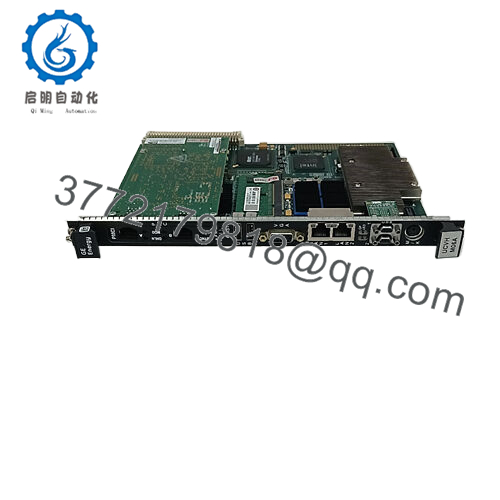
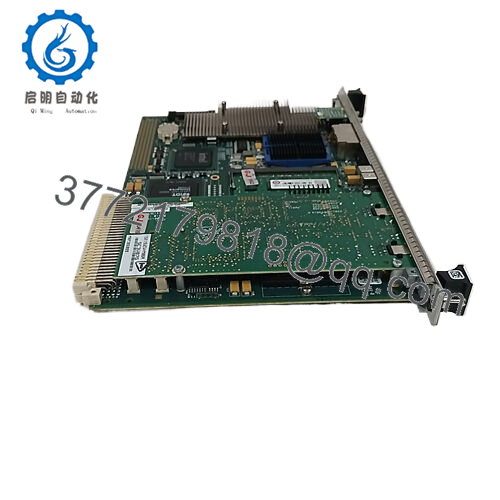
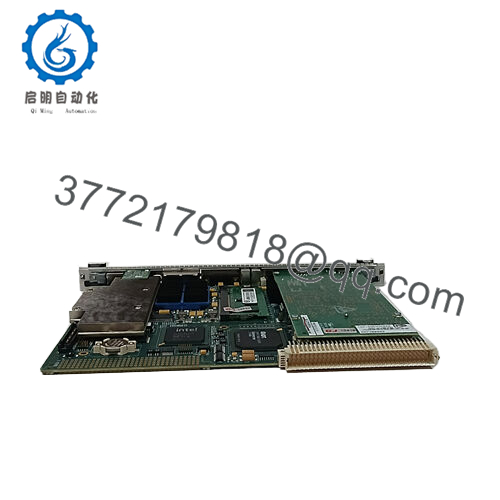
GE VMIC-1150 is a legacy VMEbus digital input board used in industrial control racks that need optically coupled input isolation. It is aimed at installed-base replacement work where the exact board family matters more than feature changes.
For maintenance teams, the key checks are bus compatibility, input wiring, and the original rack configuration. Verify the exact VMIC suffix and connector layout before ordering, since similar part numbers in this family are not always interchangeable.
Troubleshooting Quick Reference
| Symptom | Possible Cause | Relevance to This Part | Quick Check Method | Recommendation |
|---|---|---|---|---|
| No input states change in software | Field power missing, wiring issue, or bad input common | ✅ High | Measure field voltage at the input terminal and verify the common reference | Check field wiring before replacing the board |
| Only some channels respond | Blown fuse, damaged input group, or wiring fault | ✅ High | Compare live input voltage across good and bad channels | Inspect the field side first |
| Input LEDs stay off | No field signal, wrong common wiring, or board failure | ✅ High | Check the sensor output with a meter at the board connector | Verify sensor power and polarity |
| Random false inputs | Noise, poor shielding, or ground problem | ✅ High | Inspect cable shielding and measure noise on the input line | Fix grounding and shielding before blaming the module |
| Board not recognized by host | Addressing issue, seating problem, or bus conflict | ✅ High | Reseat the module and verify VME address settings | Check rack settings and backplane health |
| Board runs hot | Poor airflow or rack overload | ⚠️ Medium | Check cabinet temperature and airflow around the slot | Confirm cooling before declaring failure |
| Works after reseat, then fails again | Oxidized edge connector or backplane issue | ✅ High | Inspect the card edge and test in a known-good slot | Clean contacts and test the backplane |
If you’re stuck, send photos of the board, slot, connector pins, and diagnostic logs.
Frequently Asked Questions
Q: Is GE VMIC-1150 a direct replacement for my old board?
A: It can be, but only if the bus type, connector layout, input grouping, and rack settings match your current installation. Do not rely on the name alone.
Q: Can I hot-swap this module?
A: No. Power the rack down first unless your system manual explicitly allows live insertion. On legacy VME hardware, hot-swapping is asking for trouble.
Q: What condition is this unit in?
A: New Surplus. That means unused inventory, usually from excess stock, but the storage history should still be confirmed.
Q: Why is it priced below factory-new stock?
A: Because it is typically legacy surplus, not fresh production. The lower price reflects availability, not a change in the basic part identity.
Q: Will my configuration transfer automatically?
A: No. Photograph the original jumper positions, wiring, and rack settings before removal, then duplicate them on the replacement board.
Q: What should I verify before ordering?
A: Confirm the full part number, rack family, connector style, input voltage level, and any software or driver dependencies.
Q: Does this part usually fail on its own?
A: Not often. In the field, most issues come from wiring, grounding, bus setup, or a bad backplane slot rather than the board itself.



