
 WhatsApp: +86 16626708626
 Email:
  Phone: +86 16626708626
Description
Key Technical Specifications
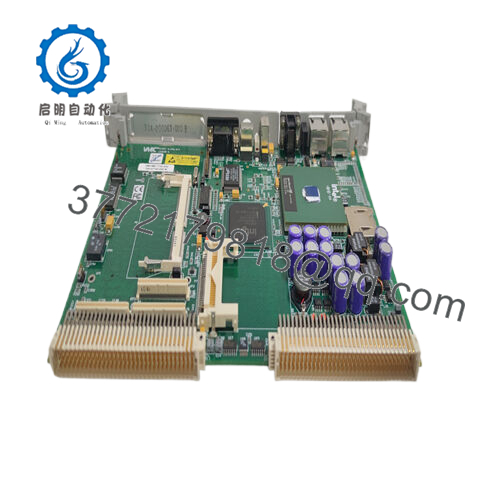
- Processor: Intel Pentium II MMX 450 MHz
- Memory: Up to 512 MB SDRAM
- Flash Storage: 96 MB bootable flash memory
- Battery-Backed SRAM: 128 KB
- Ethernet: Dual 10/100Base-T ports
- Serial Ports: Two RS-232 ports
- Bus Interface: Full VMEbus compliance, VME64 modes
- Data Transfers: A32/A24 addressing, D32/D16/D08 data transfers, BLT/MBLT
- Expansion: Single PMC slot
- Power: +5 V DC, ±12 V DC
- Operating Temperature: 0 to 55°C
Product Introduction
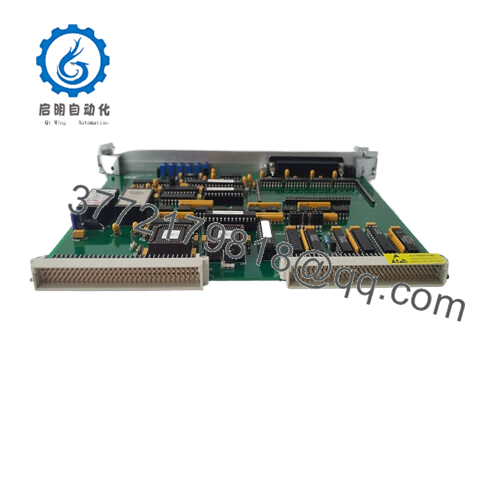
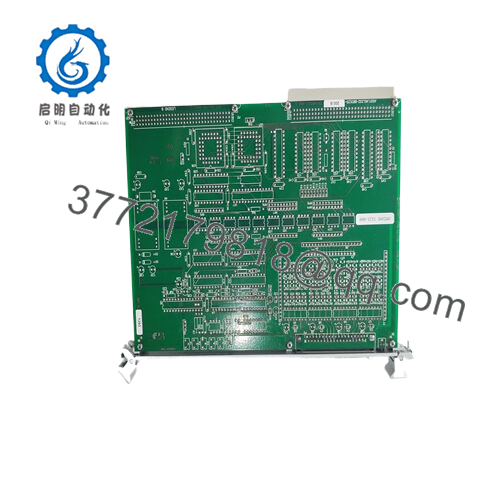
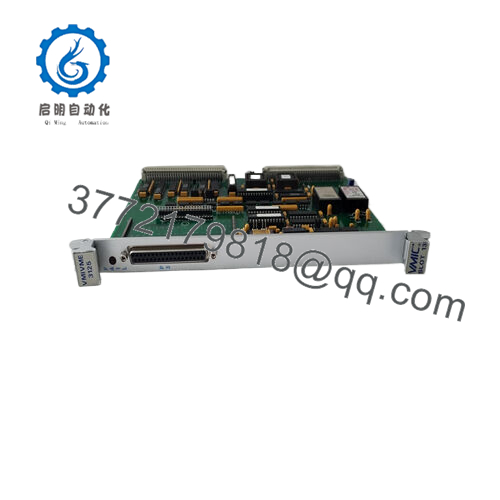
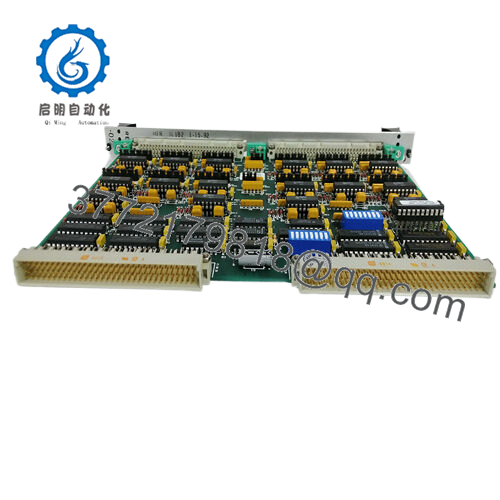
GE VMIVME-7696 is a VMEbus single-board computer used in legacy industrial automation, embedded control, and data acquisition systems. It combines a 450 MHz Pentium II processor with VME64 support, dual Ethernet, serial ports, and onboard flash/SRAM for deterministic operation in older VME racks.
This board is usually selected when the customer needs an exact replacement for a live VME platform, not a redesign. In field replacements, the real value is compatibility with existing backplanes, software, and I/O infrastructure, but you still need to verify power, jumper settings, and PMC/I/O dependencies before installation.
Troubleshooting Quick Reference
| Symptom | Possible Cause | Relevance to This Part | Quick Check Method | Recommendation |
|---|---|---|---|---|
| No boot activity | Backplane power issue or failed board seating | ✅ High | Measure +5 V and ±12 V at the VME rack, reseat the SBC, check front-panel LEDs | Verify rack power and connectors before declaring the board bad |
| Boots but no network link | Damaged Ethernet port or cable/switch issue | ⚠️ Medium | Test each RJ-45 port with a known-good cable and switch port | Swap cable and switch first; NIC failure is less common than field wiring issues |
| OS loads but VME I/O does not respond | VME address/configuration mismatch | ✅ High | Check VME address settings, slot configuration, and software setup | Match the board’s configuration to the legacy system documentation |
| Random hangs or watchdog resets | Thermal issue or unstable power | ✅ High | Monitor board temperature and rail voltage under load | Check airflow, rack fans, and power supply margin |
| Serial ports stop responding | Cable pinout or COM configuration mismatch | ⚠️ Medium | Loopback test the RS-232 port and verify baud/parity settings | Confirm cable wiring before replacing the SBC |
| PMC card not detected | PMC seating or compatibility issue | ✅ High | Remove and reseat the PMC module, verify firmware/software support | Check PMC compatibility and power budget |
| Intermittent boot failure after swap | Firmware or jumpers set differently than the old card | ✅ High | Photograph old jumper positions and compare them on the replacement | Mirror the original hardware settings exactly before commissioning |
Contact technical support with photos of the board, jumper positions, and diagnostic logs if the fault is still unclear.

- VMIVME-7696
Frequently Asked Questions
Q: Is VMIVME-7696 still available new?
A: In most cases, no. This is a legacy VME SBC, so supply is usually surplus or refurbished stock rather than fresh factory production. That is why buyers should confirm exact condition and availability before planning a shutdown window.
Q: Can I drop this into my existing VME rack?
A: Usually yes, if your rack already uses the same VMIVME-7696 family and your software stack matches. Still, verify backplane power, VME addressing, jumper settings, and any PMC dependencies before installation.
Q: Does this keep my existing configuration?
A: No, not automatically. The replacement board may have different jumper positions, boot priorities, or firmware status, so document the old card before removal and mirror those settings on the new unit.
Q: Is this board hot-swappable?
A: No. Power down the rack before pulling or inserting the board. Live insertion is how people lose a good card or take down a whole backplane.
Q: Why is this cheaper than a new OEM controller?
A: Because it is typically surplus inventory from a discontinued platform. The lower price reflects market availability, not a lower-spec substitute, so the key is matching the exact part number and revision you need.
Q: What should I check before buying it?
A: Confirm the exact part number, CPU speed, memory configuration, and VME bus requirements. If your system uses a PMC expansion card, make sure that card still fits your software and power budget.
Q: Is this model obsolete?
A: Yes. Treat it as an obsolete legacy control part with limited stock. For a production plant, that means buying the exact match matters more than trying to “equivalent substitute” your way through the swap.



