
 WhatsApp: +86 16626708626
 Email:
  Phone: +86 16626708626
Description
Key Technical Specifications
- Part number: 65840A-3E.
- Brand: Sperry Marine.
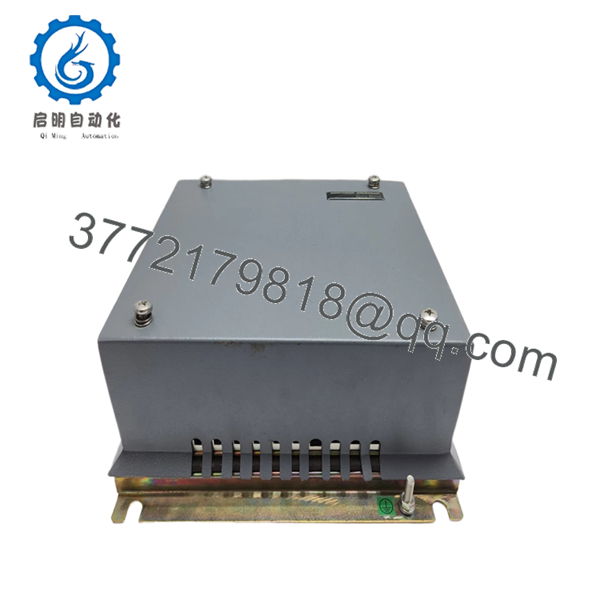
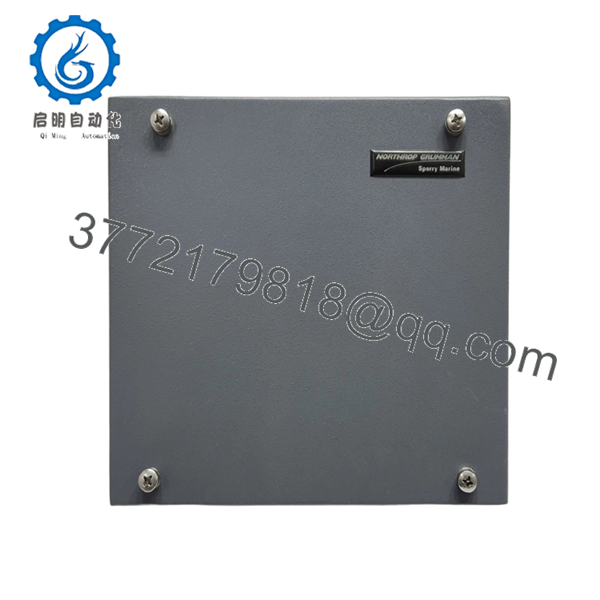
- Product type: Display compatibility unit.
- Series: BridgeMaster E.
- Hardware style: Small single-PCB interface unit.
- Function: Converts scanner/transceiver signals for display compatibility.
- Application: BridgeMaster E radar system.
- Condition: New Surplus.
- Compatibility note: Verify scanner, transceiver, and display revision before ordering.
- Installation note: Match connector layout and wiring exactly before power-up.
Product Introduction
Sperry Marine 65840A-3E is a display compatibility unit used in BridgeMaster E radar systems. It acts as a small single-PCB interface that converts scanner or transceiver signals into a form suitable for the display side.
This part is bought when the radar hardware is fine but the display interface is not matching correctly. Check the exact BridgeMaster E variant, connector layout, and system revision before installation, because interface boards are where small compatibility errors turn into no-display faults
Troubleshooting Quick Reference
| Symptom | Possible Cause | Relevance to This Part | Quick Check Method | Recommendation |
|---|---|---|---|---|
| Radar display shows no image | Interface conversion failure or bad connection | ✅ High | Check input and output signals at the unit and verify LED status if present | Replace only after confirming scanner and transceiver are healthy |
| Display works intermittently | Loose connector, corrosion, or vibration damage | ✅ High | Reseat connectors and inspect for damaged pins or oxidized contacts | Clean and retest before replacing the board |
| Scanner data not recognized by display | Wrong revision or incompatible BridgeMaster E variant | ✅ High | Compare part number, revision, and cable pinout with the old unit | Match the exact variant before installing |
| Radar image appears but is distorted or unstable | Signal conversion issue or failing PCB | ✅ High | Verify signal integrity between scanner/transceiver and display | If wiring is correct, the interface unit is a likely suspect |
| System boots but reports interface fault | Interface board failure or configuration mismatch | ✅ High | Read the system diagnostics and compare against the original board | Confirm settings and revision before replacement |
| No response after swap | Power or wiring issue outside this unit | ❌ Low | Measure supply voltage and check continuity on the harness | Do not assume the compatibility unit is the root cause |
Contact technical support with photos of the label, connector side, and any diagnostic logs if the fault is still unclear.

- 65840A-3E
- 65840A-3E
Frequently Asked Questions
Q: What does 65840A-3E do?
A: It is a display compatibility unit for Sperry Marine BridgeMaster E systems. In plain terms, it converts scanner or transceiver signals into a display-friendly format.
Q: Is this the same as a radar processor?
A: No. This is an interface PCB, not the main radar processor. It handles signal compatibility between the scanner/transceiver side and the display side.
Q: Is this new or used stock?
A: This listing is presented as New Surplus. That usually means unused excess inventory, not factory-sealed retail packaging.
Q: Can I swap it without changing any settings?
A: Sometimes, but only if the part number, revision, and cabling match exactly. For BridgeMaster E hardware, I would still photograph the old board’s connectors and labels before removal.
Q: Why is surplus cheaper than OEM new?
A: Because it comes from excess stock instead of current factory production. That lowers price, but you still need to verify compatibility before installation.
Q: What is the main installation risk?
A: The main risk is mixing up a similar-looking interface unit with the wrong BridgeMaster E variant. ❗Do not wire from memory. Confirm the exact part number and connector layout before power-up.
Q: How do I know if this board is actually the fault?
A: Check the scanner, transceiver, and display chain first. If the rest of the system is healthy and the fault follows the board, the compatibility unit is the likely failure point.



