
 WhatsApp: +86 16626708626
 Email:
  Phone: +86 16626708626
Description
Key Technical Specifications
- Catalog Number: 1404-M405A-DNT
- Manufacturer: Allen-Bradley
- Product Line: Powermonitor 3000
- Module Type: Master module
- Current Inputs: 5 A
- Control Power: 120-240 V AC, 50-60 Hz, or 125-250 V DC
- Communication: DeviceNet plus native RS-485
- Nominal Control Power Draw: 15 VA
- Operating Temperature: -20 to 60 °C
- Revenue Accuracy Class: Class 1, Class 0.5, or Class 0.2 depending on configuration
- Series Letter: A
- Application: Industrial power and energy monitoring
Product Introduction
The Allen-Bradley 1404-M405A-DNT is a Powermonitor 3000 master module used for industrial power monitoring, metering, and event logging. It supports 5 A current inputs and DeviceNet communication for integration into plant control and energy management systems.
This module is chosen where the site needs electrical measurement plus network reporting in one device. The 1404-M405A-DNT runs on 120-240 V AC or 125-250 V DC control power and includes native RS-485 with DeviceNet option, which makes it useful in older installed bases.
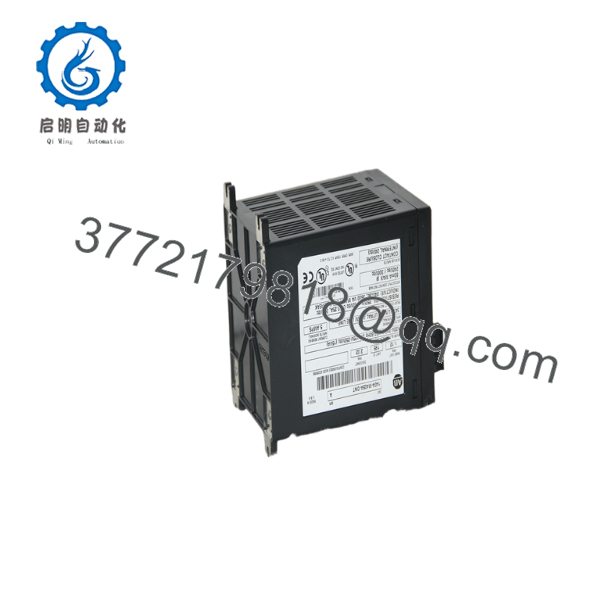
1404-M405A-DNT
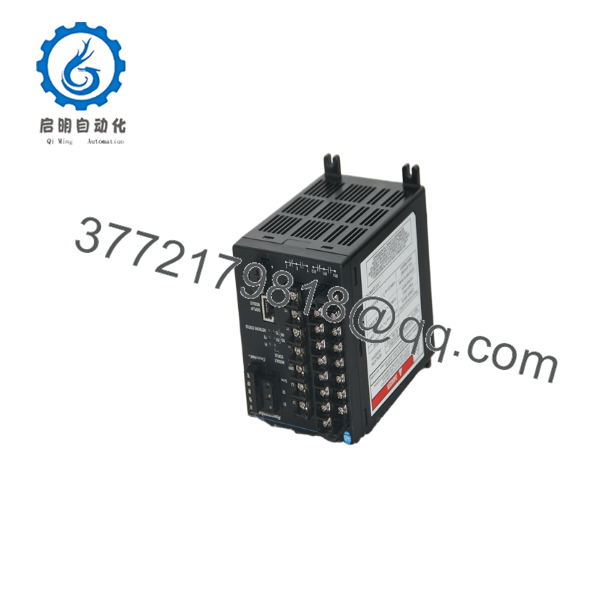
1404-M405A-DNT
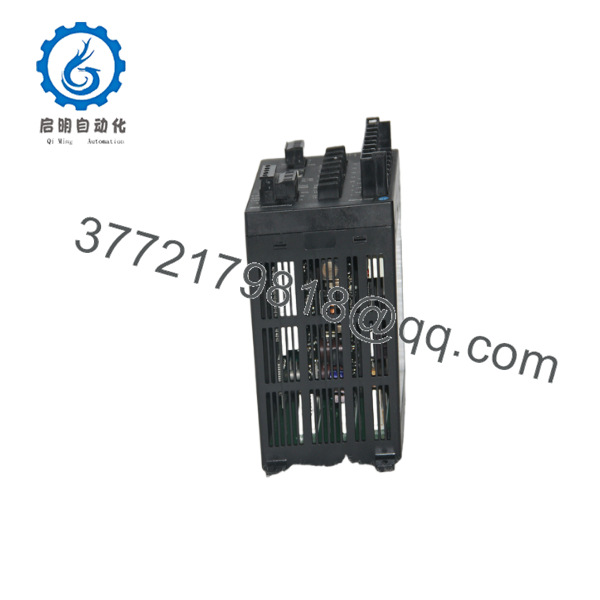
1404-M405A-DNT
Troubleshooting Quick Reference
| Symptom | Possible Cause | Relevance to this Part | Quick Check Method | Recommendation |
|---|---|---|---|---|
| No display or dead unit | Missing control power | ✅ High | Measure control power at the supply terminals with a multimeter | Verify 120-240 V AC or 125-250 V DC before replacing the module |
| DeviceNet node not visible | Network wiring, node address, or power issue | ✅ High | Check DeviceNet trunk voltage, node address, and termination | Inspect network cabling and node setup first |
| Wrong current reading | CT wiring swapped, shorted, or wrong ratio | ✅ High | Compare current input wiring and confirm 5 A CT secondary | Verify CT polarity and ratios before blaming the module |
| Energy values do not match utility meter | Configuration or scaling error | ⚠️ Medium | Review meter setup, PT/CT ratios, and accuracy class | Recheck configuration and scaling parameters |
| Communication loss on RS-485 | Baud rate, addressing, or cabling fault | ✅ High | Measure bus continuity and confirm the serial settings | Match the existing comm settings exactly |
| Intermittent readings or resets | Loose control power or poor grounding | ⚠️ Medium | Wiggle-test terminals and check grounding continuity | Tighten terminals and inspect the cabinet ground |
If you are stuck, send photos of the wiring, comm settings, and diagnostic screen to technical support.
Frequently Asked Questions
Q: What is the 1404-M405A-DNT used for?
It is a Powermonitor 3000 master module for measuring electrical parameters, logging events, and sending data over DeviceNet or RS-485.
Q: Is this a power meter or a PLC module?
It is a power monitoring device, not a PLC CPU or generic I/O card. It belongs in energy monitoring and electrical metering applications.
Q: Does it need 120 V AC or 24 V DC power?
This model supports 120-240 V AC or 125-250 V DC control power. Do not assume it runs on 24 V DC unless the exact catalog number says so.
Q: Is the DeviceNet port built in?
Yes. The -DNT suffix indicates DeviceNet communication in addition to the native RS-485 port.
Q: Can I replace it with another 1404-M405A-DNT from a different series?
Use caution. Always match the full catalog number, suffix, and site configuration before swapping. Series and communication options matter.
Q: Why is this part often sold as surplus?
Because the Powermonitor 3000 platform is an older installed-base product. That makes it a common surplus item, but condition and test status still need to be verified.
Q: What should I check before ordering a replacement?
Confirm the current input rating, control power, communication option, and wiring terminal layout. Also document the existing CT/PT ratios and network settings so the replacement lands correctly on the first try.



