
 WhatsApp: +86 16626708626
 Email:
  Phone: +86 16626708626
Description
3. Key Technical Specifications
| Parameter | Specification / Value |
| Part Number | CI627A / 3BSC980006R213 |
| Manufacturer | ABB |
| Network Protocol | Advant Fieldbus 100 (AF100) |
| Functional Role | Master/Bus Administrator or basic traffic node |
| Data Transfer Rate | 1.5 Mbit/s over standard media lengths |
| Power Supply Input | Nominal 24 V DC auxiliary system power |
| Hardware Form Factor | Standard modular chassis block with rear terminal integration |
| Supported Media | Twisted pair (via modems) or coaxial bus cabling segments |
| Isolation Strength | Full galvanic isolation protecting core internal processor logic |
| Operating Temperature | 0 to +55 °C within an enclosed industrial cabinet layout |
4. Product Introduction & Supply Chain Strategy
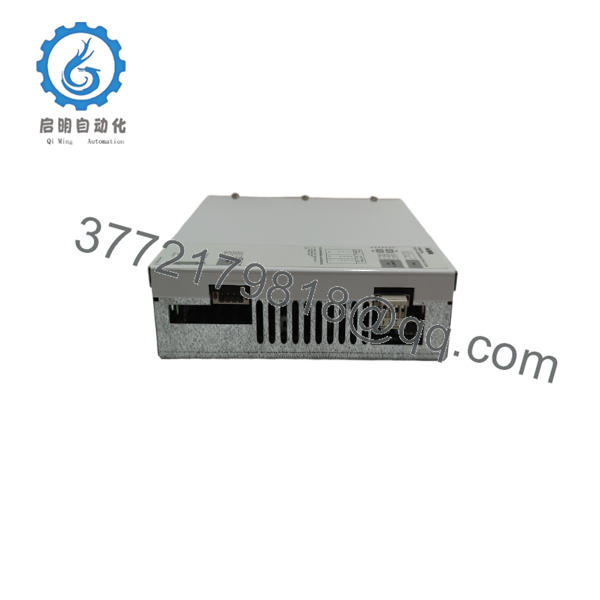
The ABB CI627A acts as a dedicated communication interface and network administrator for the Advant Fieldbus 100 (AF100) data link. It plays a foundational role in the Advant OCS architecture by managing real-time data exchange and handling deterministic traffic scheduling between Master controllers and S800 I/O racks. This module ensures that critical process variables move across sub-networks within strict, predictable millisecond boundaries, preventing control loop drops in high-demand paper mill, mining, and chemical processing setups.
Because the CI627A often serves as the central bus administrator for entire segments of your plant’s communication backbone, its breakdown represents a high-risk operational vulnerability. Securing a certified New Surplus unit provides immediate insurance against catastrophic network-wide stock-out events. Avoid refurbished modules for communication slots, as components that have faced years of thermal stress are prone to intermittent logic jitter and timing timeouts. Opting for factory-sealed surplus inventory keeps Total Cost of Ownership low while delivering a reliable 10-15 year equipment lifespan.

- CI627A
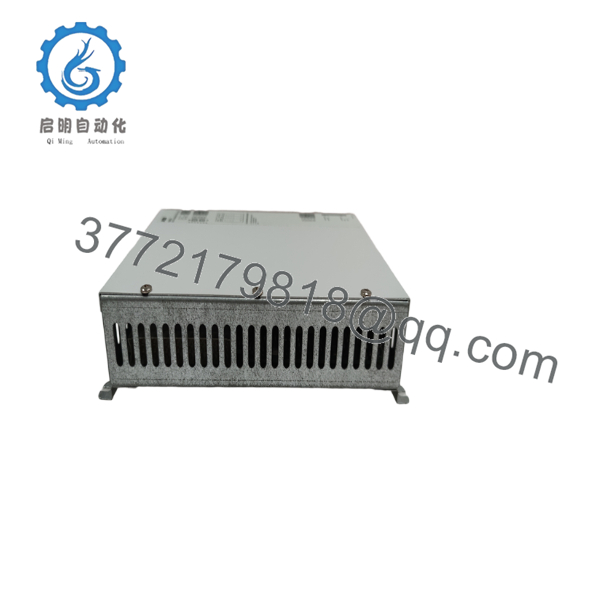
- CI627A
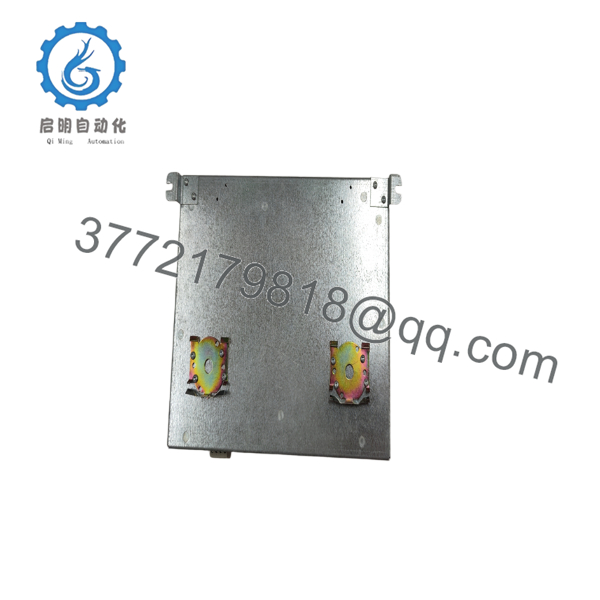
- CI627A
5. Installation & Configuration Guide
Stage 1: Pre-Installation (Prep & Safety)
- Verify the current network configuration maps and document the exact node addresses assigned to this specific bus segment.
- Isolate all 24 V DC auxiliary power supplies running to the target module slot using standard plant safety lock-out procedures.
- Attach a grounded anti-static wrist strap to your person before opening the factory ESD protective wrap.
- Photograph all physical wiring terminals, network terminations, and base positioning slots for accurate reconstruction.
Stage 2: Removal
- Unplug the AF100 communication connectors carefully to prevent kinking or cracking the network line media.
- Disconnect the main 24 V power supply leads from the screw terminal block assemblies.
- Loosen the module’s structural mounting screws or release the locking clips attaching it to the base plate.
- Remove the unit straight from its guide position to avoid twisting internal pins or damaging the metal framing tabs.
Stage 3: Installation (Clone & Seat)
- Set the network hardware configuration jumpers or DIP switches on the new surplus CI627A to match your documented station requirements.
- Slide the replacement module firmly into its mounting base or rack guide tracks.
- Lock all physical attachment screws to establish a continuous, low-impedance frame grounding connection.
- Reattach the power connections and secure the AF100 network cables back to their correct designated channel terminals.
Stage 4: Power-On & Testing
- Test the voltage levels at the 24 V input lines with a multimeter to ensure they fit within specified operational tolerances.
- Turn on the auxiliary power supply and watch the front diagnostic LEDs run through their startup routines.
- Confirm that the run light turns solid green and that no permanent red network error codes flash on the display panel.
- Check your control room system workstation to confirm that the new AF100 interface node is successfully processing data traffic.
6. Firmware/Software Versions & Upgrade Notes
The CI627A requires its onboard communication firmware to be completely synchronized with the system software versions running on the host Master controller or downstream S800 clusters. Mismatched firmware releases can disrupt the token passing routine or cause protocol timeout faults.
⚠️ Critical Risk Warning: Forcing unverified firmware variations or changing operating configurations during an emergency hardware replacement can lock the network segment out completely. Always match the hardware and switch settings of your new surplus component to your established system backup profiles to ensure smooth data processing.
7. Frequently Asked Questions (FAQ)
What defines this CI627A module as a “New Surplus” component?
This module is a guaranteed Brand New Surplus item. It has never handled a live processing application, contains no components worn down by field use, and has not undergone circuit repair work. It ships in original clean, anti-static packing materials that are opened only for quality control checks.
Why should we favor a new surplus interface card over a refurbished option?
Communication modules demand tight signal timing and precise voltage parameters. Refurbished cards often hide internal trace degradation or dried-out filtering capacitors that can cause intermittent network dropouts. A new surplus component delivers factory-original performance and a clean operational lifespan without the risks of used hardware.
Does this card automatically take over as the network’s Bus Administrator?
The CI627A can function as a standard traffic node or a primary Bus Administrator. Its final operational role is determined by the physical address switch positions on the board and the network parameters defined inside the master controller software.
Can I unplug the AF100 network connections while the system is powered?
No. Disconnecting active AF100 cables can disrupt token passing across the entire bus segment, trigger system faults, or cause unexpected emergency machinery shutdowns. Always shut off power to the network segment before modifying any communication connections.
What kind of warranty protection covers this new surplus interface module?
Every new surplus CI627A module is backed by a comprehensive 1 year replacement warranty. This gives maintenance teams reliable backup protection that matches standard factory terms, bypassing the risks of unverified third-party hardware.



