
 WhatsApp: +86 16626708626
 Email:
  Phone: +86 16626708626
Description
Key Technical Specifications
- Fieldbus Protocol: PROFIBUS DP/DPV1
- Baud Rates: 9.6 kbit/s to 12 Mbit/s
- I/O Capacity: Up to 24 S800 I/O modules
- Power Supply: 24 V DC nominal, fused input
- ModuleBus: Supervises and powers I/O modules
- Features: Hot Configuration In Run, HART pass-through, OSP handling
- Dimensions (W x H x D): 85.8 mm x 136 mm x 58.5 mm
- Weight: 0.3 kg
- Operating Temperature: -25 to +70 °C (varies by variant)
- Galvanic Isolation: Yes on fieldbus side
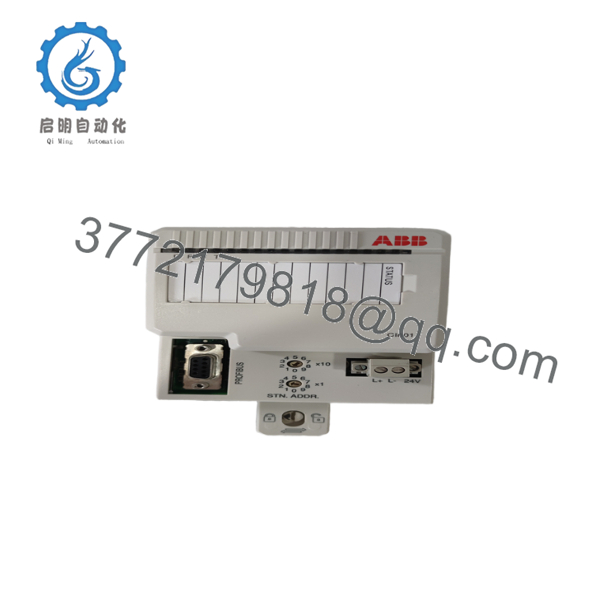
Product Introduction The ABB CI801 (3BSE022366R1) is the Fieldbus Communication Interface for S800 I/O stations using PROFIBUS DP/DPV1. It links the S800 I/O modules to the controller over PROFIBUS while managing the local ModuleBus, power distribution, and diagnostics.
Maintenance teams rely on it for distributed I/O stations in process plants because it supports high baud rates, HART pass-through for smart instruments, and online configuration changes without stopping the process.

- CI801
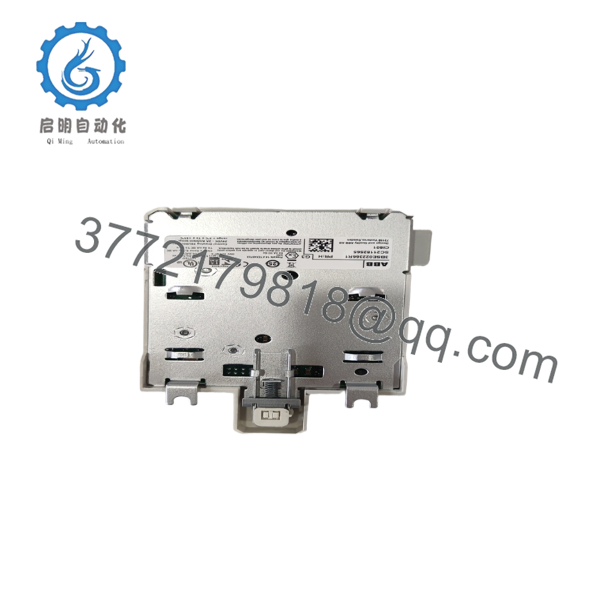
- CI801
Troubleshooting Quick Reference
| Symptom | Possible Cause | Relevance to this Part | Quick Check Method | Recommendation |
|---|---|---|---|---|
| No PROFIBUS communication | Bus cable or address issue | ✅ High | Check Rx/Tx LEDs and bus termination | Verify PROFIBUS cable, termination resistors, and node address |
| I/O modules not powering up | Fused input or power supply fault | ✅ High | Measure 24 V DC at power terminals | Check input fuse and upstream power |
| ModuleBus errors | Loose I/O connections | ✅ Medium | Inspect ModuleBus cable between modules | Reseat connections; check for proper module seating |
| HART devices not visible | Pass-through configuration | ✅ Medium | Use asset management tool to scan | Confirm HART routing in CI801 parameters |
| Intermittent bus faults | Noise or grounding | ❌ Low | Check shield grounding and segment length | Improve grounding and reduce cable length if needed |
Provide bus diagnostics, station configuration, and photos when contacting support.
Frequently Asked Questions (FAQ)
What is the maximum number of I/O modules per CI801? Up to 24 S800 I/O modules per FCI, depending on power consumption and ModuleBus limits.
Does it support hot swap of I/O modules? Yes. S800 I/O modules can be replaced online when using the CI801. Follow the hot insertion procedure in the manual.
Is the CI801 suitable for redundant PROFIBUS setups? Single CI801 is standard. For redundancy, use paired FCIs with appropriate controller configuration.
How do I set the PROFIBUS address? Configure the node address through the engineering tool or rotary switches if present on the module. Check your specific hardware revision.
Why buy New Surplus? These are genuine new ABB units with full traceability. They undergo power-on testing, ModuleBus verification, and come with test reports and our 1-year warranty.
Can it pass HART signals? Yes. The CI801 supports HART pass-through to compatible I/O modules for asset management integration.
Any key installation notes? Terminate the PROFIBUS correctly at both ends of the segment. Use shielded cable with proper grounding. Document existing settings and take photos before any changes. Use ESD protection when handling.



