
 WhatsApp: +86 16626708626
 Email:
  Phone: +86 16626708626
Description
Key Technical Specifications
- Manufacturer: ABB
- Model: DI04
- Function: Digital input module, 16 channels
- Input level: 48 V DC supported (typical industrial DI level)
- Isolation: Individual channel-to-channel (CH-2-CH) isolation, 1,500 V for 1 minute (typical)
- Configurability: Per-channel debounce time, alarm state settings (via FC 224 / module config)
- I/O behavior: Can be wired to sink or source I/O current (site-dependent)
- Status indicators: Input status LEDs on frontplate for each channel
- SOE: Module does not support Sequence-of-Events (SOE) logging
- Environmental: Typical industrial ranges (consult datasheet for exact limits)
- Form factor: Plug-in I/O module for SD/Advant/INFI racks (verify slot compatibility)
Product Introduction
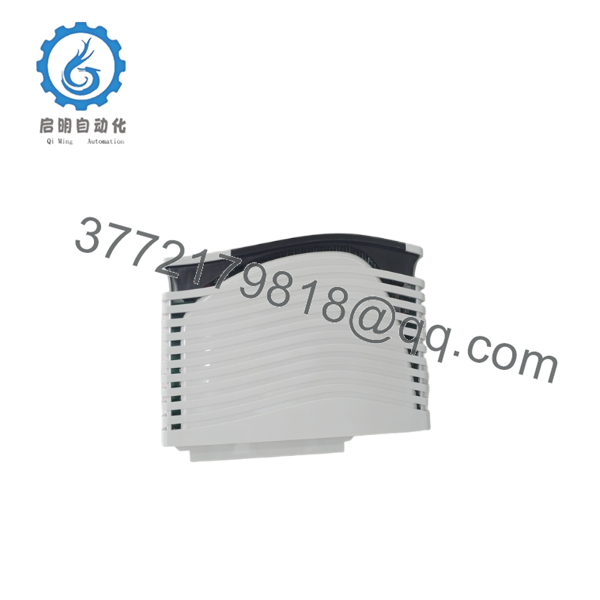
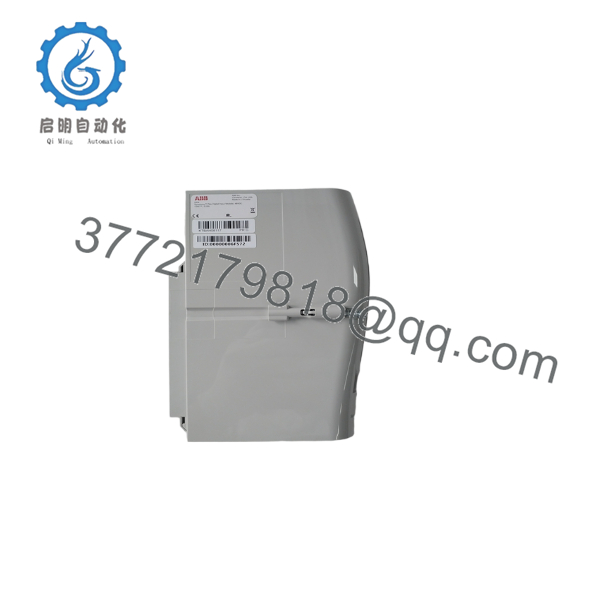
The ABB DI04 is a 16-channel digital input module designed for SD-series and Bailey/Advant/INFI-class control racks. It processes discrete field signals for alarm, interlock, and logic functions while providing per-channel isolation and configurable debounce behaviour.
You choose DI04 when you need a compact, per-channel-isolated DI card that supports 48 V DC input levels and clear front-panel status LEDs for rapid troubleshooting. Confirm rack family and slot compatibility before ordering because physical fit and configuration options vary between ABB legacy families.
Troubleshooting Quick Reference
| Symptom | Possible Cause | Relevance to this Part | Quick Check Method | Recommendation |
|---|---|---|---|---|
| No LED activity on module | No backplane power or bad seating | ✅ High | Check rack/backplane supply voltage and reseat module | Verify rack power and fuse; reseat module before replacement |
| Single channel not reading | Faulty input wiring, polarity, or sensor | ✅ High | Measure input voltage at channel terminal with multimeter | Check wiring, sensor supply, and per-channel termination |
| Multiple channels stuck same state | Shorted field wiring or common supply issue | ⚠️ Medium | Inspect field wiring harness and common return path | Repair wiring; verify channel isolation integrity |
| Sporadic input chatter | Noisy signal or missing debounce config | ✅ High | Oscilloscope signal at input or increase debounce time in config | Apply proper filtering or set debounce per channel |
| Module shows correct inputs but system alarm | Configuration mismatch or mapping error | ⚠️ Medium | Compare I/O mapping in controller vs. module labeling | Correct I/O mapping in controller software |
| False positives during maintenance | Incorrect ground/shielding or floating inputs | ✅ High | Check shield termination and reference ground | Ground/terminate shields and pull inputs to defined states |
Note: If troubleshooting is inconclusive, capture photos of wiring/terminals, LED states, and module label and provide event logs when contacting technical support.

- DI04
- DI04
Frequently Asked Questions
Q: What input voltages does DI04 accept?
A: DI04 is designed for industrial discrete signals and supports 48 V DC input levels; confirm your site’s exact voltage and wiring scheme before installation.
Q: How many channels and what isolation does it provide?
A: The module provides 16 digital input channels with channel-to-channel isolation (CH-2-CH) to limit cross-talk and improve fault isolation.
Q: Does DI04 log Sequence of Events (SOE)?
A: No — DI04 does not provide SOE functionality. Use a separate SOE-capable module or the system’s central recorder if event timestamping is required.
Q: Can it sink or source I/O current?
A: Yes — the DI04 supports wiring to sink or source, but confirm your field device wiring and system conventions before connecting.
Q: Is DI04 hot-swappable?
A: Do not assume hot-swap capability. For most ABB SD/INFI-class systems, power-down or follow OEM hot-swap procedures from the official manual to avoid backplane faults.
Q: What common mistakes cause “bad module” symptoms?
A: The usual culprits are missing backplane power, incorrect wiring/polarity, floating inputs, improper debounce settings, and shield/grounding faults. Always verify power and wiring before replacing the module.
Q: What should I request from the seller when buying surplus?
A: Ask for full part number and label photos, front/back images, stated condition (New Original / New Surplus / Refurbished Tested), test reports, and a clear warranty/return policy.



