WhatsApp: +86 16626708626
 Email:
 Phone: +86 16626708626
Description
Key Technical Specifications
| Parameter | Specification / Value |
| Model / Part Number | M4A-AT |
| Manufacturer | ABB |
| Module Type | Industrial Drive Control / Interface Board |
| System Compatibility | ABB Modular Drive Architectures & Control Cabinets |
| Operating Voltage | Internal backplane / Auxiliary DC supply input |
| Signal Processing | High-speed digital signal processing for drive loops |
| Communication Protocols | Fiber-optic / Backplane bus interface |
| Operating Temperature | 0°C to +55°C (32°F to 131°F) |
| Form Factor | Rack-mountable plug-in circuit card |
| Galvanic Isolation | Optical isolation between control logic and power stage interfaces |
Product Introduction & Supply Chain Strategy
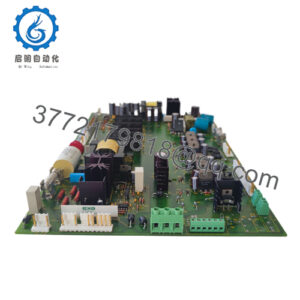
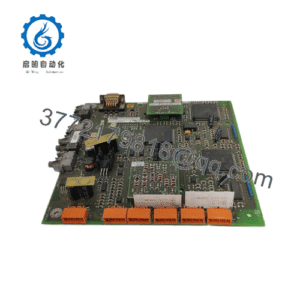
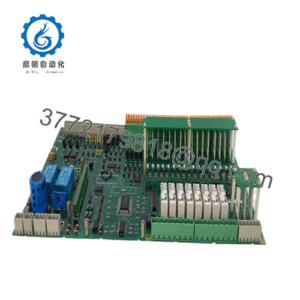
The ABB M4A-AT is a high-reliability drive control and interface card engineered for ABB modular drive platforms and industrial automation systems. It executes critical control loops, processes speed and torque feedback signals, and manages communication links between the central controller and power units.
Holding the M4A-AT as New Surplus provides an essential insurance policy against unexpected system failures. In high-demand process industries, maintaining a unused, factory-fresh spare card eliminates the risk of extended production shutdowns caused by long factory lead times or unreliable second-hand parts.
Installation & Configuration Guide
Stage 1: Pre-Installation (Prep & Safety)
- LOTO & Power Isolation: Implement full Lock-Out/Tag-Out protocols on the drive cabinet power supply and auxiliary control power feeds.
- Capacitor Discharge Check: Wait at least 5 to 10 minutes after disconnecting main power to allow internal DC bus capacitors to discharge safely to zero volts.
- ESD Protection: Attach a grounded anti-static wrist strap before opening the protective ESD shielding or handling the module board.
- Documentation: Photo-document all fiber-optic connections, ribbon cables, jumper settings, and DIP switch configurations on the existing board.
Stage 2: Removal
- Unplug all fiber-optic cables carefully, taking care not to bend or strain the fiber leads. Disconnect ribbon cables and terminal connections.
- Loosen upper and lower module retention fasteners on the drive frame or rack chassis.
- Gently pull the M4A-AT board straight out along the guide rails to prevent mechanical stress on edge connectors or backplane sockets.
Stage 3: Installation (Clone & Seat)
- Match all DIP switches, hardware jumpers, and configuration links on the replacement M4A-AT to match the original unit exactly.
- Align the M4A-AT board with the card guide tracks and slide it firmly into the chassis slot until the backplane connectors seat completely.
- Secure the retention screws, then reattach all fiber-optic leads and signal wiring to their marked positions.
Stage 4: Power-On & Testing
- Verify clean 24 VDC auxiliary control power before energizing main line supply circuits.
- Apply control power and observe the status LEDs on the front panel of the M4A-AT board. Confirm the module initializes cleanly without fault alarms.
- Run diagnostic checks via the drive operator panel or commissioning tool to verify communication links, feedback signals, and baseline parameter retention.
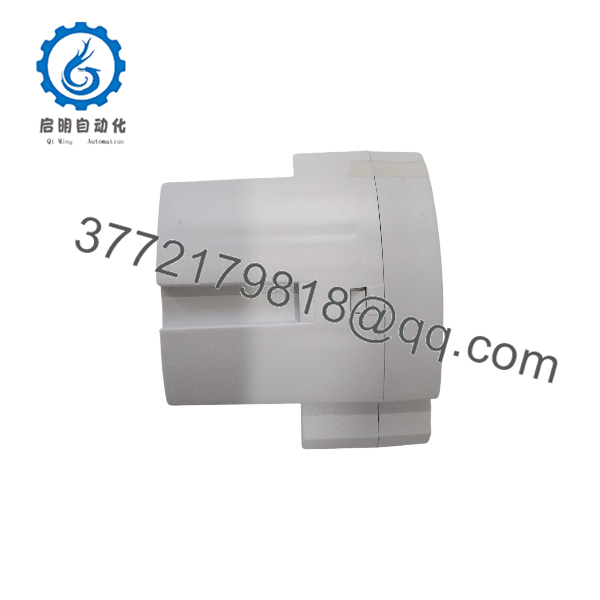
M4A-AT
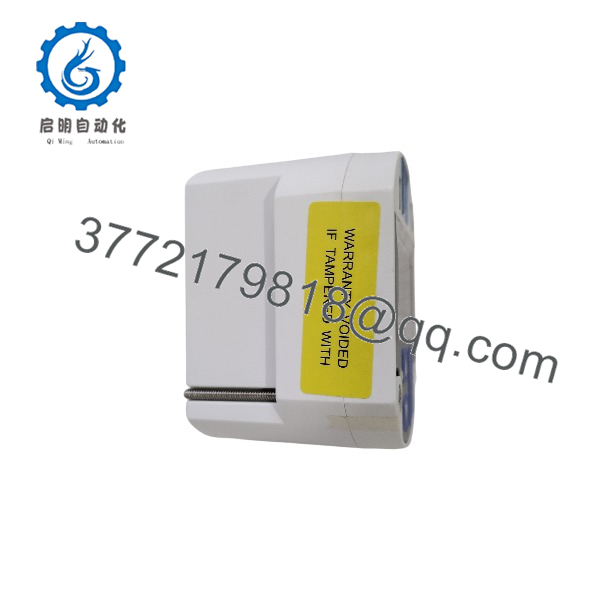
M4A-AT
Firmware/Software Versions & Upgrade Notes
- Hardware Compatibility: The ABB M4A-AT board functions as a direct drop-in hardware replacement within compatible ABB drive assemblies and control racks.
- Firmware Verification: Ensure the firmware revision loaded on the central controller or board matches system requirements. Inconsistent firmware revisions can result in bus communication timeouts or parameter fault codes.
- Configuration Safety: Always perform a parameter backup of the drive parameters via drive commissioning software before replacing control hardware.
Frequently Asked Questions (FAQ)
Is this ABB M4A-AT card brand new, or has it been pulled from an old drive cabinet?
This item is strictly 100% New Surplus / Original New stock. It has never been installed in an operational system, pulled from a decommissioned plant, or subjected to board-level repairs. It retains its clean OEM board traces, unaged solder contacts, and factory condition.
How does New Surplus pricing compare to direct OEM list prices?
New Surplus modules originate from surplus project stocks, system integrator reserves, or plant spare inventories. Sourcing through global industrial supply channels provides access to authentic ABB components below standard OEM list pricing without compromising quality or reliability.
What are the main risks of using a refurbished M4A-AT board?
Used or refurbished drive control cards often contain thermally degraded electrolytic capacitors, micro-fissures in solder joints, and aged optocouplers. A failure in drive control hardware can cause sudden drive trips, motor instability, and costly unplanned downtime.
Can the ABB M4A-AT card be hot-swapped while the drive is energized?
No. You must completely de-energize the drive system and auxiliary control power before removing or inserting the M4A-AT board. Hot-swapping can cause electrical arcing, corrupt onboard parameter memory, or damage sensitive CMOS logic devices.
What warranty coverage comes with this M4A-AT module?
This New Surplus M4A-AT board includes a 1-year functional replacement warranty. Every unit passes physical inspection and static electrical testing prior to dispatch to ensure out-of-box operation.