
 WhatsApp: +86 16626708626
 Email:
  Phone: +86 16626708626
Description
Key Technical Specifications
| Parameter | Value |
| Part Number | 8DG63207AA |
| Model Code | S13X100R |
| Data Rate | 100 Gbps |
| Modulation | DP-QPSK (Coherent) |
| Optical Reach | Metro to Ultra-Long Haul (ULH) |
| Forward Error Correction | Soft-Decision FEC (SD-FEC) |
| Slot Compatibility | 1830 PSS-36, PSS-32, PSS-16 |
| Channel Spacing | 50 GHz / 100 GHz Grid |
| Connector Type | LC/UPC |
Product Introduction & Supply Chain Strategy
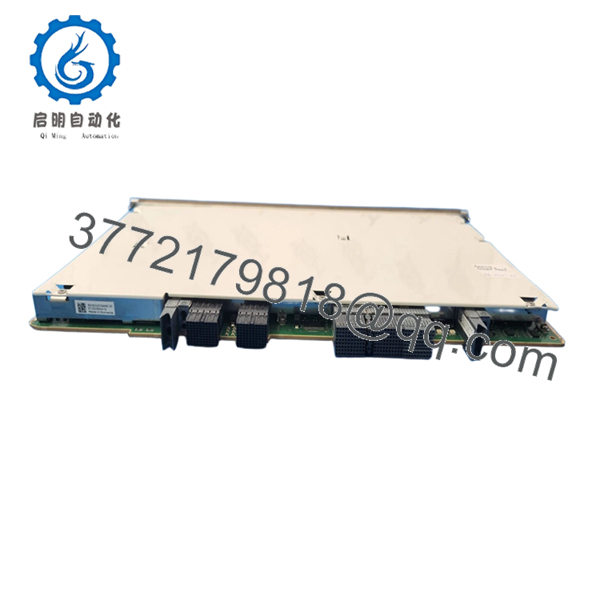
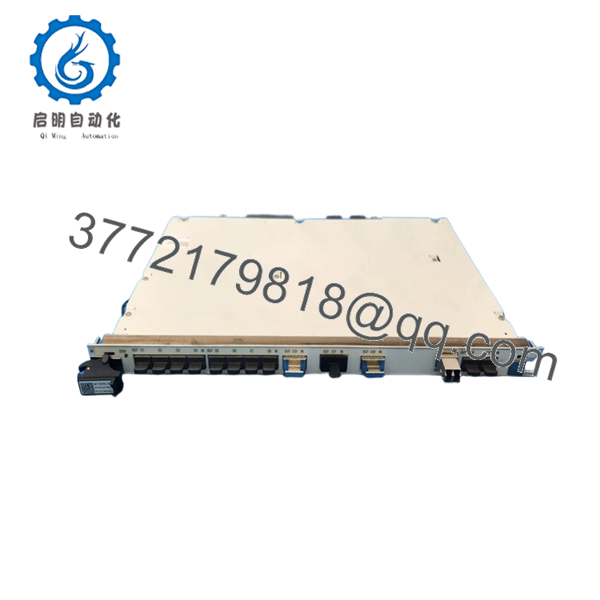
The Alcatel-Lucent 8DG63207AA (S13X100R) is a fundamental building block of the 1830 Photonic Service Switch (PSS) architecture. This module provides a high-density 100G coherent optical interface, utilizing DP-QPSK modulation to maximize spectral efficiency across long-haul fiber spans. It is designed to handle the rigorous demands of modern DWDM networks, offering robust chromatic dispersion compensation and superior OSNR performance.
Securing the 8DG63207AA as New Surplus is a vital supply chain maneuver for network operators managing aging 1830 PSS infrastructure. As these systems transition toward the later stages of their lifecycle, OEM lead times can become unpredictable. Keeping 1–2 “insurance units” in local buffer stock ensures that a single optics failure doesn’t escalate into a multi-day regional outage. By choosing New Surplus over refurbished “gray market” alternatives, you eliminate the risk of laser degradation or micro-cracks in the fiber pigtails that often plague used line cards.

- 8DG63207AA S13X100R
Installation & Configuration Guide
Stage 1: Pre-Installation (Prep & Safety)
- Verify Inventory: Confirm the card revision matches the existing shelf configuration to avoid slot-profile mismatches.
- ESD Protocol: Always wear a grounded ESD wrist strap. Optical line cards are extremely sensitive to electrostatic discharge.
- Port Protection: Keep dust caps on all optical ports until the exact moment of fiber connection.
Stage 2: Removal
- Software Shutdown: Administratively down the facility and ports in the management system (e.g., Nokia NSP or 1350 OMS).
- Fiber Management: Label and disconnect all fiber jumpers. Clean the connectors using a high-quality fiber click-cleaner.
- Ejection: Unlock the card handles and pull firmly but smoothly to disengage the high-speed backplane connectors.
Stage 3: Installation (Clone & Seat)
- Visual Inspection: Check the backplane pins of the 8DG63207AA for any transit damage.
- Insertion: Align the card with the shelf guides. Push until the ears begin to engage, then flip the handles inward to lock the card into the backplane.
- Fiber Connection: Reconnect the cleaned fiber jumpers, ensuring they click securely into the LC ports.
Stage 4: Power-On & Testing
- Boot Sequence: Monitor the card LEDs. The “Active” LED should blink during initialization and turn solid green once the software is loaded.
- Level Verification: Use an Optical Power Meter or the internal per-channel power monitoring to verify that Rx levels are within the specified window (typically -18 dBm to -8 dBm).
- Alarm Clearing: Confirm through the CLI or NMS that all “Loss of Signal” (LOS) and “Equipment Mismatch” alarms have cleared.
Firmware/Software Versions & Upgrade Notes
The S13X100R module requires the 1830 PSS software load 6.0 or higher. If your shelf is running an older software version, the card may be flagged as “Unsupported Hardware.”
Critical Strategy: When installing a New Surplus card, the on-board FPGA may have a different firmware version than your current production cards. We recommend performing a “Warm Boot” or a firmware synchronization via the NMS immediately after installation to ensure the card’s behavior matches the rest of the network fabric. Do not interrupt power during an FPGA flash, as this can brick the module.
Frequently Asked Questions (FAQ)
- Is this an original Nokia/Alcatel-Lucent part?
Yes. This is a genuine 8DG63207AA manufactured by Alcatel-Lucent. It is New Surplus inventory, meaning it was purchased for a project but never installed or commissioned.
- Can this card be used in a PSS-4 or PSS-8 chassis?
The S13X100R is a full-height module designed for the high-capacity slots of the PSS-16, PSS-32, or PSS-36. Always verify your specific shelf’s power and cooling capacity before adding 100G coherent cards.
- What is the difference between S13X100R and other 100G cards?
The S13X100R is specifically optimized for coherent transport with integrated SD-FEC. Unlike standard LR4 optics, this card is designed for the DWDM line-side, allowing for much longer distances without electronic regeneration.
- Do you provide a test report?
Every unit undergoes a visual inspection and a power-on handshake test. We verify that the serial number is clean and the hardware is recognized by the 1830 PSS backplane before shipping.
- What happens if the card is DOA?
While rare for New Surplus items, we offer a 1-year replacement warranty. If the card fails to initialize or shows an internal hardware fault upon installation, we will ship a replacement unit immediately.



