
 WhatsApp: +86 16626708626
 Email:
  Phone: +86 16626708626
Description
Key Technical Specifications
| Parameter | Value |
|---|---|
| Product Type | EtherNet/IP Communication Adapter |
| Series | Compact I/O 1769 |
| Network Interface | Dual 10/100 Mbps RJ45 Ethernet Ports |
| Ethernet Protocol | EtherNet/IP |
| Topology Support | Linear, Star, Device Level Ring (DLR) |
| Maximum I/O Modules | Up to 30 Compact I/O modules (power supply dependent) |
| Communication Rate | 10/100 Mbps Auto-Negotiation |
| Power Supply | 24 VDC Nominal |
| Current Consumption | Approximately 500 mA @ 24 VDC |
| Operating Temperature | 0 °C to 60 °C |
| Mounting | DIN Rail or Panel Mount |
| Configuration Software | Studio 5000 Logix Designer, RSLinx Classic |
The 1769-AENTR is a Compact I/O EtherNet/IP adapter featuring two integrated Ethernet ports with Device Level Ring (DLR) capability. It enables distributed Compact I/O systems to communicate with CompactLogix and ControlLogix controllers over EtherNet/IP and supports local expansion with up to 30 Compact I/O modules, depending on power supply capacity and system design. Rockwell Automation currently lists the module as an active product.
Product Introduction
The Allen-Bradley 1769-AENTR provides EtherNet/IP connectivity for distributed Compact I/O installations. Instead of installing I/O modules directly beside the PLC, engineers can deploy Compact I/O racks closer to field equipment while maintaining deterministic communication with the controller over an industrial Ethernet network.
The adapter includes two embedded Ethernet ports that support Device Level Ring (DLR), allowing network redundancy without requiring an external switch for ring topology. This architecture improves system availability and reduces downtime in manufacturing, material handling, packaging, water treatment, and process automation applications.
Because the 1769-AENTR functions as a remote I/O adapter rather than a controller, it must be used with a compatible Logix controller such as CompactLogix or ControlLogix. Proper power budgeting and module addressing should be verified during system design to ensure reliable operation.
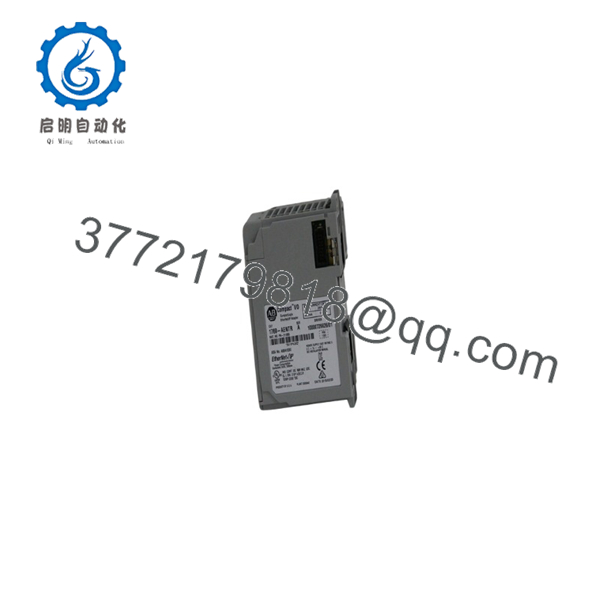
1769-AENTR
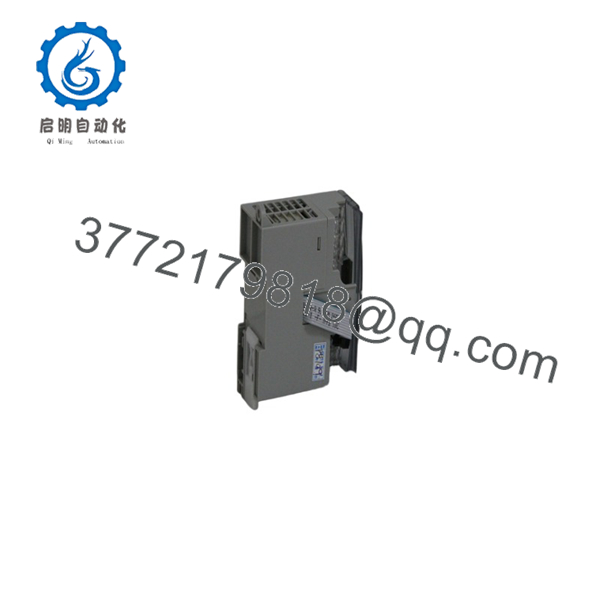
1769-AENTR
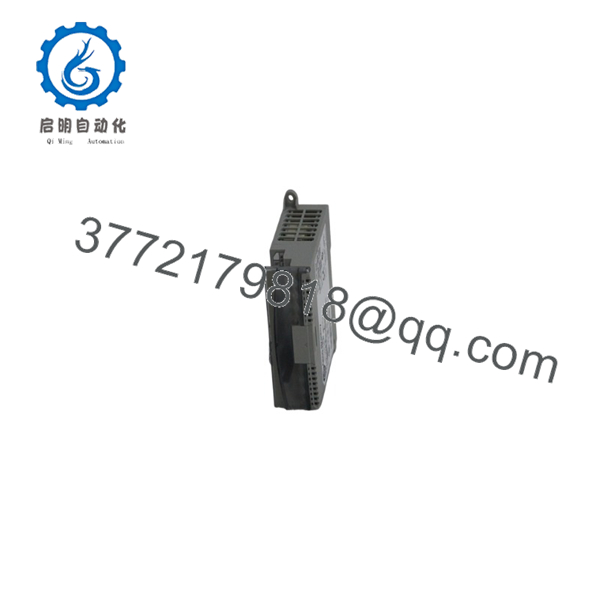
1769-AENTR
Installation & Configuration Guide
Stage 1 – Pre-Installation Preparation (5–10 Minutes)
⚠️ Safety First
- Notify plant personnel of the planned maintenance.
- Follow Lock-Out/Tag-Out procedures.
- Disconnect the 24 VDC power supply.
- Verify the Ethernet network can be safely disconnected.
Required Tools
- ESD wrist strap
- Digital multimeter
- Small flat-blade screwdriver
- Ethernet cable (Cat5e or higher)
- Laptop with Studio 5000 and RSLinx Classic
Before Installation
- Record the current IP address.
- Back up the PLC project.
- Verify the firmware revision.
- Calculate the Compact I/O power budget.
Stage 2 – Install the Adapter (5–10 Minutes)
- Mount the adapter on the DIN rail or panel.
- Connect the 24 VDC power supply.
- Install the Compact I/O modules to the right of the adapter.
- Secure all module locking tabs.
- Connect the Ethernet cable(s).
⚠️ Ensure all side bus connectors are fully engaged before applying power.
Stage 3 – Configure the Adapter (10 Minutes)
- Apply power.
- Assign the IP address using BOOTP/DHCP Server or Studio 5000.
- Verify communication through RSLinx Classic.
- Add the adapter to the Logix project.
- Configure all attached Compact I/O modules.
- Download the project to the controller.
Installation Checklist
- ✔ Correct catalog number
- ✔ Power supply verified
- ✔ Ethernet link established
- ✔ IP address configured
- ✔ I/O modules recognized
Stage 4 – Commissioning & Functional Test (10–15 Minutes)
- Verify the Module Status and Network Status LEDs.
- Confirm all I/O modules are online.
- Test communications with the Logix controller.
- Verify DLR status if a ring topology is used.
- Perform functional testing of all field I/O.
⚠️ Troubleshooting
- No Ethernet communication: verify IP address, subnet mask, and cable integrity.
- Module not detected: inspect side bus connectors and module order.
- DLR fault: verify the ring topology and switch compatibility.
- Intermittent communication: check network load, cable quality, and firmware compatibility.
Frequently Asked Questions
Q1. What is the purpose of the 1769-AENTR?
The 1769-AENTR allows Compact I/O modules to operate as remote EtherNet/IP I/O, enabling communication with CompactLogix and ControlLogix controllers over an industrial Ethernet network.
Q2. What is the advantage of having two Ethernet ports?
The dual-port design supports linear and Device Level Ring (DLR) network topologies. DLR provides network redundancy by maintaining communication if a single cable or network segment fails.
Q3. Can the 1769-AENTR operate as a PLC?
No. The 1769-AENTR is a communication adapter, not a programmable controller. It requires a compatible Logix controller to execute the control program.
Q4. How many Compact I/O modules can be connected?
The adapter supports up to 30 Compact I/O modules, although the actual number depends on the available power supply capacity and overall system configuration.
Q5. Which software is required for configuration?
Configuration is performed using Studio 5000 Logix Designer (or RSLogix 5000 for earlier systems), with RSLinx Classic commonly used for communication setup and diagnostics.
Q6. What should I verify before ordering?
Confirm the following:
- Catalog number (1769-AENTR)
- Controller compatibility (CompactLogix or ControlLogix)
- Required number of Compact I/O modules
- 24 VDC power availability
- EtherNet/IP network architecture
- Firmware compatibility
- Device Level Ring (DLR) requirements, if redundancy is needed
One of the most common commissioning issues is overlooking firmware compatibility between the 1769-AENTR, the Logix controller, and Studio 5000. Verifying compatible firmware revisions before deployment can significantly reduce startup time and prevent communication faults.



