
 WhatsApp: +86 16626708626
 Email:
  Phone: +86 16626708626
Description
Key Technical Specifications
- Manufacturer: Allen-Bradley.
- Model: 20-750-2263C-1R2T.
- Product Line: PowerFlex 750 series.
- Drive Compatibility: PowerFlex 753 and PowerFlex 755.
- Module Type: 22-Series I/O option module.
- Supply Voltage: 24 V DC.
- Digital Inputs: 6.
- Digital Outputs: 3.
- Analog Inputs: 2.
- Analog Outputs: 2.
- Relay Outputs: 1.
- Transistor Outputs: 2.
- Installation Slot: Option slot in PowerFlex 750 drive.
- Typical Use: Expands drive control, status, and signaling I/O.
- Note: Verify exact drive firmware and option-slot support before ordering.
Product Introduction
Allen-Bradley 20-750-2263C-1R2T is a PowerFlex 750 series I/O option module used to expand drive-side control and signaling capability. It provides 24 V DC interface support with discrete and analog I/O for PowerFlex 753 and 755 applications.
This module is chosen when the base drive I/O is not enough for the application. The usual win is simple: you get the exact mix of 6 digital inputs, 3 digital outputs, 2 analog inputs, 2 analog outputs, plus relay and transistor outputs without changing the drive platform.
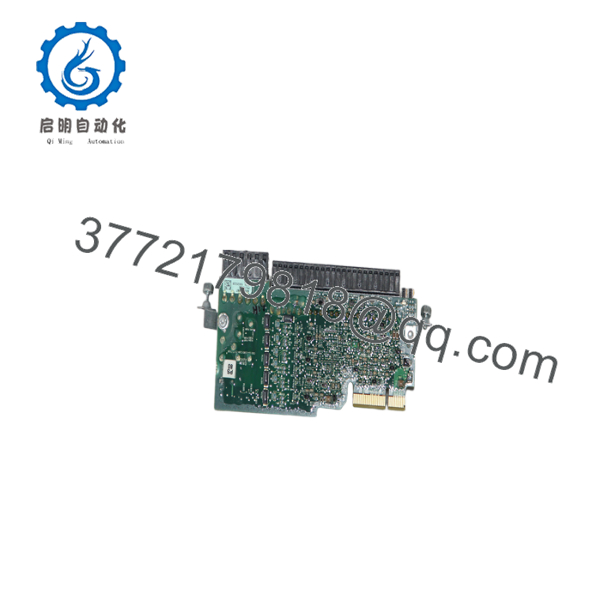
20-750-2263C-1R2T
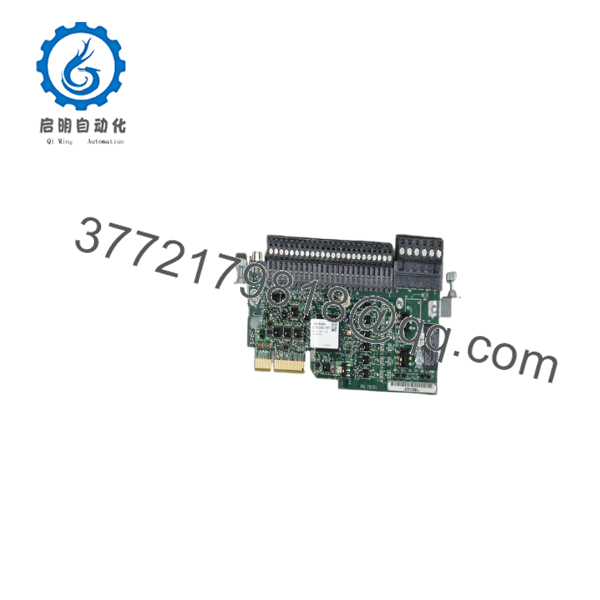
20-750-2263C-1R2T
Troubleshooting Quick Reference
| Symptom | Possible Cause | Relevance to This Part | Quick Check Method | Recommendation |
|---|---|---|---|---|
| Drive does not recognize the option module | Wrong slot, bad seating, or incompatible firmware | ✅ High | Power down, reseat the module, and check the drive parameter list | Confirm slot support and firmware before replacement |
| Analog input values are unstable | Loose wiring or signal scaling issue | ✅ High | Measure the input at the terminals and compare with drive scaling parameters | Verify wiring and parameter setup |
| Digital outputs do not energize | Missing 24 V control supply or wiring fault | ✅ High | Measure 24 V DC at the option module terminals | Check supply, fuse, and terminal tightness |
| Relay output stays inactive | Control logic not commanding the output | ❌ Low | Check the drive logic and command status in the controller | Do not replace hardware until the command path is proven |
| Module works intermittently after a swap | Poor seat or bent connector pin | ✅ High | Inspect connector pins and confirm full latch engagement | Reseat carefully and inspect for damage |
| Drive faults right after installation | Mismatch between module type and drive revision | ✅ High | Compare the part number to the drive compatibility chart | Match the exact 20-750 option code before ordering |
If you are stuck, send a photo of the drive nameplate, the option card label, and the fault code to technical support.
Frequently Asked Questions
Q: What is 20-750-2263C-1R2T?
A: It is an Allen-Bradley PowerFlex 750 series I/O option module. It adds extra analog, digital, relay, and transistor I/O to the drive.
Q: Will it fit PowerFlex 753 and 755 drives?
A: Yes, that is the listed application. Still, verify the exact option-slot and firmware compatibility before ordering. That step saves rework.
Q: Does it need 24 V DC?
A: Yes. The module is built around 24 V DC control I/O, so the cabinet supply has to be clean and correctly fused.
Q: Is it a direct replacement if my old module has a slightly different suffix?
A: Not always. Those suffixes can matter. Check the exact catalog number and the drive configuration before you swap it.
Q: Can I hot-swap it?
A: Do not assume so. PowerFlex option cards are not parts I’d pull casually with the cabinet live. Kill power and verify safe conditions first.
Q: Why is it sold as New Surplus?
A: Usually because it is unused stock from excess inventory or a closed project. That is normal in industrial parts trading, but the listing should say it plainly.
Q: What should I confirm before installing?
A: Confirm drive family, firmware revision, slot position, and terminal wiring. Those are the four checks that prevent most failed swaps.



