
 WhatsApp: +86 16626708626
 Email:
  Phone: +86 16626708626
Description
Key Technical Specifications
| Parameter | Value |
|---|---|
| Model | 20-HIM-A6 |
| Manufacturer | Allen-Bradley (Rockwell Automation) |
| Product Type | Human Interface Module (HIM) |
| Product Family | PowerFlex Architecture Class |
| Display | LCD |
| Keypad | Full Numeric Keypad |
| Communication Interface | Drive Peripheral Interface (DPI™) |
| Supported DPI Data Rates | 125 kbps or 500 kbps |
| Power Supply | 12 VDC supplied by host drive |
| Current Consumption | Approximately 140 mA |
| Operating Temperature | 0 °C to +50 °C |
| Storage Temperature | −40 °C to +85 °C |
| Relative Humidity | 5–95%, non-condensing |
| Mounting | Local drive mount or handheld operation |
| Enclosure Rating | NEMA Type 1 |
| Lifecycle Status | Active |
Product Introduction
The Allen-Bradley 20-HIM-A6 is a PowerFlex Architecture Class Human Interface Module (HIM) designed for local configuration, commissioning, diagnostics, and monitoring of PowerFlex AC drives. It features an LCD display with a full numeric keypad, allowing engineers to access parameters, monitor operating status, and troubleshoot drives without connecting a computer.
The 20-HIM-A6 supports PowerFlex 753, PowerFlex 755, and is backward compatible with many earlier PowerFlex 7-Class drives, although some advanced functions may be limited on legacy models. It communicates through the Drive Peripheral Interface (DPI™) and can be mounted directly on the drive or used as a handheld operator with the appropriate cable.
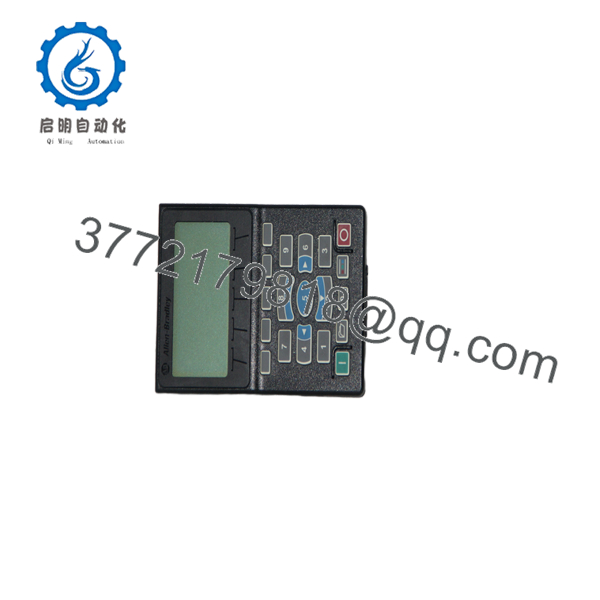
20-HIM-A6
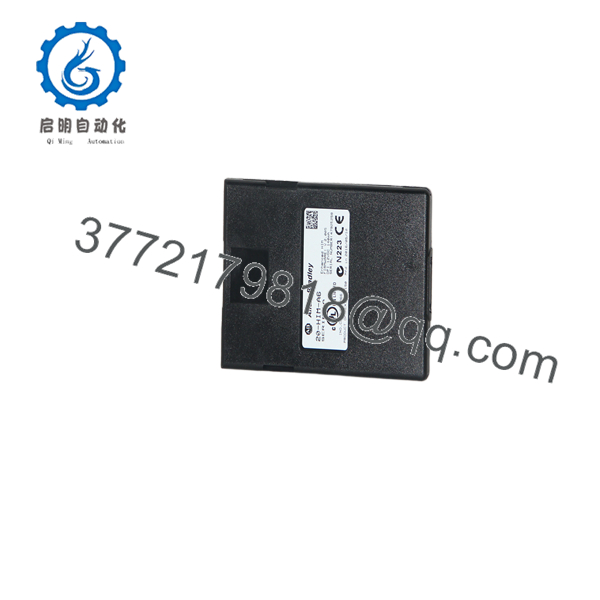
20-HIM-A6
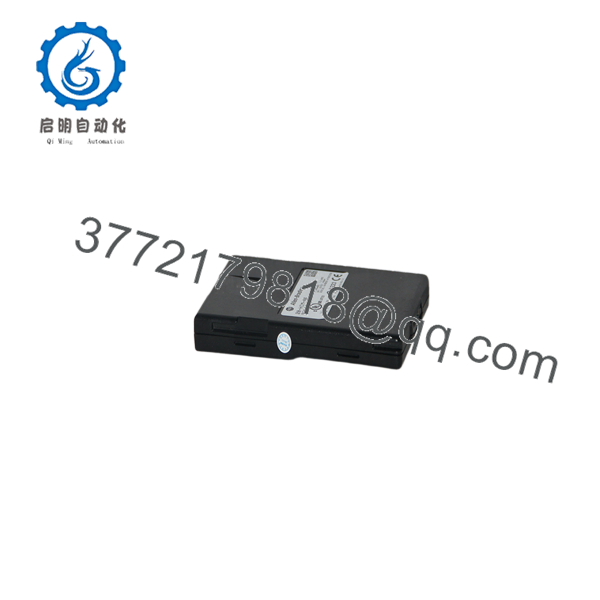
20-HIM-A6
Installation & Configuration Guide
Stage 1 – Pre-Installation Preparation (5–10 Minutes)
⚠️ Safety First
- Notify operations before shutting down the equipment.
- Perform Lock-Out/Tag-Out (LOTO).
- Remove input power from the drive.
- Wait for the DC bus capacitors to discharge completely before opening the enclosure.
Required Tools
- ESD wrist strap
- Phillips screwdriver
- Digital multimeter
- Drive documentation
Preparation
- Verify the replacement part number is 20-HIM-A6.
- Record existing drive parameters.
- Confirm firmware compatibility if replacing an older HIM.
Stage 2 – Removing the Existing HIM (5 Minutes)
- Remove the drive bezel if required.
- Disconnect the existing HIM from the DPI connector.
- Inspect the connector for bent pins or contamination.
- Keep the original HIM available until commissioning is complete.
⚠️ Avoid applying excessive force when disconnecting the module.
Stage 3 – Installing the 20-HIM-A6 (5 Minutes)
- Wear an ESD wrist strap.
- Align the HIM with the drive connector.
- Press evenly until fully seated.
- Secure the mounting hardware if applicable.
- Restore the front cover.
Installation Checklist
- ☑ Correct model installed
- ☑ HIM fully seated
- ☑ Connector inspected
- ☑ Cover secured
Stage 4 – Power-Up & Commissioning (10 Minutes)
- Restore power to the drive.
- Verify the LCD initializes correctly.
- Confirm communication with the PowerFlex drive.
- Review drive status and fault history.
- Verify key operating parameters.
- Perform a functional run test.
⚠️ If updating HIM firmware, never remove power during the update process. Interrupting the download can permanently damage the HIM.
Frequently Asked Questions (FAQ)
Q1. Which drives are compatible with the 20-HIM-A6?
The 20- is designed primarily for PowerFlex 753 and PowerFlex 755 drives and is backward compatible with many PowerFlex 7-Class drives, although some newer features may not be available on older products.
Q2. Is the 20- still an active product?
Yes. Rockwell Automation lists the as an Active product with ongoing support and a standard one-year warranty.
Q3. Does the 20- replace older HIM models?
Yes. The is the direct replacement for discontinued models such as 20-HIM-A3 and 20-HIM-A5.
Q4. Can the HIM be used as a handheld programmer?
Yes. The module supports both drive-mounted operation and handheld operation when used with the appropriate interface cable. This allows commissioning or troubleshooting without permanently mounting the HIM.
Q5. What should I verify before ordering?
Confirm the following:
- Exact catalog number ()
- Compatible PowerFlex drive model
- Required firmware revision
- Mounting method (local or handheld)
- DPI communication requirements
- Application environment (NEMA Type 1)
Verifying these details before purchase helps ensure compatibility and minimizes commissioning time.



