
 WhatsApp: +86 16626708626
 Email:
  Phone: +86 16626708626
Description
Key Technical Specifications
| Parameter | Value |
|---|---|
| Model | 56AMXN |
| Manufacturer | Allen-Bradley (Rockwell Automation) |
| Product Type | AutoMax Communication Module |
| Platform | ControlLogix |
| Network Support | AutoMax DCSNet and Remote I/O (RE RIO) |
| Backplane Interface | ControlLogix chassis |
| Communication Role | DCS Master, DCS Slave, or RE RIO Master |
| Product Code | 56AMXN |
| Typical Firmware Revision | 2.1 |
| Flash Memory | 1 MB |
| Power Consumption | 650 mA @ 5.1 VDC, 75 mA @ 24 VDC |
| Configuration Software | RSLogix 5000 / Studio 5000 (legacy versions) |
| Lifecycle Status | Legacy / Spare Parts Support |
The 56AMXN is designed to integrate ControlLogix controllers with AutoMax DCSNet and AutoMax Remote I/O networks, supporting multiple communication modes for migration and system integration projects.
Product Introduction
The Allen-Bradley 56AMXN is a specialized communication module that enables data exchange between a ControlLogix platform and legacy AutoMax DCSNet or AutoMax Remote I/O systems. It is commonly used during modernization projects where existing AutoMax controllers remain in service while newer ControlLogix hardware is introduced.
Unlike a standard Ethernet or ControlNet communication module, the 56AMXN is dedicated to AutoMax protocol conversion and network interoperability. It can operate as a DCS master, DCS slave, or Remote I/O master, making it suitable for phased migrations that minimize production downtime.
Installation & Configuration Guide
Stage 1 – Pre-Installation Preparation (10 Minutes)
⚠️ Safety First
- Notify plant operations of the scheduled maintenance.
- Perform Lock-Out/Tag-Out (LOTO).
- Remove chassis power.
- Wait until all ControlLogix power indicators are off.
Required Tools
- ESD wrist strap
- Phillips screwdriver
- Digital multimeter
- Laptop with RSLogix 5000 or Studio 5000
- AutoMax network documentation
Preparation
- Verify the replacement module is 56AMXN.
- Back up the ControlLogix project.
- Record the existing module configuration.
- Document DCSNet node addressing and communication parameters.
Stage 2 – Removing the Existing Module (5–10 Minutes)
- Disconnect chassis power.
- Remove communication cables.
- Release the locking tabs.
- Pull the module straight from the chassis.
- Inspect the backplane connector for bent pins or contamination.
⚠️ Keep the original module until the replacement has completed functional testing.
Stage 3 – Installing the 56AMXN (10 Minutes)
- Wear an ESD wrist strap.
- Confirm the catalog number matches.
- Insert the module firmly into the ControlLogix chassis.
- Secure the retaining tabs.
- Connect the DCSNet/RE RIO communication cable.
- Download or restore the saved configuration if required.
Installation Checklist
- ☑ Correct module installed
- ☑ Backplane connection secure
- ☑ Communication cable connected
- ☑ Configuration verified
- ☑ Chassis fully assembled
Stage 4 – Power-Up & Commissioning (15 Minutes)
- Restore chassis power.
- Verify the module initializes without major faults.
- Confirm the module appears correctly in RSLogix 5000.
- Verify DCSNet or Remote I/O communication.
- Test data exchange between ControlLogix and AutoMax devices.
- Monitor diagnostics before returning the system to production.
⚠️ If a connection error occurs immediately after startup, first verify the configuration signature, Requested Packet Interval (RPI), and network ownership settings before replacing hardware.
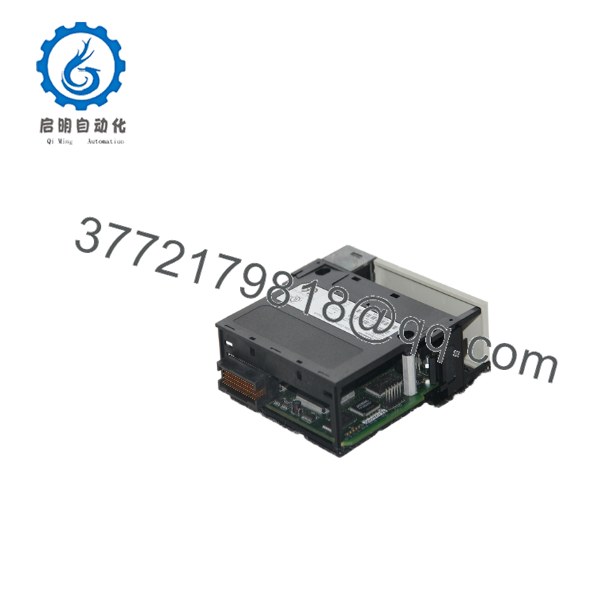
56AMXN
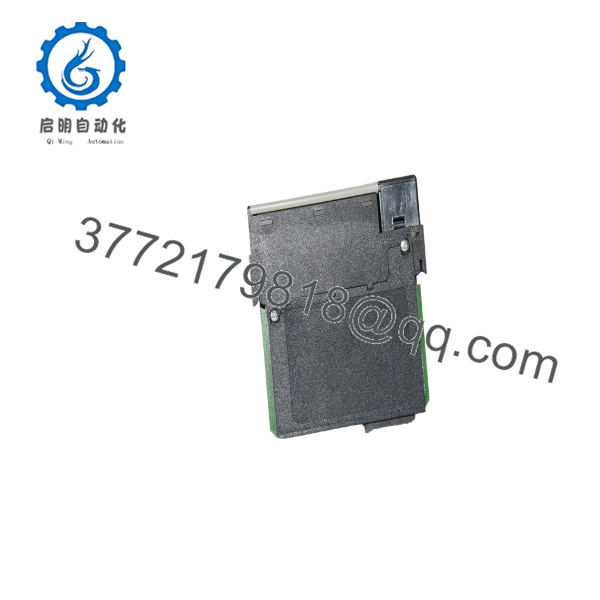
56AMXN
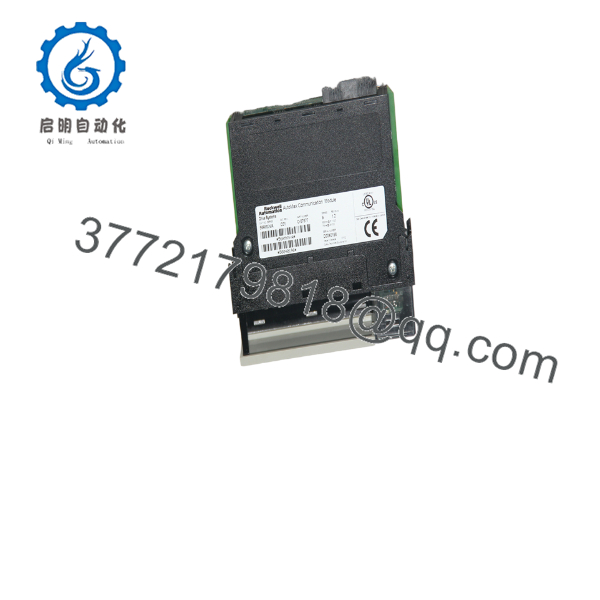
56AMXN
Frequently Asked Questions (FAQ)
Q1. What is the primary purpose of the 56AMXN?
The 56AMXN provides communication between ControlLogix systems and legacy AutoMax DCSNet or AutoMax Remote I/O networks, making it valuable for system migration and integration projects.
Q2. Is the 56AMXN compatible with modern EtherNet/IP devices?
No. The module is designed specifically for AutoMax DCSNet and Remote I/O communications. Standard EtherNet/IP communication requires dedicated ControlLogix Ethernet modules such as the 1756-EN2T or 1756-ENBT.
Q3. Can the module operate in different communication modes?
Yes. The 56AMXN can function as a DCS Master, DCS Slave, or Remote I/O Master, depending on the application and configuration.
Q4. Is the 56AMXN still manufactured?
The 56AMXN is considered a legacy communication module. Most available inventory consists of new surplus or professionally tested refurbished units used to support installed AutoMax systems.
Q5. What should I verify before ordering?
Confirm the following before purchasing:
- Exact catalog number (56AMXN)
- Required firmware revision
- ControlLogix chassis compatibility
- AutoMax DCSNet or RE RIO network configuration
- RSLogix 5000/Studio 5000 project version
- Required communication mode (Master, Slave, or Remote I/O)
Verifying these details before installation helps reduce commissioning time and avoids communication mismatches during system startup.



