WhatsApp: +86 16626708626
 Email:
 Phone: +86 16626708626
Description
Key Technical Specifications
| Parameter | Value |
|---|---|
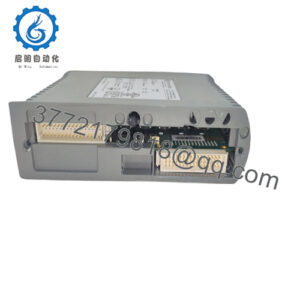
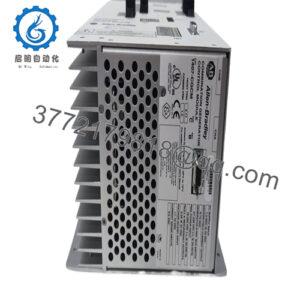
| Catalog number | NX70-BASE05 |
| Product type | 5-slot PLC base unit / motherboard |
| Platform | OEMax NX70 PLC, distributed by Allen-Bradley / Rockwell Automation |
| Mountable I/O and special modules | 5 slots |
| Compatible CPU modules | NX70-CPU70, NX70-CPU750, NX70-CPU70p1, NX70-CPU70p2 |
| Compatible power modules | -POWER1, -POWER2, -PWRDC |
| N70-series compatibility | N70 I/O and special modules mount on NX70 base; N70 CPU and power modules do not |
| Expansion | Single base unit; NX70 does not support expansion backplanes |
| Dimensions | 256.0 × 236.0 × 222.0 mm (A × B × C) |
| Operating temperature | 0 to 55°C |
| Operating humidity | 30 to 85% RH, non-condensing |
| Grounding requirement | Frame ground to solid earth; minimum 2 mm² ground conductor, less than 100 Ω grounding resistance |
| Recommended power wiring | 2 mm² twisted-pair conductor or larger; M3.5 terminal screws |
The NX70-BASE05 provides five module positions for I/O and special modules. The installed CPU and power supply occupy separate positions, while the five-slot designation refers specifically to the I/O and special-module capacity.
Product Introduction
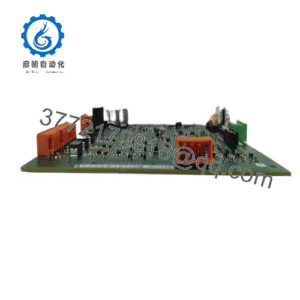
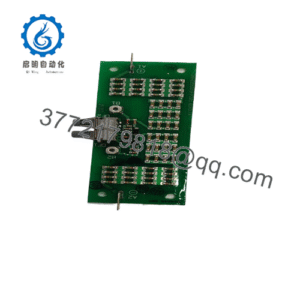
The Allen-Bradley NX70-BASE05 is a 5-slot base unit for the OEMax-designed NX70 modular PLC platform, sold under the Allen-Bradley/Rockwell Automation name. It provides the mechanical mounting, backplane interconnect, and module retention required for NX70 CPU, power, discrete I/O, analog, counter, positioning, and communication modules.
This base is selected when maintaining an existing NX70 system without changing the installed CPU, wiring, or module layout. It accepts current NX70 CPU and power modules, and it also accepts legacy N70-series I/O and special modules; however, N70 CPUs and N70 power modules are not compatible with NX70 bases.
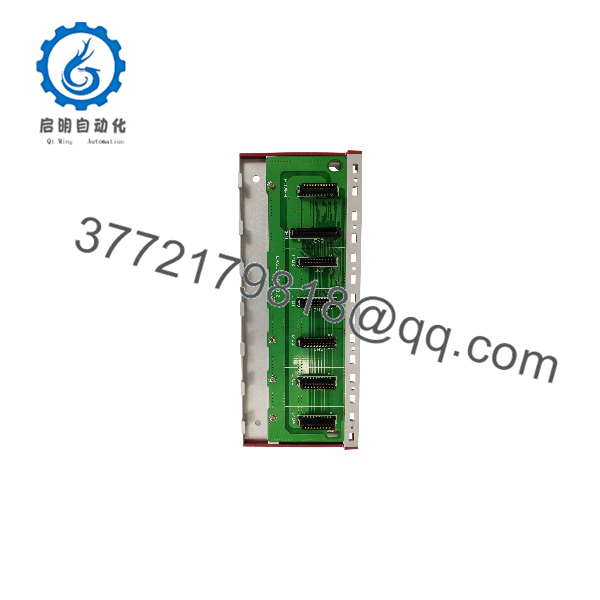
NX70-BASE05
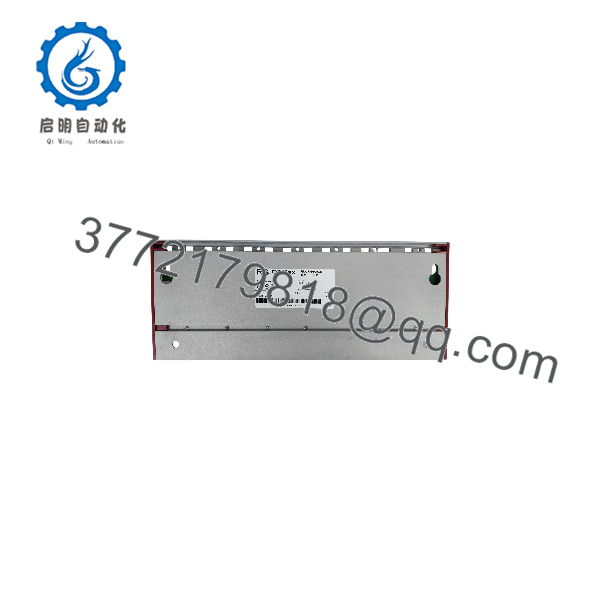
NX70-BASE05
Installation & Configuration Guide
Stage 1: Pre-Installation Preparation
Estimated time: 10 minutes.
- ⚠️ Notify operations and confirm the process is in a safe state.
- Apply lockout/tagout to the PLC power supply and associated field-power circuits.
- Wait at least 5 minutes for internal capacitors to discharge.
- Gather an ESD wrist strap, ESD mat, PH1/PH2 screwdrivers, multimeter, wire labels, and a phone or camera.
- Back up the CPU program using the applicable OEMax programming software: WinFPST for NX70-CPU70/CPU750 or WinGPC for NX70-CPU70p1/CPU70p2.
- Photograph all module positions, terminal wiring, module revision labels, and any DIP-switch settings before removing anything.
⚠️ The NX70 CPU DIP switches set RS-232C/RS-485 selection, baud rate, RS-485 termination, and RAM/flash-ROM boot behavior. Do not rely on memory—photograph them.
Stage 2: Removing the Old Base
Estimated time: 10 minutes.
- De-energize the NX70-POWER1, NX70-POWER2, or NX70-PWRDC supply and verify 0 V with a multimeter.
- Label every field wire at the terminal blocks.
- Remove the retaining screws from each installed module.
- Press the module locking button at the upper edge and pull the module straight out of the backplane.
- Remove the base mounting screws and lift the base from the panel.
- Inspect the replacement base connectors, module guides, mounting holes, and chassis-ground terminal for damage or contamination.
⚠️ Keep the old NX70-BASE05 until the replacement system has passed a full I/O checkout. It is the fastest reference for module order and wiring verification.
Stage 3: Installing the New Base
Estimated time: 5 minutes.
- Put on a grounded ESD wrist strap and work on an ESD-safe surface.
- Verify the replacement is exactly -BASE05, not NX70-BASE03, NX70-BASE06, or another slot count.
- Mount the base in the same orientation and location as the original.
- Install the power module and CPU module in their original positions.
- Reinstall the five I/O or special modules in their original slot order.
- Tighten each module retaining screw; the NX70 installation instructions require the module to be seated before the screw is fastened.
- Reconnect labeled field wiring and verify terminal tightness.
Self-checklist:
- Correct NX70-BASE05 catalog number confirmed
- CPU and power module positions match the original configuration
- All five I/O/special modules installed in original slots
- Retaining screws tightened
- Field wiring labels match terminals
- Frame ground reconnected
Stage 4: Power-On & Testing
Estimated time: 5–10 minutes.
- ⚠️ Before applying power, check the 24 V supply wiring for shorts and verify correct polarity for DC-powered systems.
- Energize the PLC cabinet power only; leave high-risk field outputs disabled or in a safe state.
- Confirm the power module output and CPU status LEDs.
- Connect the programming tool and upload/verify the CPU program.
- Confirm communication settings, including RS-232C/RS-485 selection, baud rate, and RS-485 termination.
- Perform a dry-run I/O test: force outputs only with field devices isolated, then verify each input and output point.
- Return the CPU to RUN only after confirming that external interlocks and emergency-stop circuits are active.
⚠️ If the CPU enters an alarm or halted state, check the watchdog condition. The NX70 watchdog activates when scan time exceeds 640 ms, lights the ALARM LED, closes the power-module alarm contact, and turns off outputs.
Frequently Asked Questions (FAQ)
Can I hot-swap the NX70-BASE05?
No. The base is the system backplane, so replacing it requires removing the CPU, power module, and all I/O modules. De-energize the complete PLC system first; hot-pulling modules risks backplane and module damage.
Is obsolete?
Yes. The NX70 platform is a legacy OEMax/Allen-Bradley PLC family, and this base is no longer a normal current-catalog item. Availability depends on remaining new-surplus or tested refurbished inventory, so confirm the exact condition before ordering.
What is the direct replacement?
There is no later NX70 base that directly replaces the NX70-BASE05 while preserving the same five-slot layout. Use another NX70-BASE05. A migration to a current Rockwell platform is a system redesign, not a drop-in backplane replacement.
Can I use my existing N70 I/O modules on this base?
Usually yes. NX70 bases accept N70-series I/O and special modules, but they do not accept N70 CPUs or N70 power modules. Verify each module’s catalog number and revision before installation.
Will I lose the PLC program when replacing the base?
The program resides in the CPU, not the base. Still, upload and archive the program before shutdown. CPU70/CPU750 systems use WinFPST, while CPU70p1/CPU70p2 systems use WinGPC.
Why is surplus stock priced below current OEM list pricing?
Because this is discontinued legacy inventory, not a newly manufactured catalog product. Pricing reflects sourcing scarcity, condition, testing, warranty exposure, and remaining stock—not an OEM factory-price discount.
What condition should I expect?
New Original/New Surplus units should be unused and complete, but verify cosmetic condition, connector integrity, and any included accessories before installation. For used units, request functional test evidence, photographs, and a stated warranty period.