WhatsApp: +86 16626708626
 Email:
 Phone: +86 16626708626
Description
3. Key Technical Specifications
| Parameter | Value / Description |
|---|---|
| Catalog / Part Number | L54E2900XK00 |
| Platform | ALSTOM / GE Microrec K4.1 |
| Card Type | MDEX1 |
| Function | Processing / interface module |
| Application | Power generation, petrochemical, process automation |
| Compatibility | Microrec K4.1 systems only |
| Condition (typical stock) | New / unused surplus |
| Form Factor | Plug-in card for Microrec rack |
4. Product Introduction
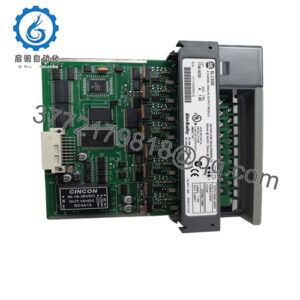
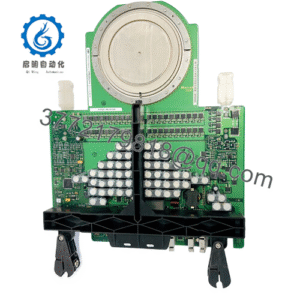
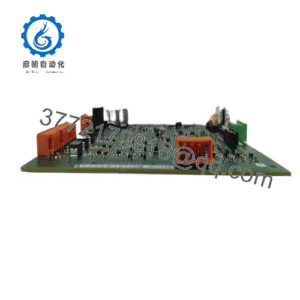
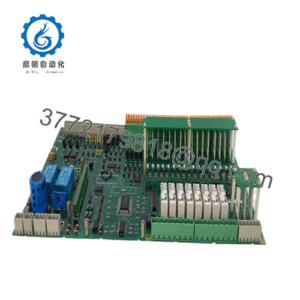
The ALSTOM L54E2900XK00 is an MDEX1 card used in the Microrec K4.1 automation platform (now under GE). It serves as a specialized processing or interface module within the Microrec system architecture.
These cards are installed in Microrec K4.1 racks and handle signal processing, data acquisition, or control functions required by the application. The L54E2900XK00 is a genuine OEM part commonly sourced as new-surplus stock for maintenance and replacement of existing Microrec K4.1 installations in power plants, petrochemical facilities, and other process industries.
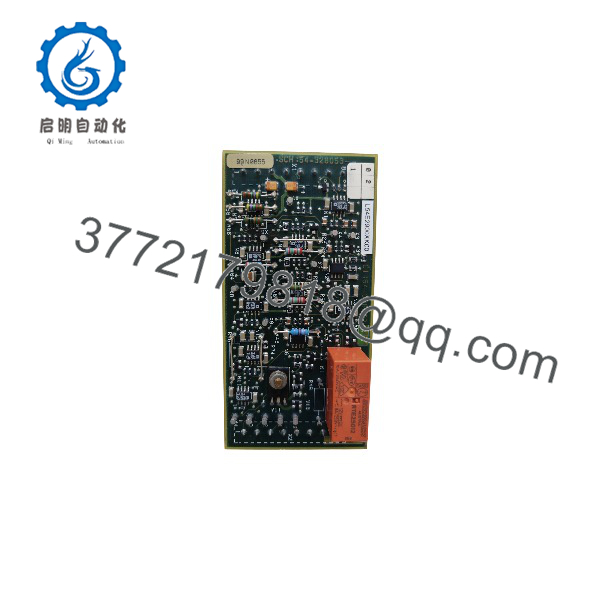
L54E2900XK00
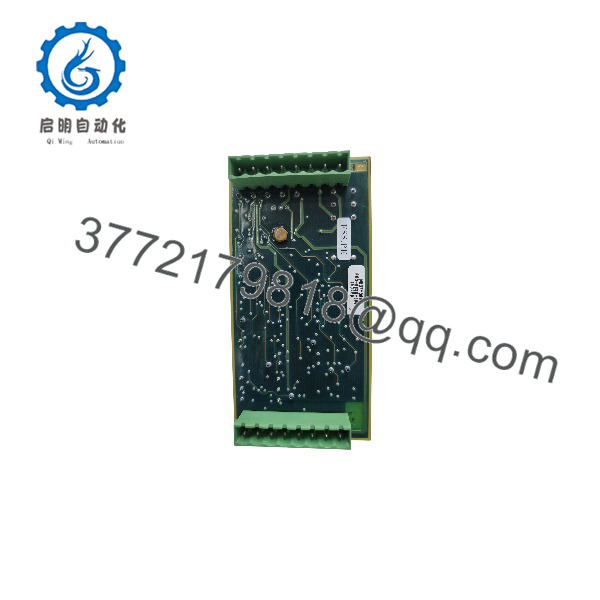
L54E2900XK00
5. Troubleshooting Quick Reference
| Symptom | Possible Cause | Relevance to this Part | Quick Check Method | Recommendation |
|---|---|---|---|---|
| System does not recognize card | Incorrect slot or seating | ✅ High | Verify card is fully seated in correct slot | Power down, reseat, and restart |
| Fault LED or diagnostic error | Card failure or configuration mismatch | ✅ High | Check system diagnostics and LED status | Replace with known-good L54E2900XK00 |
| Intermittent communication | Backplane or connector issue | ✅ Medium | Inspect connectors and backplane contacts | Clean contacts; test with another card |
| System fails to boot after swap | Firmware or hardware revision mismatch | ✅ High | Compare revision of old and new card | Confirm exact part number and revision compatibility |
| No output / no response | Missing power or enable signal | ❌ Low | Verify rack power and enable signals | Check power supply and system configuration first |
Always follow the official Microrec K4.1 maintenance procedures and lockout/tagout requirements. Capture diagnostic logs and LED status before replacing the card.
6. Frequently Asked Questions (FAQ)
Q: What system does the L54E2900XK00 belong to?
It is a genuine card for the ALSTOM / GE Microrec K4.1 platform.
Q: Is this a complete controller or just a module?
It is a plug-in module (MDEX1 card) that installs into a Microrec K4.1 rack. It is not a standalone controller.
Q: Can I use this card in other Alstom or GE systems?
No. It is specific to the Microrec K4.1 architecture. Using it in a different platform will not work.
Q: Are these cards still available new from the manufacturer?
New production is limited. Most available units are genuine new-surplus or unused stock. We supply only verified OEM parts.
Q: Do I need to load firmware or parameters after installation?
In most cases the card inherits configuration from the system or retains its own settings. Always follow the Microrec K4.1 replacement procedure and verify system diagnostics after installation.
Q: What should I check before ordering a replacement?
Confirm the exact part number (L54E2900XK00), the hardware revision if marked on the existing card, and that the system is a Microrec K4.1. Photograph the existing card and any labels for verification.
Install only in a powered-down Microrec K4.1 rack, ensure correct seating, and verify system diagnostics after power-up. This keeps the installation reliable and avoids unnecessary downtime.