WhatsApp: +86 16626708626
 Email:
 Phone: +86 16626708626
Description
3. Key Technical Specifications
- Function: Central processor module for Bachmann M1 automation systems
- Processing: High-speed industrial CPU designed for real-time control tasks
- Communication interfaces: Multiple options including Ethernet and serial ports (exact set depends on variant)
- Operating temperature: Typically –30 °C to +60 °C
- Storage temperature: Typically –40 °C to +85 °C
- Relative humidity: 5 % to 95 % (non-condensing)
- Mounting: Designed for Bachmann M1 rack / system backplane
- Certifications: CE, cULus, CCC; marine approvals available on certain variants (DNV GL, LR, ABS, BV)
- Power: Supplied via system backplane
- Note: Exact processor speed, memory size, available interfaces, and firmware version must be verified against the unit label and original system documentation, as multiple hardware configurations exist under the MP226 family.
4. Product Introduction
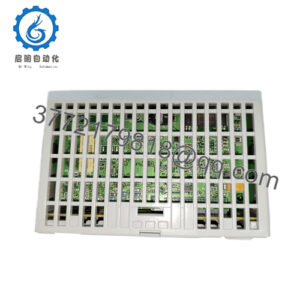
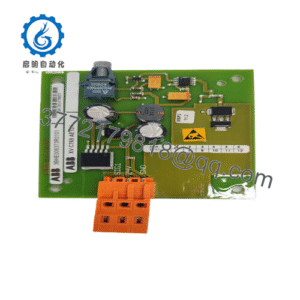
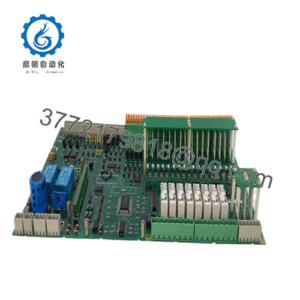
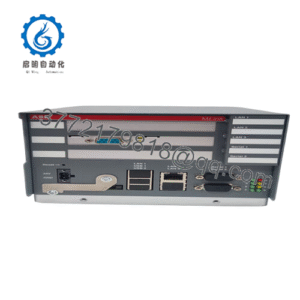
The Bachmann MP226 is a CPU processor module designed for the M1 industrial control platform. It serves as the central processing unit that executes real-time control programs, handles communication with I/O modules, and manages data exchange with higher-level systems.
Engineers select the MP226 when maintaining or expanding existing Bachmann M1 installations in demanding industrial environments. The module offers the processing power and interface flexibility required for continuous operation in power generation, marine, and process automation applications.
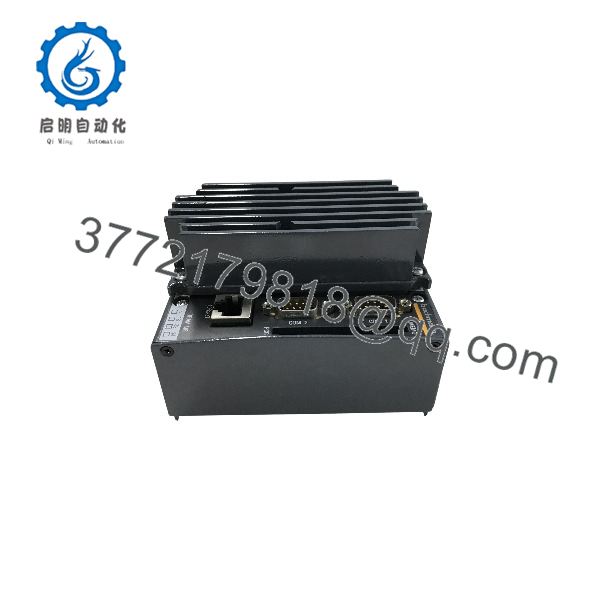
MP226
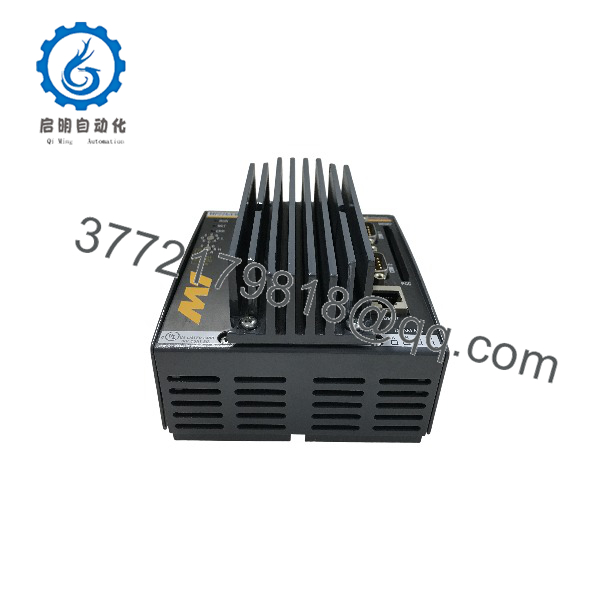
MP226
5. Troubleshooting Quick Reference
| Symptom | Possible Cause | Relevance to this Part | Quick Check Method | Recommendation |
|---|---|---|---|---|
| System does not boot | Faulty CPU module or backplane power | ✅ High | Check power LEDs and status indicators on the module | Reseat module; verify backplane voltage; replace if power is confirmed good |
| No communication with I/O or network | Interface configuration or hardware fault | ✅ High | Verify Ethernet/serial settings and cable integrity | Compare configuration with original unit; test with known-good cable |
| Intermittent freezes or resets | Overheating, firmware issue, or failing hardware | ✅ Medium | Monitor module temperature and review diagnostic logs | Ensure adequate cooling; update firmware if available; replace module if faults persist |
| Module not recognized by engineering software | Wrong firmware or hardware mismatch | ✅ High | Read module identification via Bachmann software tools | Confirm exact model/suffix and firmware version match the project |
| Status LEDs indicate error | Internal self-test failure | ✅ High | Note exact LED pattern and error codes | Document codes and replace the module after confirming external factors are eliminated |
If diagnostics remain inconclusive, photograph the module (including labels and LEDs), note the exact suffix, and contact technical support with system details.
6. Frequently Asked Questions (FAQ)
Q: What is the primary role of the Bachmann MP226?
A: It is the central CPU / processor module for Bachmann M1 automation systems. It runs the control application, manages I/O, and handles communication.
Q: Are there different variants of the MP226?
A: Yes. Common designations include MP226, MP226/E, and MP226/EW. Differences typically involve processor options, memory, interfaces, or conformal coating. Always match the exact suffix of the installed unit.
Q: Can I replace an older MP226 with a newer variant?
A: In many cases yes, but firmware compatibility and interface differences must be checked. Confirm with the original project configuration before substitution.
Q: Does the module require external power?
A: No. Power is supplied through the M1 system backplane.
Q: Is the MP226 still supported?
A: The module belongs to a mature platform. New Surplus units remain available for maintenance of existing installations. For new projects, Bachmann recommends evaluating current M1 or M100 series CPUs.
Q: What should I check before ordering a replacement?
A: Record the full model string (including any suffix such as /E or /EW), firmware version, and hardware revision from the installed module. Provide these details when ordering.
Q: What condition and warranty apply?
A: We supply New Original / New Surplus stock. Units are inspected for basic functionality. Standard coverage is a 1-year warranty against defects. Provide the complete model designation when ordering or requesting support.