
 WhatsApp: +86 16626708626
 Email:
  Phone: +86 16626708626
Description
3. Key Technical Specifications
- Ordering Code: 350022M-01-01-01
- TDI Type: Standard (non-TMR)
- I/O Module: 10Base-T/100Base-TX Ethernet
- Communication: Ethernet to System 1 and configuration software
- Data: Steady-state + transient waveform capture from M-series monitors
- Rack Slot: Next to power supplies (full-height)
- LEDs: OK, TX/RX, and TM status indicators
- Operating Temperature: -30°C to +65°C
- Power: Rack backplane powered
- Agency Approval: Per -01 suffix (CSA/NRTL/C typical)
- Rear Connections: Via paired I/O module
4. Product Introduction
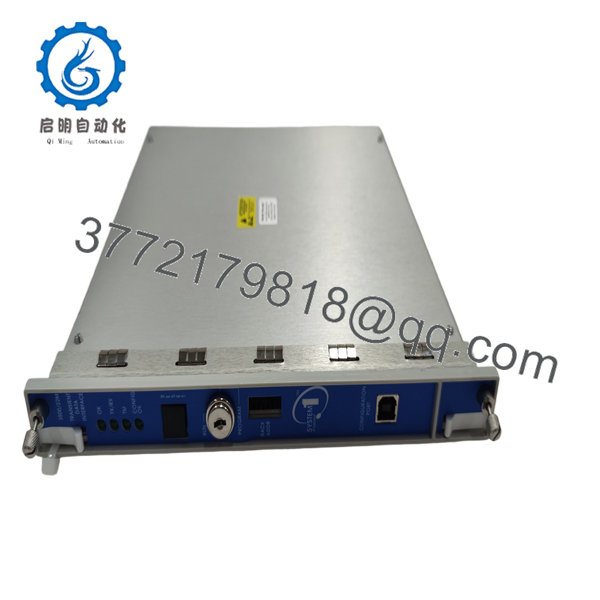
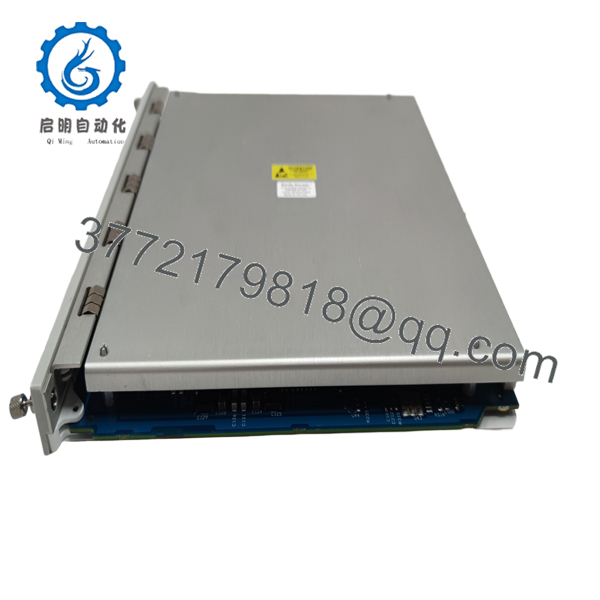
The Bently Nevada 350022M-01-01-01 is a standard Transient Data Interface module with copper Ethernet I/O for the 3500 rack. It provides the communication path for configuration and delivers continuous steady-state and transient data to monitoring software.
This configuration is common in non-redundant setups requiring reliable Ethernet connectivity. It integrates directly with M-series monitors for complete machinery protection and diagnostics.

- 3500/22M-01-01-01
- 3500/22M-01-01-01
5. Troubleshooting Quick Reference
| Symptom | Possible Cause | Relevance to this Part | Quick Check Method | Recommendation |
|---|---|---|---|---|
| No Ethernet connection | Cable or port fault | ✅ High | Check TX/RX LEDs and link lights | Test cable and switch port |
| Data not updating | Rack configuration | ✅ High | Use 3500 config software to poll rack | Verify and download configuration |
| OK LED off | Power or module issue | ✅ High | Confirm rack supplies and seating | Reseat TDI and I/O modules |
| Partial transients | Sampling settings | ✅ Medium | Review software acquisition parameters | Adjust buffer or rate settings |
| Link drops | Network interference | ❌ Medium | Monitor for packet errors | Improve shielding or network isolation |
Provide software screenshots, LED status, and network topology for support.
6. Frequently Asked Questions (FAQ)
What does the -01-01-01 breakdown mean? -01 is standard TDI, -01 is copper Ethernet I/O, -01 is the agency approval option. This is the most common non-fiber configuration.
Is this TDI compatible with my existing 3500 monitors? It works with M-series monitors. Older non-M modules may have limited functionality — check compatibility before upgrade.
Does this support redundant TDI setups? No. Use the TMR version (-02) for triple modular redundant applications. This is the standard single TDI.
How is it installed? Place the main TDI module in the slot next to the power supplies and the I/O module in the corresponding rear slot. Secure firmly and connect Ethernet.
What network speed does it support? 10/100Base-TX Ethernet. Use Cat5e or better shielded cable for industrial environments.
Do you test communication on these? Yes. We verify full Ethernet link, data collection from sample monitors, and proper operation with configuration software before shipping.
Why is lead time important for the TDI? It is the central communications module. Failure here stops data visibility even if protection continues. We prioritize these for quick turnaround.



