
 WhatsApp: +86 16626708626
 Email:
  Phone: +86 16626708626
Description
Key Technical Specifications
- Model: 3500/25 — 126398-01G
- Manufacturer: Bently Nevada
- Module type: Enhanced Keyphasor Module (3500 series)
- Primary function: Provide once-per-turn and multi-event timing for 3500 monitors
- Input types: Compatible with keyphasor pickups (mag pickup/encoder/TTL)
- Outputs: Processed keyphasor timing to 3500 backplane and monitor channels
- Mounting: 3500 series rack card (PWA format)
- Compatibility: 3500 System chassis (3500/xxx modules)
- Part reference: PWA 149369-01G (associated board notation)
- Typical condition: New surplus / new OEM stock (verify traceability)
- Warranty: Seller-dependent (recommend 6–12 months for surplus items)
Product Introduction
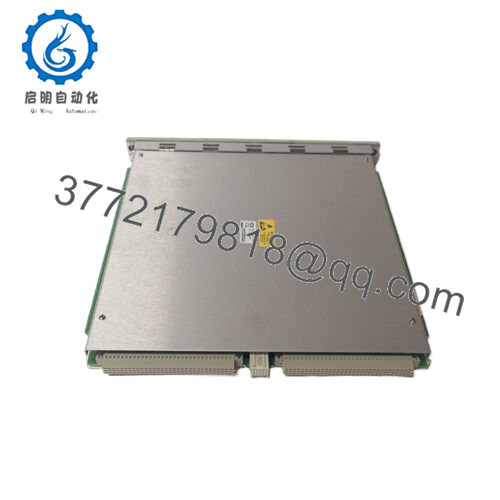
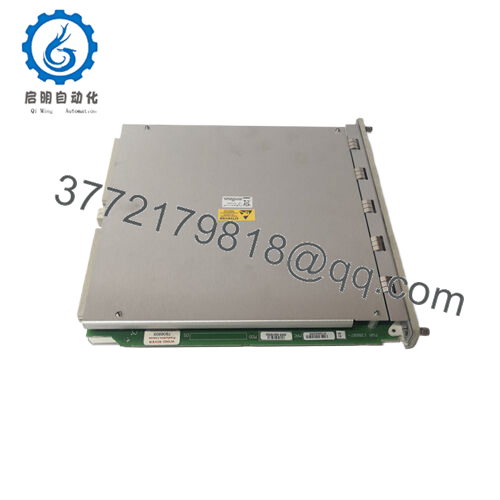
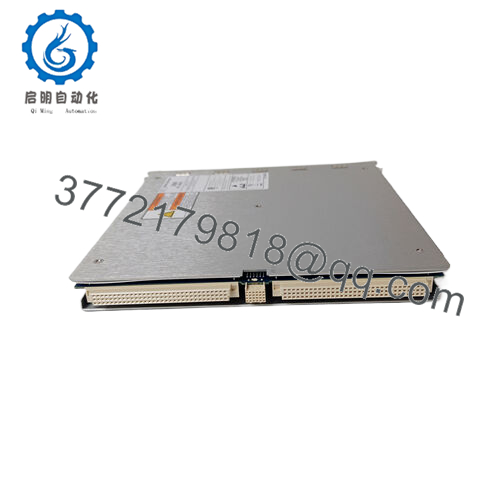
Bently Nevada 3500/25 (126398-01G) is an Enhanced Keyphasor module for the 3500 Machinery Protection System that conditions and delivers precise once-per-turn and multi-event timing signals to the 3500 monitor rack. It is used where accurate shaft timing and synchronous-phase measurements are required for vibration vector and 1X analysis on rotating machinery.
The module is chosen when existing 3500 systems require reliable keyphasor inputs compatible with magnetic pickups, encoders, or TTL-style sensors; installers prefer this module for its direct backplane integration and compatibility with standard 3500 monitor channels.
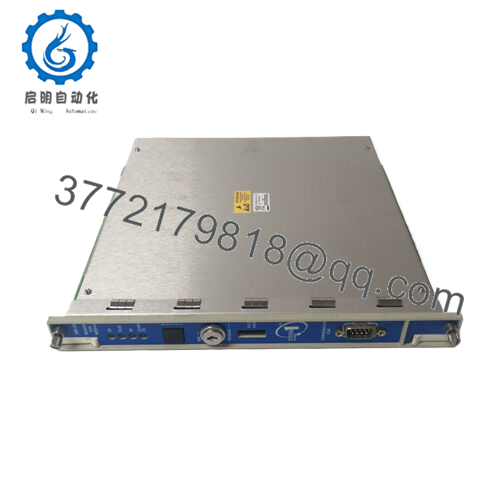
- 3500/25 126398-01G
Troubleshooting Quick Reference
| Symptom | Possible Cause | Relevance to this Part | Quick Check Method | Recommendation |
|---|---|---|---|---|
| No timing pulses in monitor software | Faulty keyphasor module, connector, or sensor feed | ✅ High | Verify presence of pulse at module input with oscilloscope or frequency counter; check continuity to pickup | If no input at module, trace back to pickup/cable; if input arrives but no backplane output, replace module |
| Monitor shows incorrect RPM/phase | Wrong sensor type/configuration or module misalignment | ✅ High | Confirm pickup type (mag vs. TTL), verify module thresholds and dip-switch/jumper settings | Match pickup type to module settings; document original switch positions before change |
| Intermittent timing/false pulses | Poor shielding, loose connector, or ground loop | ✅ High | Inspect connector pins, cable shield termination, and perform wiggle test while monitoring signal | Repair/replace cable and secure shield termination; use recommended cable routing |
| Multiple pulses per turn or jitter | Multiple-event-per-turn configured or sensor producing multiple triggers | ⚠️ Medium | Check whether sensor is installed on a multi-tooth trigger wheel; use oscilloscope to view events per revolution | Reconfigure monitor for actual events per turn or change pickup location/wheel |
| Module alarm on rack (fault LED) | Module board failure or backplane contact issue | ✅ High | Remove and reseat module; inspect backplane card-edge and module pins for corrosion | If fault persists after reseat, run module functional test or replace module |
| System boots but 1X vector missing | Keyphasor not present to compute phase | ✅ High | Confirm keyphasor signal present at module and monitor channel; verify monitor channel enabled | Provide a temporary external keyphasor or restore original sensor wiring before declaring module bad |
Note: Always verify wiring and monitor configuration before replacing expensive modules. If unresolved, provide photos of module label, rack backplane, cable termination, and oscilloscope traces to technical support.
Frequently Asked Questions (FAQ)
Q: Is 126398-01G plug-and-play in any 3500 rack?
A: Generally yes — it is designed for the 3500 chassis form factor — but you must confirm chassis revision and slot assignment, and ensure the monitor firmware matches supported modules.
Q: Can I replace a 126398-01F with 126398-01G?
A: Possibly — the suffix may indicate a revision. Compare part numbers, board PWA, and firmware notes; always match the monitor/system release notes or consult technical support for compatibility. Document the existing module and firmware before swapping.
Q: Does this module require configuration after install?
A: Yes. Verify keyphasor thresholds, event-per-turn settings, and monitor channel assignments in the 3500 configuration utility. Failure to configure will look like a sensor failure.
Q: What common installation mistakes should I avoid?
A: Don’t rely on “looks similar” — confirm connector pinout, shield termination, and pickup type. Take a photo of the existing module’s DIP switches/jumpers before removal; incorrect jumper settings are a frequent cause of lost timing.
Q: How can I verify the module before installing on the machine?
A: Bench-check the module in a known-good 3500 chassis and use a function generator or known keyphasor pickup to confirm outputs to the backplane. Request test reports or a short functional warranty from the seller.
Q: Why buy surplus OEM instead of buying new from factory?
A: Surplus often reduces lead time and cost for legacy systems, but demand traceability: insist on serial numbers, original packing lists, and a clear test procedure to avoid counterfeit or incompatible boards.
Q: What warranty and test documentation should I ask for?
A: Request a Test Report showing functional checks in a 3500 chassis, visual inspection notes, serial number trace, and at least a 90-day functional warranty (preferably 6–12 months for critical spares).
Would you like a formatted product page (title + spec table + SOP inspection checklist and customer-facing test report template) for immediate listing?



