
 WhatsApp: +86 16626708626
 Email:
  Phone: +86 16626708626
Description
3. Key Technical Specifications
| Parameter | Value |
|---|---|
| Product Type | Process Variable Monitor |
| Series | Bently Nevada 3500 System |
| Model | 3500-62 |
| Part Number | 163179-03D |
| Monitoring Channels | 6 |
| Input Types | ±10 Vdc or 4–20 mA (depending on I/O module) |
| Accuracy | ±0.33% typical, ±1% maximum of full scale |
| Power Consumption | Approximately 7 W typical |
| External Sensor Power | +24 Vdc ±5%, 250 mA maximum (Internal Barrier I/O) |
| Operating Temperature | -30 °C to +65 °C |
| Storage Temperature | -40 °C to +85 °C |
| Rack Compatibility | Bently Nevada 3500 Machinery Protection System |
| Configuration Software | 3500 Configuration Software |
Note: The suffix “D” identifies a hardware revision. Confirm the complete ordering code and installed I/O module type before replacement, since compatibility depends on both the monitor and its associated I/O module.
4. Product Introduction
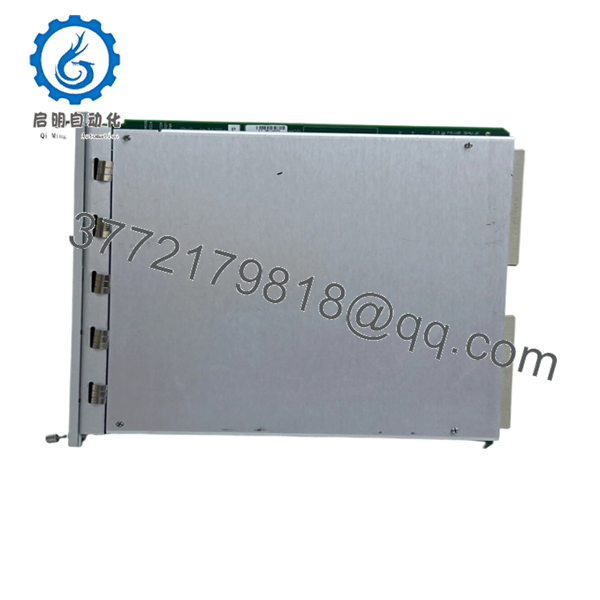
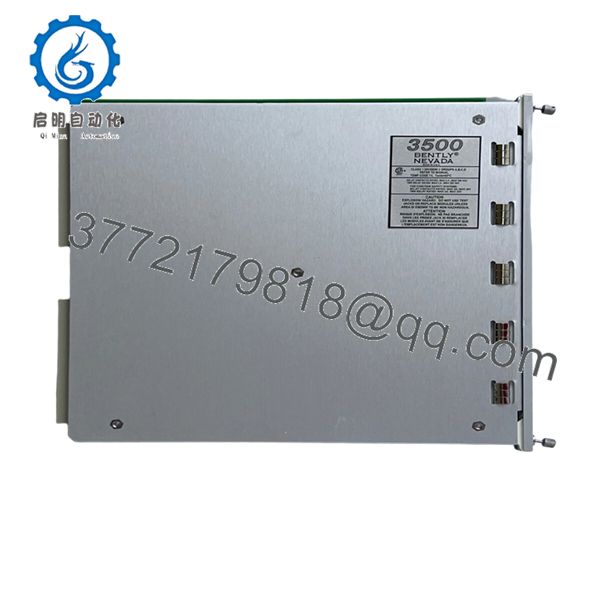
The Bently Nevada 3500-62 163179-03D is a six-channel Process Variable Monitor designed for the 3500 Machinery Protection System. It continuously monitors critical process parameters such as pressure, temperature, flow, and liquid level, converting analog field signals into engineering units while comparing each measurement against user-defined alarm limits.
Unlike vibration monitors that focus on shaft behavior, the 3500-62 supervises process variables that directly influence equipment reliability and operating safety. It integrates with other 3500 monitoring modules to provide centralized machinery protection and process monitoring from a single rack.

- 3500-62 163179-03D
- 3500-62 163179-03D
5. Installation & Configuration Guide
Stage 1 — Pre-Installation Preparation (10 Minutes)
⚠️ Safety First
- Notify operations of planned downtime.
- Bring the protected equipment to a safe operating condition.
- Apply Lock-Out/Tag-Out procedures.
- Remove power from the 3500 rack.
- Wait at least 5 minutes for stored energy to dissipate.
Tools Required
- Grounded ESD wrist strap
- PH1 screwdriver
- Fluke 115 or equivalent multimeter
- Wire identification labels
- Smartphone for reference photos
- Laptop with 3500 Configuration Software
Data Backup
- Export the rack configuration.
- Record all engineering unit scaling.
- Save alarm and danger setpoints.
- Photograph every field termination.
- Record firmware and hardware revisions.
Stage 2 — Removing the Existing Module (5 Minutes)
- Remove the rack front cover.
- Label every field cable.
- Disconnect the associated I/O module carefully.
- Release the retaining mechanism.
- Pull the monitor straight out without twisting.
Inspect for:
- Bent backplane pins
- Loose connectors
- Dust accumulation
- Corrosion
⚠️ Keep the original module available until the replacement has passed all operational tests.
Stage 3 — Installing the New Module (10 Minutes)
- Wear an ESD wrist strap before handling the module.
- Verify the replacement part number is 3500-62 163179-03D.
- Confirm the installed I/O module matches the application (Voltage or 4–20 mA).
- Insert the monitor squarely into the rack.
- Ensure the locking tabs fully engage.
- Reconnect all field wiring.
Self-Checklist
- ☑ Model verified
- ☑ Hardware revision confirmed
- ☑ Correct I/O module installed
- ☑ Wiring secured
- ☑ Module fully seated
Stage 4 — Power-On & Testing (15 Minutes)
Pre-Power Checks
- Measure the 24 Vdc supply.
- Check for shorts before energizing.
Startup Procedure
- Energize the rack.
- Verify normal LED startup sequence.
- Connect using 3500 Configuration Software.
- Confirm the module is recognized.
- Verify firmware revision.
- Check each analog input using a calibrated signal source.
- Verify engineering unit scaling.
- Confirm Alert and Danger alarm operation.
- Review diagnostic logs for faults.
⚠️ Troubleshooting Notes
ERR LED remains illuminated
- Firmware mismatch
- Unsupported hardware revision
- Configuration download failure
Incorrect Process Reading
- Wrong I/O module installed
- Incorrect input scaling
- Sensor wiring error
- Transmitter calibration issue
Channel Offline
- Open field wiring
- Loose termination
- Incorrect rack configuration
Engineer’s Installation Notes
The most common mistake I see with the 3500-62 isn’t the hardware—it’s replacing the module without documenting the channel scaling. Plants often customize each channel for different pressure, flow, or temperature transmitters. Installing a replacement with default scaling can generate false alarms immediately after startup.
Another point worth checking is the I/O module. The monitor may look identical, but a ±10 Vdc configuration and a 4–20 mA configuration are not interchangeable without the correct I/O hardware. Verify both the monitor and the rear I/O module before ordering replacement parts.
6. Frequently Asked Questions (FAQ)
Q1. What signals can the 3500-62 monitor accept?
The module accepts ±10 Vdc proportional voltage inputs or 4–20 mA analog current inputs, depending on the installed I/O module. Typical applications include pressure transmitters, flow meters, temperature transmitters, and level sensors.
Q2. Does this module monitor vibration?
No. The 3500-62 is designed for process variables, not shaft vibration. Vibration monitoring is handled by other modules in the 3500 series, such as vibration or proximity monitors.
Q3. Will replacing the monitor erase my alarm settings?
Not if you’ve backed up the rack configuration. Before removing any monitor, export the complete configuration using 3500 Configuration Software. Restoring a saved configuration is much faster than manually rebuilding channel scaling and alarm thresholds.
Q4. Is 163179-03D still available?
Many 3500 systems remain in service worldwide, but specific hardware revisions are increasingly supplied through new-surplus inventory and specialized industrial automation distributors. Availability depends on the exact revision and regional stock.
Q5. Why should I verify the hardware revision before ordering?
Different hardware revisions can have firmware dependencies or require specific I/O modules. Ordering solely by the base model number may result in unnecessary commissioning delays.
Q6. What quality inspections should be completed before shipment?
A qualified supplier should perform:
- OEM serial number verification
- Anti-counterfeit inspection
- Visual inspection for corrosion, scratches, or repair marks
- Functional testing in a genuine 3500 rack
- Analog input simulation on all six channels
- Insulation resistance testing (>10 MΩ)
- Firmware documentation
- 24-hour operational burn-in
- ESD-safe packaging with QC sign-off
Requesting test reports, inspection photos, or a startup video before shipment is a practical way to reduce commissioning risk, particularly for critical machinery protection systems.



