
 WhatsApp: +86 16626708626
 Email:
  Phone: +86 16626708626
Description
Key Technical Specifications
- Manufacturer: B&R Industrial Automation
- Part Number: 5AC600.FLAP-K11
- Product Category: Automation PC front access flap assembly
- Compatible Platform: B&R Automation PC 600 family
- Typical System Association: APC600 industrial computer housing
- Primary Purpose: Covers and protects the front service/interface opening
- Electrical Function: None; this is not a CPU, I/O card, power supply, or communication module
- Installation Location: Front panel / front-access opening of compatible Automation PC enclosure
- Service Function: Protects the interface area from accidental contact and shop-floor contamination
- Configuration Required: None
- Firmware Required: None
- Hot-Swap Consideration: Not applicable; mechanical part only
- Condition Offered: New Original / New Surplus, subject to specific unit photos and packaging confirmation
- Obsolescence Status: Legacy APC600 accessory; verify physical compatibility before ordering
Product Introduction
The B&R 5AC600.FLAP-K11 is a front-access flap assembly for B&R Automation PC 600 industrial computer systems. It is a mechanical enclosure accessory, not an electronic control module. Its job is to cover the designated front opening and protect the accessible interface or service area on a compatible APC600 housing.
Buyers typically need the 5AC600.FLAP-K11 when an original flap is cracked, missing, loose, contaminated, or damaged during panel maintenance. Matching the exact B&R part number matters because front-panel cutouts, hinge geometry, latching points, and enclosure revisions can differ across Automation PC models. Public reseller listings consistently identify it as an APC600 front-access cover or interface flap, although exact host-PC compatibility should be verified from the nameplate and mechanical layout before purchase.
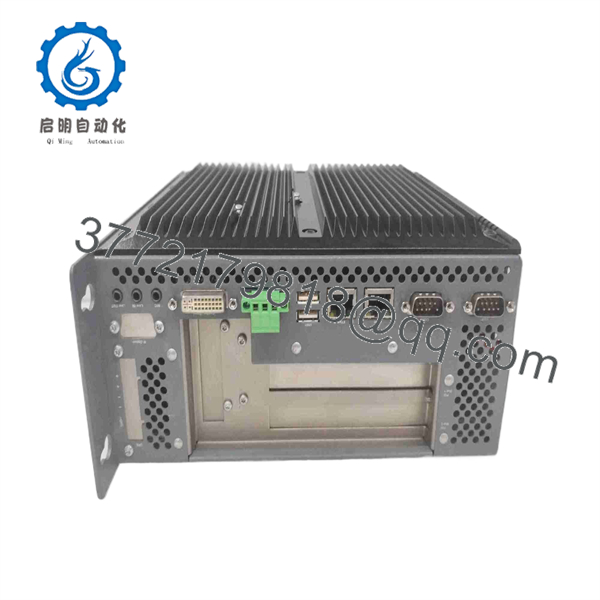
5AC600.FLAP-K11
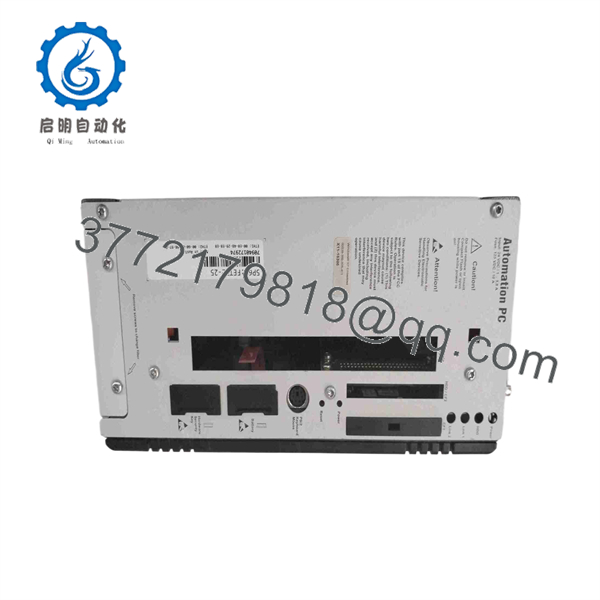
5AC600.FLAP-K11
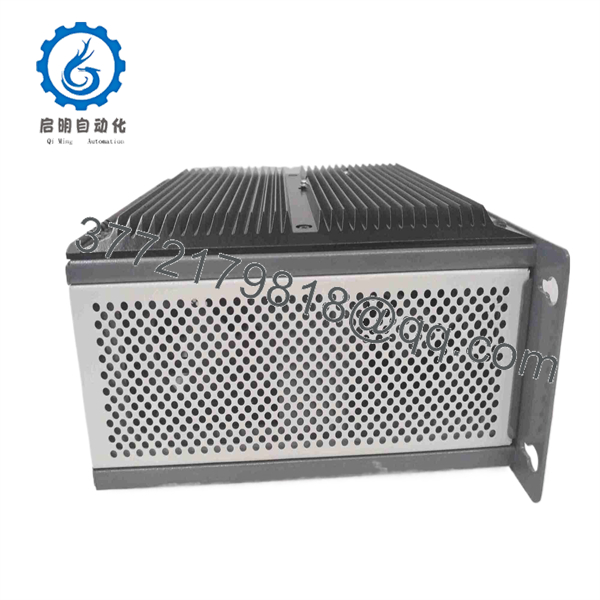
5AC600.FLAP-K11
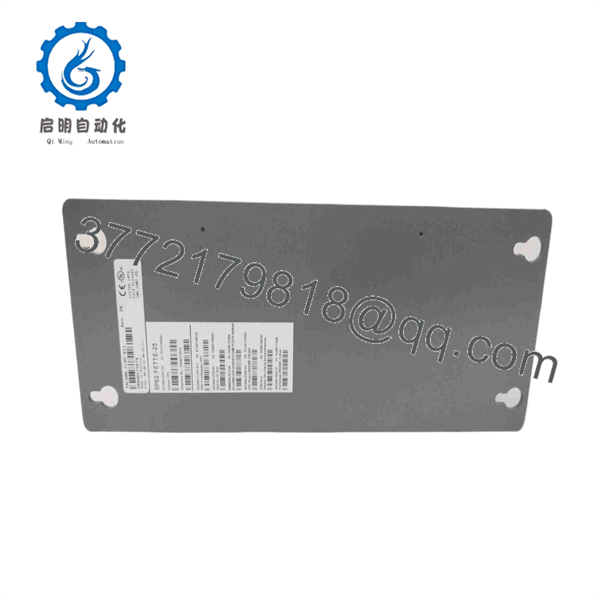
5AC600.FLAP-K11
Troubleshooting Quick Reference
| Symptom | Possible Cause | Relevance to This Part | Quick Check Method | Recommendation |
|---|---|---|---|---|
| Flap is missing from the Automation PC front panel | Previous service work, broken hinge, lost mechanical accessory | ✅ High | Compare the front opening against another identical APC600 unit or OEM enclosure drawing | Replace with the exact 5AC600.FLAP-K11 after confirming the chassis revision |
| Flap will not close or latch | Broken latch tab, bent hinge, foreign material in mounting area | ✅ High | Power down the PC if access requires opening the panel; inspect hinge points and latch surfaces with a flashlight | Remove debris and inspect for damaged mounting tabs; replace the flap if the latch no longer retains |
| Front interface area is exposed to dust or metal debris | Missing or cracked cover | ✅ High | Inspect for cracks, gaps, deformation, or incomplete closure around the access opening | Replace promptly, especially in machining, material-handling, or conductive-dust environments |
| USB, serial, or storage interface does not work | Cable, operating system, driver, motherboard port, or storage-device fault | ❌ Low | Test the port with a known-good device; inspect connector pins and review operating-system logs | Do not replace the flap first; diagnose the PC interface, cable, device, and drivers |
| Automation PC will not boot | Failed power supply, storage media fault, BIOS issue, motherboard fault | ❌ Low | Measure the system supply at the PC input, check status LEDs, and test known-good storage if applicable | The 5AC600.FLAP-K11 has no active electronics; troubleshoot the APC600 hardware first |
| Front flap does not match mounting points | Wrong chassis revision or incorrect part selection | ✅ High | Photograph the original opening, hinge side, latch position, and PC nameplate before ordering | Verify the complete host-PC model and compare physical mounting features before purchase |
| Unit has corrosion or broken plastic around the access area | Coolant exposure, UV aging, impact damage, or unsuitable cabinet environment | ✅ High | Inspect the housing and flap mounting area for corrosion, yellowing, brittle plastic, and damaged bosses | Replace the flap and correct the enclosure sealing or contamination source before installing the replacement |
The 5AC600.FLAP-K11 rarely causes a control-system fault because it is a mechanical front-panel accessory. If the Automation PC has boot, communication, or I/O issues, collect photos of the nameplate, front-panel opening, diagnostic LEDs, and relevant system logs before assuming this part is involved. Contact technical support with those records if the physical fitment remains uncertain.
Frequently Asked Questions (FAQ)
What exactly is the B&R 5AC600.?
It is a front access flap or interface-cover assembly used with B&R Automation PC 600 equipment. It is not a PLC CPU, I/O module, storage device, communication card, or power supply. Its purpose is mechanical protection and closure of a designated front access opening on a compatible enclosure.
Will the 5AC600. fix a B&R Automation PC that will not boot?
No. To be honest, it will not fix a boot failure because the flap contains no processor, memory, firmware, power circuitry, or communication electronics. Start with the incoming power supply, PC status LEDs, storage media, internal connections, BIOS diagnostics, and operating-system logs. Replace the flap only if the physical front cover is missing or damaged.
Is 5AC600. a direct replacement for every B&R Automation PC front cover?
Do not assume so. B&R used several Automation PC and Panel PC mechanical designs, and similarly named accessories can have different hinge positions, latch tabs, panel cutouts, or chassis mounting points. Confirm the exact Automation PC model from the nameplate, then compare the old flap’s dimensions, hinge orientation, latch location, and mounting points before ordering.
Can I install this flap while the Automation PC is powered?
Usually, yes, if the flap can be installed without opening the energized enclosure, touching internal electronics, or exposing hazardous voltage. Still, follow your site lockout/tagout procedure and cabinet safety rules. If installation requires access behind the panel or near live terminals, isolate power first. Do not work from memory—inspect the mechanical arrangement before you start.
Does this part require programming, firmware matching, or configuration?
No. The B&R 5AC600. is a mechanical accessory, so there is no firmware revision, parameter download, address setting, or project backup requirement. However, if the flap covers access to CompactFlash, USB, serial, or other service connections, document the system state before removing any storage device or cable behind the cover.
Is the B&R 5AC600. obsolete?
It is associated with the legacy B&R Automation PC 600 platform, so availability can be limited and dependent on surplus inventory. For shutdown-critical spares, confirm actual stock, photographs, packaging condition, and the physical host-PC match before issuing a purchase order. Keeping one spare flap can be sensible where contamination control or front-panel compliance matters.
Why can a New Surplus unit cost less than factory supply?
New Surplus generally means unused OEM inventory that entered the secondary market through excess project stock, distributor liquidation, plant inventory reduction, or discontinued-system spares. It may not include current factory support or the original sales channel. Ask for actual-unit photos, label details, packaging condition, traceability information, and warranty terms. If the unit is described as refurbished, ask what was replaced and whether the latch and hinge operation were physically inspected.
What should I photograph before ordering a replacement flap?
Take clear photos of the Automation PC nameplate, the entire front panel, the open access area, both hinge or retention points, the latch side, and the existing flap if available. This is the most useful way to prevent an incorrect mechanical fit. Take a picture before you touch anything—front-panel accessories can look nearly identical while using different retention geometry.



