
 WhatsApp: +86 16626708626
 Email:
  Phone: +86 16626708626
Description
3. Key Technical Specifications
| Parameter | Value |
|---|---|
| Total Ports | 20 |
| Copper Ports | 16 × 10/100/1000BASE-T RJ-45 |
| Uplink Ports | 4 × GE combo (RJ-45 or SFP; only one active per port) |
| Switching Capacity | Line rate for all ports and packet sizes |
| MAC Address Table | 16,000 |
| VLANs | 1,000 |
| IGMP Multicast Groups | 1,000 |
| Memory | 1 GB DRAM; 128 MB onboard flash; 1 GB removable SD card (included) |
| Power Input | Redundant DC 9.6–60 VDC |
| Max Input Current | 4.3 A |
| Power Consumption | 40 W (at 9.6 V, excluding any external loads) |
| Operating Temperature | –40 °C to +75 °C (derated by enclosure type) |
| Dimensions (H × W × D) | 6.12 × 6.12 × 5.09 in (155.4 × 155.4 × 129.2 mm) |
| Weight | 6.35 lb (2.88 kg) |
| Mounting | DIN rail |
| Default Software | Cisco IOS LAN Base (upgradeable to IP Services) |
| Alarm I/O | 2 dry-contact inputs, 1 relay output |
| Console | RJ-45 + Mini-USB |
4. Product Introduction
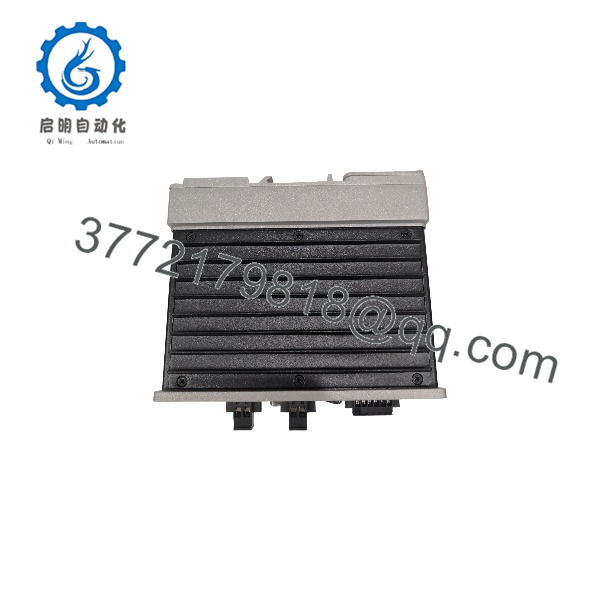
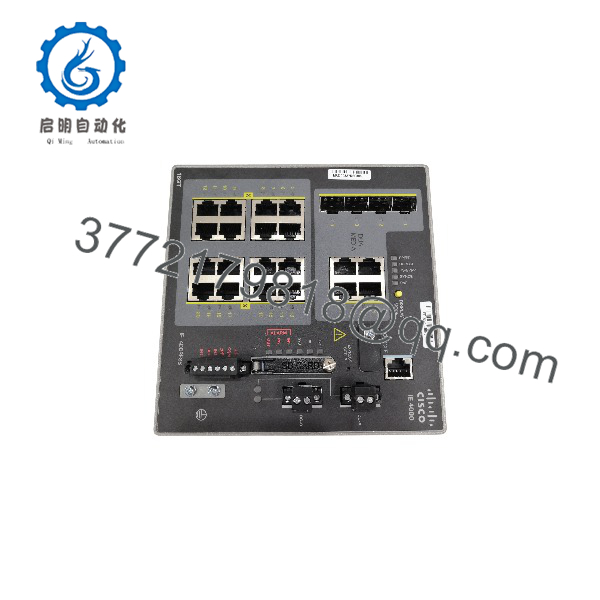
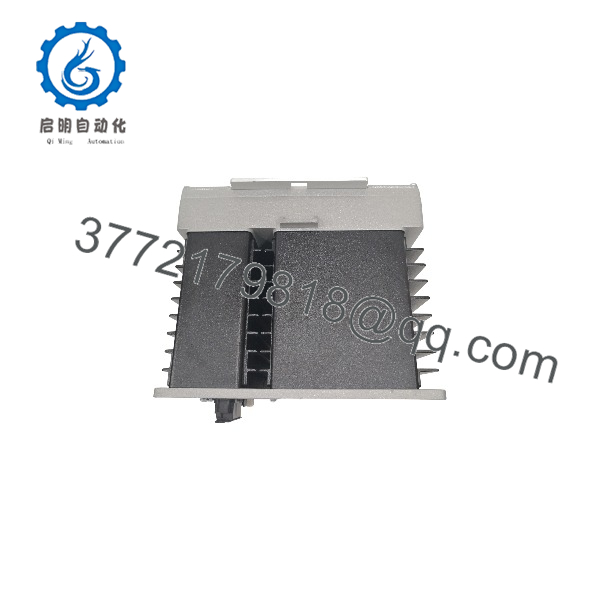
The Cisco IE-4000-16GT4G-E is a managed industrial Ethernet switch from the IE 4000 Series. It provides 16 Gigabit copper ports plus four Gigabit combo uplinks for connecting PLCs, HMIs, drives, and remote I/O in manufacturing, energy, transportation, and process control environments.
It runs Cisco IOS LAN Base with support for PROFINET, EtherNet/IP, PTP, REP, and PRP. Dual DC power inputs (9.6–60 V) and an operating range of –40 °C to +75 °C allow installation in control cabinets without air conditioning. The unit is DIN-rail mountable and ships with a 1 GB SD card for configuration storage. Cisco has announced End-of-Sale for the IE 4000 Series; remaining stock is new surplus or tested units.
IE-4000-16GT4G-E
IE-4000-16GT4G-E
IE-4000-16GT4G-E
5. Troubleshooting Quick Reference
| Symptom | Possible Cause | Relevance to this Part | Quick Check Method | Recommendation |
|---|---|---|---|---|
| No LEDs on power-up | Missing or incorrect DC voltage | ✅ High | Measure 9.6–60 VDC at both DC-A and DC-B terminals with a multimeter | Verify polarity and voltage under load before replacing the switch |
| SYST LED amber / solid | Hardware or boot failure | ✅ High | Connect console (RJ-45 or Mini-USB) and check boot messages | Capture console output; unit often requires replacement if it fails POST |
| Ports show link but no traffic | VLAN, trunk, or STP misconfiguration | ⚠️ Medium | Check interface status and spanning-tree state via CLI or Device Manager | Confirm port mode and VLAN assignment match the existing network |
| One or more copper ports down | Cable, speed/duplex, or port failure | ⚠️ Medium | Swap known-good cable; force 1000/full; test another port | Isolate to cable or SFP before assuming switch port is dead |
| Combo uplink inactive | SFP not seated or copper/SFP conflict | ✅ High | Ensure only one media (copper or fiber) is connected; check “show interface” | Remove unused media; only one interface per combo port can be active |
| Intermittent communication after temperature swing | Thermal or power margin issue | ⚠️ Medium | Monitor internal temperature and input voltage during load | Confirm enclosure type derating and leave 20 % power headroom |
If the unit still fails after these checks, collect console logs, a photo of the front-panel LEDs, and the exact IOS version, then contact technical support.
6. Frequently Asked Questions (FAQ)
Q: Is the IE-4000-16GT4G-E still available new from Cisco?
A: No. Cisco announced End-of-Sale with last order date 26 July 2024. Current units on the market are new surplus, factory-sealed stock, or thoroughly tested refurbished units. Verify serial numbers and condition before purchase.
Q: Can I hot-swap this switch?
A: No. Power must be removed before installation or removal. Hot-swapping risks backplane damage and is not supported.
Q: Does this model support PoE?
A: No. The IE-4000-16GT4G-E has no PoE budget. If you need PoE, look at the IE-4000-8GT8GP4G-E or the newer IE 3500 Series equivalents.
Q: What happens to the configuration when I replace a failed unit?
A: Configuration is stored on the removable SD card and in onboard flash. Pull the SD card from the old unit (or copy the running-config via console/TFTP) and insert it into the new unit, or restore from a saved config file. Always document the current IOS version and license before removal.
Q: Can I upgrade from LAN Base to IP Services?
A: Yes. A paid RTU license (L-IE4000-RTU=) enables Layer 3 features. Confirm the exact IOS release supports the license before ordering.
Q: What is the difference between this and the IE-4000-16T4G-E?
A: The 16GT model has 16 Gigabit copper ports; the 16T model has 16 Fast Ethernet (10/100) copper ports. Both share the same four Gigabit combo uplinks, power, and mechanical footprint. Choose based on the speed required at the edge devices.
Q: Why is the price lower than original Cisco list?
A: Because the series is End-of-Sale. New surplus and tested units sell at a discount to list while still carrying a warranty from the reseller. Always request the test report and serial-number verification.



