
 WhatsApp: +86 16626708626
 Email:
  Phone: +86 16626708626
Description
Key Technical Specifications
- Model code: XV-303-70-B00-A00S07
- Brand: Eaton
- Series: XV-300
- Display size: 7 in widescreen
- Display type: TFT color display
- Resolution: 1024 x 600
- Touch type: Capacitive multi-touch
- Supply voltage: 24 V DC
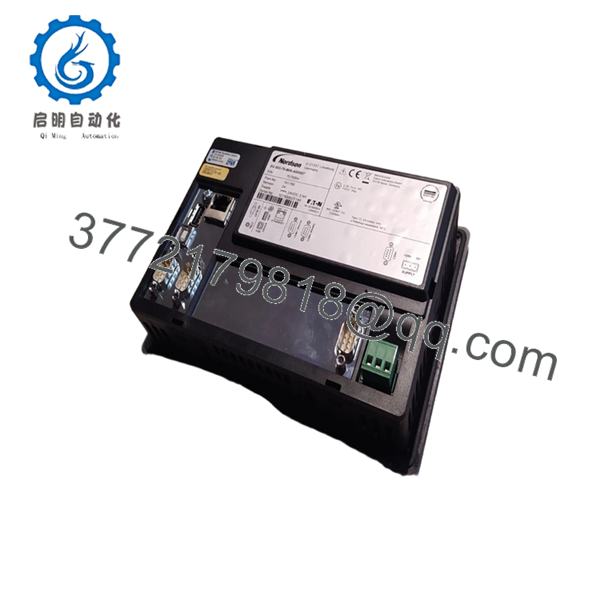
- Communication interfaces: 1 x Ethernet, 1 x RS-232, 1 x RS-485, 1 x CAN, 1 x SD card slot
- Operating system: Windows Embedded Compact 7 Pro
- Mounting: Flush mount
- Front protection: IP65
- Rear protection: IP20
- Operating temperature: 0 to 50 C
- Weight: 0.74 kg
Product Introduction
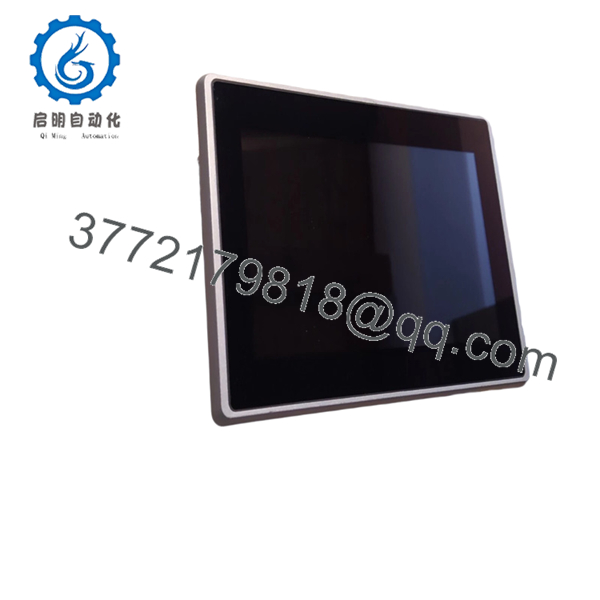
Eaton XV-303-70-B00-A00S07 is a 7 in XV-300 HMI-PLC used for operator control, visualization, and local machine logic. It runs on 24 V DC and suits retrofit or new-build panels that need Ethernet, serial, CAN, and SD card support.
This unit is a good fit when you need a compact control panel with integrated PLC functions instead of a separate HMI plus controller stack. The 1024 x 600 WSVGA display gives more room for trends, alarms, and process screens than older VGA panels.
Troubleshooting Quick Reference
| Symptom | Possible Cause | Relevance to this Part | Quick Check Method | Recommendation |
|---|---|---|---|---|
| No power-up display | Missing 24 V DC, blown fuse, wiring error | ❌ Low | Measure input at the panel terminals with a multimeter | Check cabinet power and fuse status first |
| Screen on, no project load | Corrupt runtime, missing SD card image, wrong startup file | ✅ High | Check boot sequence and SD card contents | Reload the project before replacing hardware |
| PLC logic not responding | Program issue, stopped CPU task, download failure | ✅ High | Read controller status in service mode | Verify the logic task and reload application if needed |
| Ethernet comms fail | Wrong IP, bad cable, switch port problem | ✅ High | Ping the device, check link LEDs, swap patch cable | Fix network settings and cabling first |
| CAN device not seen | Wrong node address, termination issue, bus fault | ✅ High | Check node settings and termination resistors | Match the fieldbus settings to the existing machine |
| Touch input inaccurate | Calibration drift, dirty panel, damaged touch layer | ✅ High | Run calibration and inspect the faceplate | Recalibrate first; replace only if the touch layer is unstable |
If you are stuck, send technical support photos of the label, connectors, screen startup messages, and PLC diagnostic logs.

- XV-303-70-B00-A00S07
- XV-303-70-B00-A00S07
Frequently Asked Questions (FAQ)
Q: Is the XV-303-70-B00-A00S07 a direct replacement for older Eaton XV panels?
A: Only if the cutout, power, and communications match your current build. The XV-300 family is close enough to fool people into a bad swap, so check the exact suffix and port list before you order. A one-letter change can mean different firmware or interface options.
Q: Does this unit need separate PLC hardware?
A: No, this is an HMI-PLC, so it combines the operator panel and controller function in one unit. That reduces cabinet parts count, but it also means the application and panel state matter more during replacement. Back up the project before you remove the old unit.
Q: Can I hot-swap this panel?
A: No. Shut down power first and confirm the cabinet is de-energized. Pulling a live HMI-PLC is a quick way to damage the ports or backplane and create a longer outage.
Q: What condition is this usually sold in?
A: Most units like this are sold as New Original or New Surplus. That is why pricing is often lower than factory direct stock. The important check is whether the seller gives you test status, traceability, and a clear condition statement.
Q: What communication options does it have?
A: The listed platform includes Ethernet, RS-232, RS-485, CAN, and an SD card slot. That gives you flexibility, but the machine still needs the right protocol configuration. Never assume a physical port means the software side is ready.
Q: What usually causes a failed replacement on these panels?
A: Firmware mismatch, wrong IP settings, bad fieldbus termination, and incorrect startup files cause more trouble than dead hardware. I have seen a swap look perfect on the bench and fail on site because the old node address was never documented. Take pictures before removal and mirror the original setup exactly.



