WhatsApp: +86 16626708626
 Email:
 Phone: +86 16626708626
Description
Key Technical Specifications
| Parameter | Value |
|---|---|
| Module type | Dual channel bearing vibration measurement module, MMS 6000 series |
| Measurement principle | Absolute bearing (seismic) vibration per DIN 45666 / ISO 3945, VDI 2056 |
| Sensor inputs | 2 independent inputs, differential, galvanically separated, SENS 1H/1L and SENS 2H/2L |
| Compatible sensors | EPRO PR926X series electrodynamic vibration velocity sensors |
| Sensor input voltage range | −5 to +15 V DC (module operating range 0 to 55 V DC) |
| Input resistance | >100 kΩ |
| Dynamic input voltage | 311 mVpp min / 9,500 mVpp max for 100% measuring range |
| Frequency range | 10 to 1,000 Hz (VDI 2056) |
| Measuring ranges | 5 mm/s to 100 mm/s (corresponding to ±25 µm to ±500 µm), continuously adjustable via software |
| Resolution | 10-bit |
| Alarm outputs | 4 alarm relays per channel, “Danger” mode with make/break configuration |
| Alarm behavior | Startup-adjustable alarm levels; alarm blocking with 15-second settling time after configuration download |
| Control inputs | Common logic binary inputs for both channels |
| Self-diagnostics | Sensor short-circuit and break detection, error indication, built-in sensor self-test |
| Communication | RS232/RS485 for configuration and readout; integrates with MMS 6850 Analysis and Diagnostic System |
| Configuration | Field-configurable via PC software; password-protected operating levels |
| Power supply | Redundant power supply inputs |
| Module format | Plug-in module, replaceable during operation (per system design) |
| Origin | Germany |
| Typical applications | Steam/gas/hydro turbines, compressors, pumps, fans, gearboxes, generators |
Verify exact installed variant and configuration against your MMS 6000 rack documentation before ordering. Measurement ranges and alarm behavior are configuration-dependent — a replacement module must receive the same configuration file as the unit it replaces.
Product Introduction
The Emerson EPRO MMS6120 is a dual-channel bearing vibration measurement module from the MMS 6000 series, installed across power generation, oil and gas, and heavy industry for the protection and monitoring of turbines, compressors, pumps, and fans. Each channel takes an electrodynamic velocity sensor (EPRO PR926X series) and measures absolute bearing vibration per DIN 45666 / ISO 3945, generating alarms when levels exceed configured limits.
It earns its keep in three ways. It detects sensor shorts and breaks, so a dead sensor raises a fault instead of a silent false “all-clear.” It stores the last start/stop measurement values for post-mortem analysis after a trip — when you’re arguing about what killed the machine at 2 AM, that data is the arbiter. And it’s field-configurable via RS232/RS485 with password-protected levels, so alarm limits change with a laptop, not a soldering iron. For plants standardized on MMS 6000, this is the module that keeps the protection system honest.
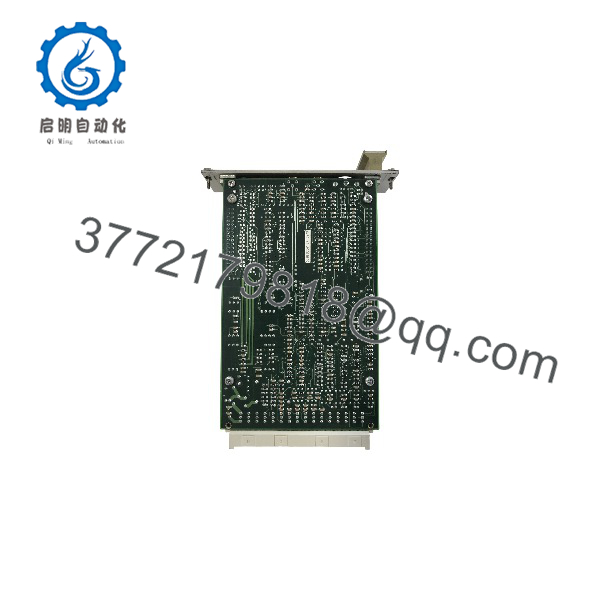
MMS6120
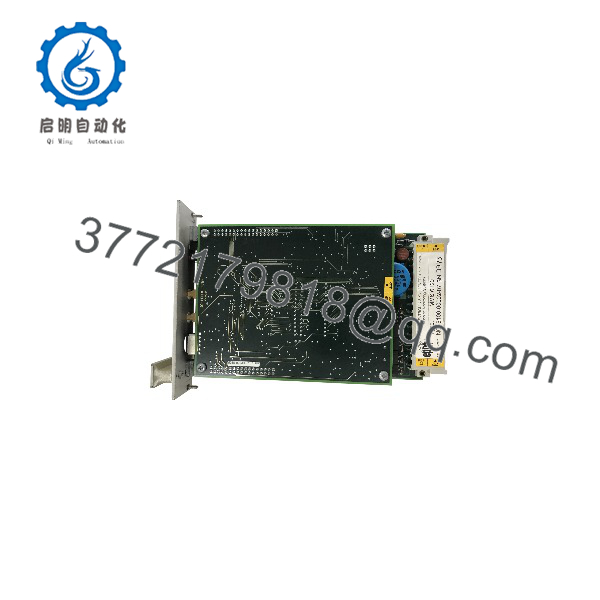
MMS6120
Installation & Configuration Guide
Stage 1: Pre-Installation Preparation (~20 min)
- ⚠️ Safety First: Notify operations and the control room before touching a machinery protection rack. This is a protection system — pulling or degrading a channel can initiate a trip or disable machine protection. Confirm the machine’s protection logic with operations: some plants run on reduced protection during module swaps; others cannot tolerate it at all. Follow your site’s MMS 6000 change procedure. Lock out/tag out the rack power per site procedure.
- Tools Required: ESD wrist strap, multimeter (Fluke 115 or equivalent), laptop with the EPRO configuration software and the correct RS232/485 interface cable, small flathead screwdriver, cable labels, smartphone for photos.
- Data Backup — critical on this platform: Connect to the installed module and upload and save its complete configuration file before removing anything. Record firmware version, alarm thresholds, measuring range, relay logic (make/break), and sensor channel assignments. Photograph the module front panel, wiring, and slot position. A protection module with the wrong configuration is more dangerous than a dead one.
Stage 2: Removing the Old Module (~10 min)
- ESD strap on before touching the rack.
- Photograph the front panel and all terminal wiring. Label sensor cable pairs per channel (SENS 1H/1L, SENS 2H/2L) — swapping a high/low pair turns a healthy signal into a fault indication.
- Confirm with operations that the machine protection state is acceptable for the channel(s) going offline.
- Release the module retaining hardware per the rack design and withdraw the module straight out. Support it — these modules aren’t heavy but the connectors are precise.
- Inspect the slot and backplane connector for dust and bent contacts.
- ⚠️ Keep the old module until the replacement runs clean. Its configuration file and front-panel settings are your reference.
Stage 3: Installing the New Module (~10 min)
- ESD strap on. Verify the nameplate reads MMS6120 and matches your ordering spec.
- Note the module’s default state: a new or reconfigured module comes up unconfigured or with default values — do not install it and walk away.
- Insert the module into the slot until the connector seats firmly. Secure the retaining hardware.
- Reconnect sensor and I/O wiring exactly per your photos and labels.
- Connect the laptop and download the saved configuration file — alarm thresholds, measuring ranges, relay logic, blocking behavior. Verify every setting against your backup record, not just “the download succeeded.”
Stage 4: Power-Up & Testing (~20 min)
- Restore rack power per site procedure. Observe the module’s power-up and self-test indications.
- Confirm sensor OK status on both channels — the module’s self-diagnostics should show valid sensor loops. A short/break fault means wiring, not the module; check your connections against the photos first.
- Verify measured values: both channels should read plausible vibration levels matching the machine’s known baseline. A channel reading dead zero usually means an open sensor loop.
- Test alarms with the machine stable and operations informed: simulate an alarm condition via the configuration software’s test function (not by hammering on the bearing housing). Confirm the correct relay responds at the DCS/trip logic side.
- Confirm the MMS 6850 or other host system re-establishes communication and reads correct values.
- ⚠️ Troubleshooting Note: If alarms are blocked after your configuration download, that’s the built-in 15-second settling time — wait it out, don’t power cycle. If a channel faults persistently, swap the sensor cable pairs between channels to isolate: if the fault follows the cable, it’s the sensor loop; if it stays on the channel, it’s the module. And re-verify alarm thresholds against the backup — a default-threshold protection module that trips a turbine on spurious vibration is a career-limiting event.
Frequently Asked Questions (FAQ)
Q1: Can I hot-swap this module with the machine running?
The MMS6120 is designed to be replaced during operation in the sense that the rack supports module replacement without a full system power-down — but “hot-swap” here has a big asterisk: the channels you’re swapping go offline, and if those channels feed trip logic, your machine is running unprotected or on reduced protection for the duration. Coordinate with operations, follow your site’s protection-system change procedure, and never treat a protection module like an I/O card. Some plants require a documented risk assessment first. Honestly, this is one of those swaps where the paperwork takes longer than the work — and it should.
Q2: Is this model current or obsolete, and is what you’re selling genuinely new?
The MMS6120 sits within Emerson’s EPRO MMS 6000 series, which remains in wide service; availability varies by revision and we confirm stock and revision at order time. Our units are New Original / New Surplus: genuine EPRO production, factory packaging, never placed in service. We verify serial numbers and part markings, inspect for corrosion or rework, and audit accessories. Refurbished units, when offered, are labeled as Refurbished (tested) — never blended into new-surplus listings. Photos of the exact unit are available before you commit.
Q3: What’s the direct replacement if this exact unit is out of stock?
Within MMS 6000, the correct path depends on your rack and configuration — the MMS6120 covers absolute bearing vibration with velocity sensors; siblings like the MMS6110 (single channel) and other family modules cover different channel counts and measurement types. They are not drop-in interchangeable: channel count, sensor type, and configuration software behavior differ. For greenfield systems, Emerson’s CSI 6500 (API 670) platform is the modern successor, but that’s a new protection rack, not a swap. Call us with your rack configuration before ordering cross-family.
Q4: Will I lose my configuration when I swap the module?
Yes, if you don’t back it up. The configuration lives in the module, not the rack. Connect with the configuration software first, upload and save the complete file, and download it to the replacement after installation. I’ve watched a tech install a new module with default thresholds and the machine tripped within the hour — on limits meant for a different machine class. Fifteen minutes of backup versus a spurious turbine trip: not a hard choice. Also record the firmware version; a large version gap between old and new modules can change configuration-file behavior, so verify settings line by line after download.
Q5: Why is your price lower than Emerson’s list price?
Our stock comes from OEM spares programs, project surplus, and factory overruns purchased outside the distribution chain. We’re not an authorized Emerson distributor, and we state that plainly: the 12-month warranty is ours, not Emerson’s. For plants that need a specific revision with full factory traceability and certification, we’ll say so and point you to distribution. For plants that need a genuine, tested module in the rack this week, our pricing and availability usually win.
Q6: Can I use non-EPRO velocity sensors with this module?
Officially, no — the MMS6120 is specified for EPRO PR926X series electrodynamic velocity sensors, and the module’s input characteristics and self-test functions are matched to them. Third-party velocity sensors sometimes measure acceptably, but the module’s short/break detection and dynamic range assumptions can misbehave — phantom sensor faults or, worse, alarm thresholds that don’t correspond to real vibration levels. On a protection channel, that’s not where you save money. Use the specified sensors.
Q7: What quality checks do you run before shipping?
Every unit passes inbound inspection (serial number and part marking verification against OEM records, anti-counterfeit screening, visual and accessory audit), then a live bench test on a genuine MMS 6000 rack: power-up and self-test, both sensor input channels exercised with simulated sensor signals across the dynamic input range, alarm relay function test, RS232/485 communication handshake, and a powered burn-in exceeding 24 hours. Results are logged in a signed Test Report; the module ships in ESD bagging with a QC Passed label and date. Test photos are available on request. We won’t claim it’s failure-proof — we’ll tell you exactly what we verified.