
 WhatsApp: +86 16626708626
 Email:
  Phone: +86 16626708626
Description
Key Technical Specifications
| Parameter | Value |
|---|---|
| Manufacturer | Emerson |
| Product Family | DeltaV Distributed Control System |
| Model Number | KJ3001X1-CB1 |
| Original Part Number | 12P1985X062 |
| Product Type | Discrete Output Module |
| Channel Count | 32 discrete output channels |
| Output Type | 12–24 VDC high-side switching |
| Field Power Rating | 24 VDC field power distribution |
| Output Current | 100 mA/channel typical field output rating |
| LocalBus Power | 12 VDC at 150 mA |
| Mounting Platform | DeltaV I/O carrier |
| Communication Interface | DeltaV LocalBus backplane |
| Terminal Interface | Dedicated DeltaV terminal block/carrier system |
| Operating Temperature | 0 °C to 60 °C typical |
| Humidity Range | 5–95% RH, non-condensing |
| Protection Rating | IP20 cabinet installation |
| Hazardous Area Support | Dependent on installation certification and carrier configuration |
The KJ3001X1-CB1 is identified as a DeltaV 32-channel discrete output module with 12–24 VDC high-side switching capability and Emerson part number 12P1985X062.
Product Introduction
The Emerson KJ3001X1-CB1 is a DeltaV discrete output module used in process automation systems to control field devices such as solenoid valves, relays, and contactors. It provides 32 digital output channels through the DeltaV I/O architecture.
This module is commonly maintained as a spare for operating DeltaV installations where replacing an entire I/O subsystem is not practical. Before replacement, verify terminal block keying, carrier compatibility, output voltage requirements, and existing DeltaV configuration.
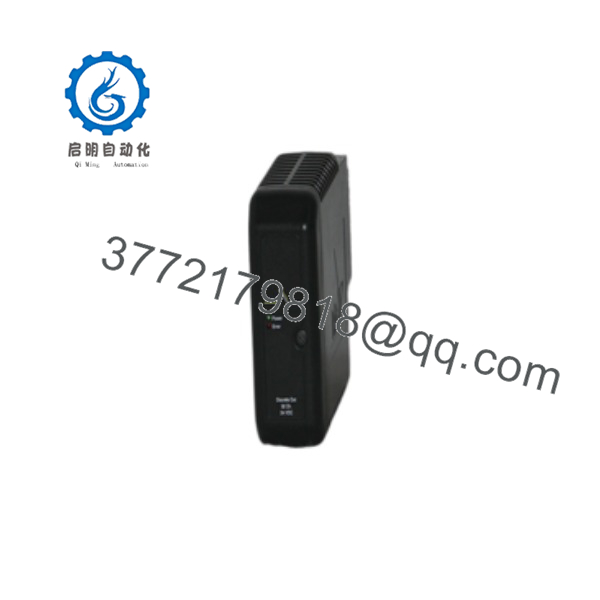
KJ3001X1-CB1
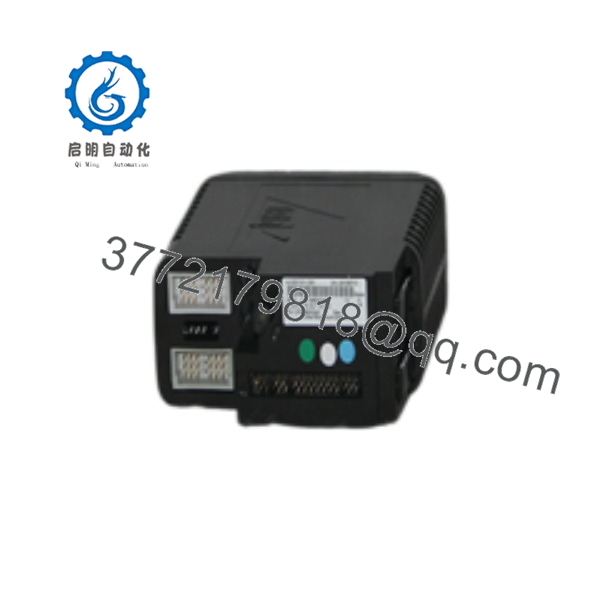
KJ3001X1-CB1
Installation & Configuration Guide
Stage 1: Pre-Installation Preparation — 10 minutes
⚠️ Safety First
- Notify operations before interrupting the DeltaV I/O subsystem.
- Confirm the affected control loop and field devices.
- Place the process equipment in a safe condition.
- Apply lockout/tagout procedures where field power removal is required.
- Verify field voltage is removed before disconnecting terminals.
Tools Required
- ESD wrist strap
- PH1 screwdriver
- Digital multimeter
- Wire labels
- Smartphone for wiring photos
- DeltaV workstation or engineering station access
Data Backup
- Record the complete module label.
- Confirm the controller and I/O node assignment.
- Photograph terminal block wiring.
- Document channel assignments.
- Save DeltaV database configuration.
- Record module diagnostics before removal.
⚠️ Do not assume another DeltaV output card is interchangeable. Confirm the exact signal type, channel count, and terminal block compatibility.
Stage 2: Removing the Old Module — 5–10 minutes
- Open the DeltaV I/O cabinet.
- Confirm field power status.
- Identify the KJ3001X1-CB1 position.
- Label all field wiring.
- Remove the terminal block carefully.
- Release the module retaining mechanism.
- Pull the module straight from the carrier.
- Inspect the carrier contacts and keying mechanism.
⚠️ Keep the original module available until the replacement is commissioned. The original label and configuration information may be needed.
Stage 3: Installing the New Module — 10 minutes
- Wear an ESD wrist strap.
- Verify the replacement marking matches KJ3001X1-CB1.
- Confirm the terminal block key position matches the module.
- Inspect carrier contacts before insertion.
Configuration Clone (Critical)
- Verify module assignment in DeltaV Explorer.
- Confirm channel mapping.
- Confirm output signal type.
- Verify alarm and diagnostic configuration.
- Confirm field power arrangement.
- Insert the module into the carrier.
- Lock the module into position.
- Reinstall the terminal block.
- Verify every field wire connection.
Self-Checklist
- Correct module model verified
- Terminal block matched
- Channel mapping confirmed
- Field wiring secured
- Carrier seating verified
Stage 4: Power-On & Testing — 15 minutes
- Perform final cabinet inspection.
- Restore field power according to site procedure.
- Verify DeltaV system recognition.
- Check module diagnostics.
- Confirm communication with the controller.
- Test individual output channels.
- Verify field device operation.
- Confirm alarms clear correctly.
⚠️ Troubleshooting Note
- Module not detected: Check carrier seating and DeltaV configuration.
- Output inactive: Verify channel assignment and field power.
- Wrong device activates: Check terminal wiring and channel mapping.
- Repeated faults: Verify field load current and output protection limits.
Frequently Asked Questions (FAQ)
Can I hot-swap the Emerson KJ3001X1-CB1?
It depends on the exact DeltaV carrier, field wiring arrangement, and site hazardous-area requirements. Some DeltaV I/O designs allow module removal under specific conditions, but field circuits must be handled according to Emerson installation requirements. Verify the site procedure before removal.
Is the obsolete?
Yes. The is a legacy DeltaV I/O module. It is still maintained by many plants through spare inventory and replacement channels.
Is a complete replacement part number?
Yes, it identifies the module, but successful replacement also requires checking the installed terminal block, carrier type, DeltaV configuration, and field wiring.
Will I lose DeltaV configuration when replacing this module?
The module itself does not contain the complete DeltaV database. However, channel configuration, assignments, and diagnostics must match the engineering database. Always confirm the replacement is correctly assigned before returning the loop to service.
Why is the price lower than current Emerson hardware?
Legacy DeltaV parts are often sourced from surplus inventory, decommissioned systems, and maintenance stock. Price differences usually reflect availability and condition. Confirm whether the unit is New Original, New Surplus, or Refurbished (tested).
Can I replace with another DeltaV output module?
Not automatically. DeltaV I/O modules differ by channel count, signal type, terminal block keying, and carrier compatibility. A 32-channel DO module cannot simply replace a different I/O type without engineering verification.
What information should I provide when ordering ?
Provide:
- Complete module label photo
- DeltaV version
- Carrier model
- Terminal block model
- Existing wiring photos
- Current channel assignment
These checks prevent installing a physically similar module with incompatible field connections.



