
 WhatsApp: +86 16626708626
 Email:
  Phone: +86 16626708626
Description
3. Key Technical Specifications
| Parameter | Value |
|---|---|
| Ports | 6 x 10/100/1000Base-T RJ45 + 3 expansion slots |
| Switching Capacity | 24 Gbps |
| Throughput | >16 Mpps |
| MAC Address Table | 64,000 |
| VLAN Support | Up to 3,000 IEEE 802.1Q |
| Routing | IPv4 (RIP v1/v2, OSPF), IPX |
| Power Input | 85-264 VAC auto-sensing, redundant capable |
| Operating Temperature | 5°C to +40°C |
| Dimensions (H x W x D) | 8.9 cm x 44.45 cm x 43.9 cm (2 RU) |
| Weight | 8.75 kg |
| MTBF | >91,000 hours |
| Management | CLI, WebView, SNMP, RMON, NetSight |
4. Product Introduction
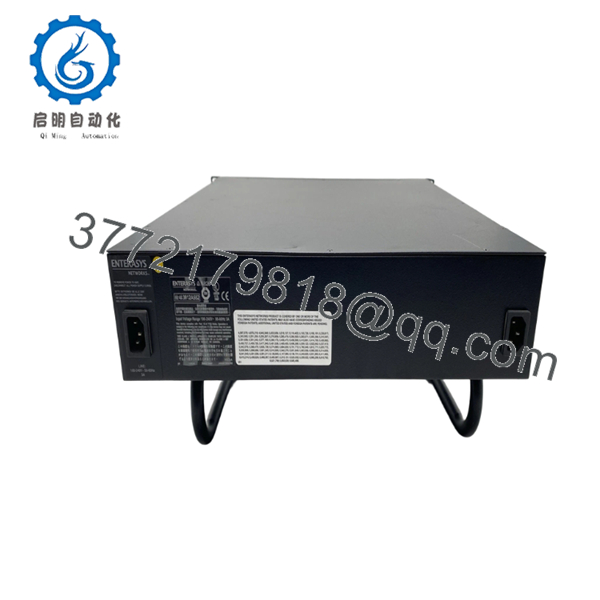
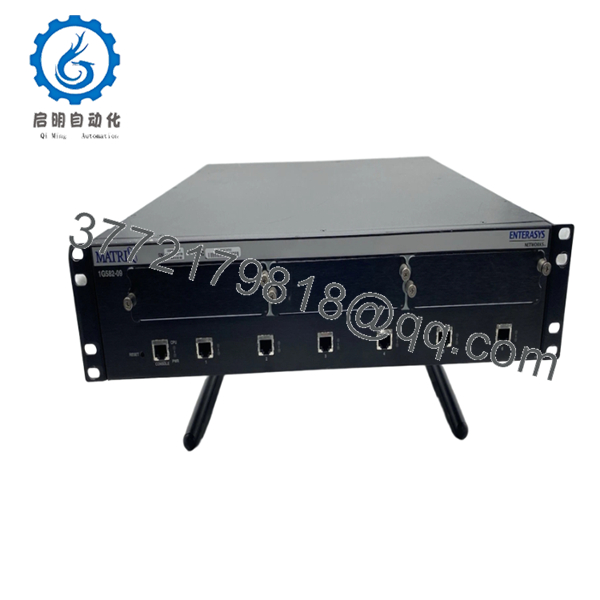
The Enterasys 1G582-09 is a Matrix E1 Gigabit Workgroup Switch that delivers wire-speed Layer 2 switching and Layer 3 routing for enterprise networks. It comes with six fixed 10/100/1000Base-T ports and three expansion slots that accept 10/100 or Gigabit modules for flexible uplink and port expansion.
Field deployments in control system networks and data acquisition setups use this switch for reliable high-bandwidth connectivity between PLCs, HMIs, and servers. It handles QoS, VLAN segmentation, and security features without dropping packets under load. Engineers choose it for proven compatibility in mixed-vendor environments and straightforward integration into existing Matrix E1 racks.

- 1G582-09
- 1G582-09
5. Troubleshooting Quick Reference
| Symptom | Possible Cause | Relevance to this Part | Quick Check Method | Recommendation |
|---|---|---|---|---|
| No power LEDs | Power supply failure | High | Measure 85-264 VAC at input terminals with multimeter | Verify power cord and replace PSU if voltage absent |
| Ports show no link/activity | Cable or module issue | High | Test with known-good Cat5e/6 cable; check expansion module seating | Reseat module; test port with loopback or another device |
| High packet loss or slow throughput | Configuration or overload | Medium | Check port statistics via CLI or WebView for errors | Review QoS settings and traffic classification |
| No management access | IP or console settings | Medium | Connect via serial console port and verify IP address | Reset to factory defaults if locked out |
| Fan or temperature alarms | Blocked vents or failed fan | Low | Monitor system LEDs and internal temperature via CLI | Clear vents; replace fan assembly if needed |
| Routing not functioning | Firmware or routing protocol mismatch | Medium | Verify firmware version and routing table | Match firmware across stack; reload config |
Contact technical support with photos of LEDs, CLI show commands, and diagnostic logs if issues persist after basic checks.
6. Frequently Asked Questions (FAQ)
Is the Enterasys 1G582-09 still supported? This is an established Matrix E1 model. Availability comes from new surplus stock. Confirm current firmware compatibility with your network before deployment. We provide test reports with each unit.
Can I hot-swap expansion modules? Modules support hot-swap in most cases, but always power down the switch first when possible to avoid backplane issues. Check the installation guide for your specific module.
What expansion options work with this switch? The three slots accept 1H-16TX (16-port 10/100), 1G-2GBIC (2-port GBIC), and 1G-2TX (2-port 1000Base-T) modules. Mix and match as needed for your port requirements.
Does this switch support redundant power? Yes, it supports redundant AC power supplies. Order the appropriate second PSU for failover protection in critical installations.
How do I configure basic settings? Use the serial console port for initial setup via CLI, or access WebView through a browser after assigning an IP. Full documentation covers SNMP and NetSight integration.
What condition is this unit in? Units ship as New Original / New Surplus. They undergo full inbound inspection, power-on testing, port verification, and 24-hour burn-in before shipment. Test videos and reports available on request.
Will this replace my older Matrix switch directly? It serves as a direct drop-in for compatible E1 series units. Verify firmware versions and expansion module compatibility to avoid configuration mismatches. Take photos of existing DIP settings or port configs before removal.



