
 WhatsApp: +86 16626708626
 Email:
  Phone: +86 16626708626
Description
Key Technical Specifications
| Parameter | Value |
|---|---|
| Manufacturer | EtherWAN |
| Model | EMC1600 |
| Product Type | 16-Bay Media Converter and Ethernet Extender Chassis |
| Bay Capacity | 16 devices |
| Mounting | Standard 19-inch rack mount |
| Rack Height | 2U |
| Power Input | 100–240 VAC, 50–60 Hz |
| Power Supply | Internal universal PSU |
| Power Supply Configuration | Two power supplies; redundant/load-sharing architecture |
| Chassis Consumption | 5.4 W maximum |
| Protection | Over-current protection |
| LED Indicators | Power status indicators |
| Relay Output | 30 VDC / 0.6 A |
| Enclosure | Metal case |
| Dimensions | 440 × 276 × 90 mm (17.32 × 10.87 × 3.54 in) |
| Weight | 6.8 kg (14.96 lb) |
| Installation | Rack mounting |
| Operating Temperature | 0 to 45 °C (32 to 113 °F) |
| Tested Temperature | −10 to 55 °C (14 to 131 °F) |
| Storage Temperature | −10 to 70 °C (14 to 158 °F) |
| Relative Humidity | 5% to 95%, non-condensing |
| Safety | UL 60950-1 |
| EMC Compliance | CE Class A, FCC Part 15B Class A |
| Environmental Directives | RoHS 2.0, WEEE |
These specifications are based primarily on EtherWAN’s current product documentation.
Product Introduction
The EtherWAN EMC1600 is a 16-bay rackmount chassis designed to house and power compatible EtherWAN media converters and Ethernet extenders. It uses a standard 19-inch, 2U mechanical format and accepts 100–240 VAC, 50–60 Hz input through its internal power architecture.
The chassis provides two power supplies with redundancy and load sharing, while individual bays have electrical isolation and over-current protection. Compatible media converters can be installed or removed without interrupting other active communications in the chassis.
Installation & Configuration Guide
Stage 1: Pre-Installation Preparation — Approx. 15 minutes
⚠️ Safety First
The EMC1600 uses 100–240 VAC mains power. Treat the chassis as an AC-powered rack device, not as a low-voltage field I/O module.
- Notify operations before working on the rack.
- Follow the site’s lockout/tagout procedure when removing or servicing the chassis.
- Verify the available AC supply is compatible with the 100–240 VAC, 50–60 Hz input specification.
- Confirm adequate rack ventilation.
- Check that the rack can support the approximately 6.8 kg chassis weight.
Tools Required
- Phillips screwdriver
- Rack mounting hardware
- Digital multimeter
- ESD wrist strap
- Cable labels
- Network documentation
- Camera or smartphone
Pre-Installation Checks
Before installation:
- Confirm the chassis model is EMC1600.
- Check whether the supplied configuration includes the two AC power supplies.
- Confirm that the media converters or Ethernet extenders to be installed are on EtherWAN’s compatible-device list.
- Verify rack space for a 2U chassis.
- Confirm power and network cable routing.
EtherWAN specifically lists the EMC1600 as supporting selected media converter and Ethernet extender families; compatibility should be checked by exact model rather than assumed from connector type alone.
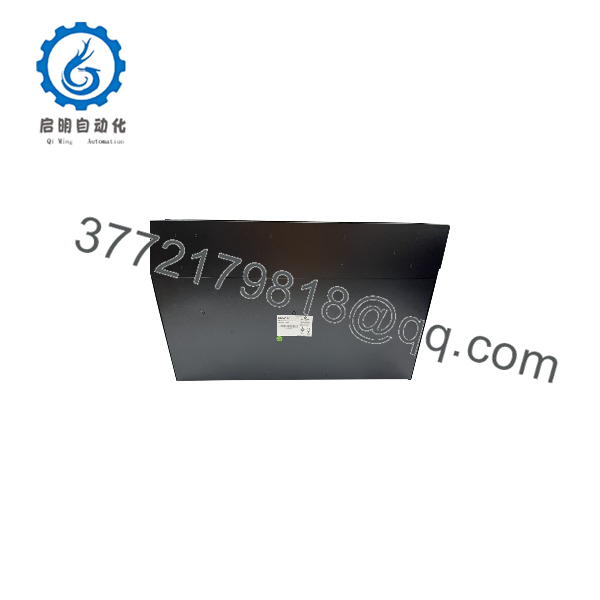
EMC1600
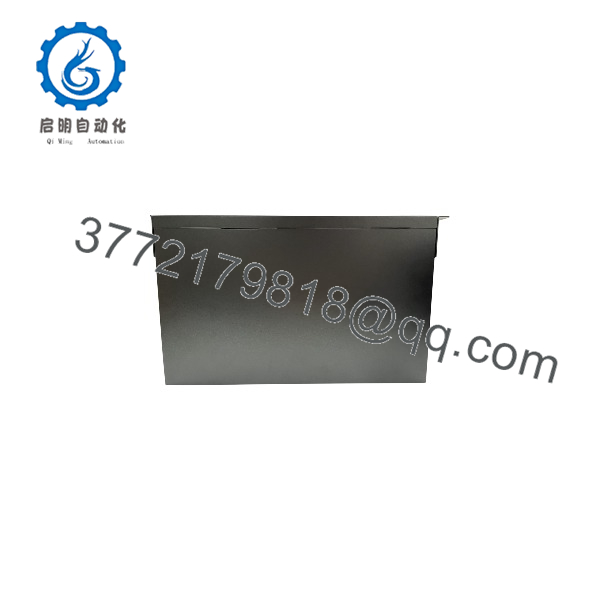
EMC1600
Stage 2: Installing the Chassis — Approx. 15 minutes
- Position the EMC1600 in the selected 19-inch rack location.
- Align the mounting ears with the rack rails.
- Install and tighten the rack screws.
- Confirm that the chassis is mechanically supported.
- Leave sufficient clearance around the ventilation areas.
- Route the AC supply cable separately from sensitive communication wiring where practical.
⚠️ Do not block the chassis cooling path. The documented operating temperature is 0 to 45 °C, and the unit uses fans associated with the power supplies and chassis cooling arrangement.
Stage 3: Installing Media Converters — Approx. 15–30 minutes
- Verify the exact EtherWAN media converter or Ethernet extender model.
- Confirm it is compatible with the .
- Insert the device into an available bay.
- Secure it according to the chassis installation procedure.
- Connect the network or fiber interfaces.
- Verify that each device is seated correctly.
- Label each bay with the installed device and network destination.
Example Compatible Families
EtherWAN documentation lists models including:
- EL2321
- EL2211
- EL2315
- EM120
- EL100 / EL200
- ED3501 series
The supported-device list varies between documentation revisions, so check the current EtherWAN documentation when configuring a mixed chassis.
Stage 4: Power-On & Testing — Approx. 10–15 minutes
- Verify AC wiring before energizing the chassis.
- Switch on the primary power supply.
- Check the power-status LED.
- Energize the redundant supply.
- Confirm both power indicators operate normally.
- Check the installed media converters.
- Verify Ethernet/fiber link status.
- Confirm network connectivity from the connected equipment.
- Check for abnormal fan noise or excessive temperature.
- Document the final bay allocation.
Commissioning Checklist
- model verified
- 19-inch rack mounting secure
- AC input verified
- Both power supplies checked
- Compatible converter models installed
- Network/fiber connections verified
- Power LEDs normal
- Link status verified
- Bay assignments documented
- Cooling path unobstructed
Frequently Asked Questions (FAQ)
Q1: What is the EtherWAN ?
The is a 16-bay media converter and Ethernet extender chassis. It provides a centralized rackmount platform for compatible EtherWAN devices and their power requirements. It is not itself a conventional Ethernet switch.
Q2: How many devices can the hold?
It provides 16 bays, allowing up to 16 compatible media converters or Ethernet extenders to be housed in the chassis.
Q3: Does the support redundant power?
Yes. The uses two power supplies and provides power redundancy and load sharing. The documented power architecture also allows the supplies to be serviced independently under the applicable maintenance procedure.
Q4: Can media converters be hot-swapped?
Yes, selected compatible EtherWAN media converters and Ethernet extenders can be hot-swapped. This does not mean every third-party or every EtherWAN device is automatically hot-swappable. Confirm the specific converter model before removing it under power.
Q5: What power supply does the use?
The current EtherWAN specification lists 100–240 VAC, 50–60 Hz with an internal universal power supply. The -RPSA is listed separately as a 150 W redundant AC power supply for the chassis.
Q6: What are the operating temperature limits?
The specified operating range is 0 to 45 °C (32 to 113 °F). EtherWAN also states that the product has been tested at −10 to 55 °C, but that tested range should not automatically be treated as the normal rated operating range.
Q7: Is an industrial Ethernet switch?
No. It is a media converter and Ethernet extender chassis. The actual Ethernet conversion or extension function is performed by the compatible modules installed in its bays.
Procurement Note
When purchasing , specify whether you need the complete chassis with two AC power supplies or the chassis/power components separately. EtherWAN’s ordering information identifies as the 16-bay chassis including two AC power supplies and as the separate 150 W redundant AC power supply.
For a replacement installation, also verify the exact media converter models installed in the existing bays. The chassis itself does not determine whether a particular converter is compatible; the installed device must be one of the supported EtherWAN models.



