
 WhatsApp: +86 16626708626
 Email:
  Phone: +86 16626708626
Description
3. Key Technical Specifications
| Parameter | Specification Value |
| Manufacturer | Extreme Networks |
| Model Number | EC720001X-E6 (Alternate ID: 8500-10G24X-e) |
| Compatible Chassis | BlackDiamond 8806, 8810, 8506, 8510 |
| Slot Bandwidth | 240 Gbps full-duplex non-blocking throughput |
| Port Density | 24 x 10GBASE-X SFP+ slots |
| Forwarding Performance | Up to 180 Mpps per slot |
| MAC Address Capacity | 32,000 entries |
| IPv4/IPv6 Routing Tables | 16,000 IPv4 / 8,000 IPv6 LPM routes |
| Jumbo Frame Support | Up to 9,216 bytes |
| Operating System | ExtremeXOS (EXOS) Modular OS |
| Typical Power Consumption | 135 W |
| Hot-Swapping Support | Fully hot-swappable line card interface |
4. Product Introduction & Supply Chain Strategy
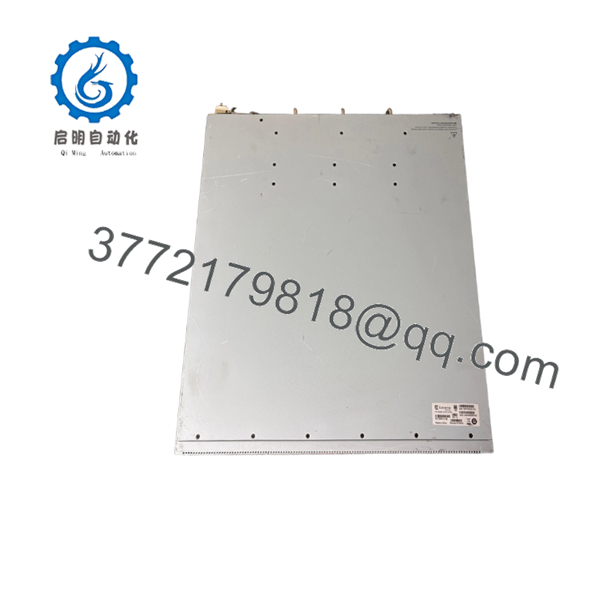
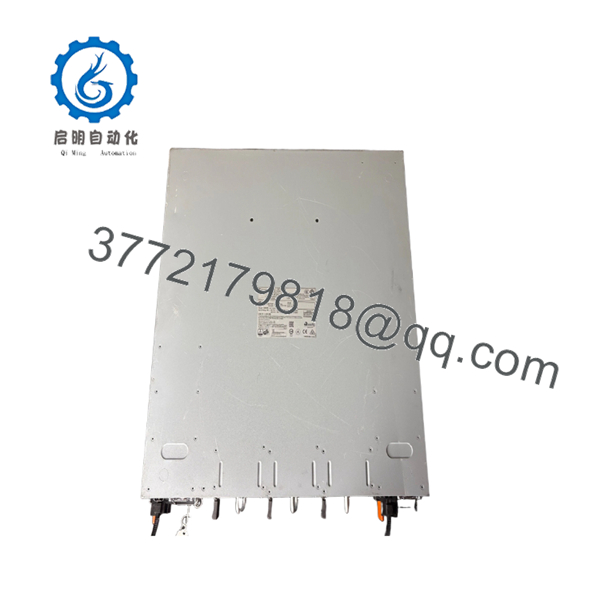
The Extreme Networks EC720001X-E6 (8500-10G24X-e) is a high-density, 24-port 10 Gigabit Ethernet SFP+ I/O module designed for BlackDiamond 8800 and 8500 series modular chassis. Purpose-built for enterprise core distribution and industrial data center aggregation, this line card provides a massive 240 Gbps non-blocking clear-channel capacity to eliminate data bottlenecks in high-throughput automated networks. Running on the resilient ExtremeXOS operating system, it provides advanced Layer 2 switching, Layer 3 routing, and granular Quality of Service (QoS) optimizations directly at the network’s core layer.
When overseeing network architecture that relies on modular legacy chassis, your spare parts strategy is directly tied to uptime preservation. Choosing a New Surplus EC720001X-E6 card over a used alternative completely eliminates the high failure risks caused by cumulative thermal stress on multi-layer PCBs and micro-capacitors. For networks supporting high-availability industrial controls or critical enterprise backbones, maintaining 1–2 factory-sealed New Surplus line cards as a strategic insurance policy is essential to circumvent lead time variability, avoid EOL stock-outs, and lower the Total Cost of Ownership (TCO).
5. Installation & Configuration Guide
Stage 1: Pre-Installation (Prep & Safety)
- Put on an ESD-grounded wrist strap and connect it to an unpainted grounded surface on the switch rack or chassis frame.
- Log into the active Management Switch Processor (MSM) via console or SSH and verify system stability using
show switchandshow slot. - Back up the current production configuration by saving the primary configuration file (.cfg) to an off-site TFTP/SFTP server.
- Inspect the target chassis slot for any debris, dust, or physical alignment issues before unboxing the new card.
Stage 2: Removal (If replacing an existing card)
- Carefully unlatch and extract all connected 10G SFP+ fiber transceivers from the card’s front panel, making sure to apply protective dust caps to the fiber endpoints immediately.
- Loosen the two captive thumbscrews located on the left and right sides of the line card faceplate.
- Flip the injector/ejector levers outward simultaneously to disengage the card’s multi-pin high-density connectors from the chassis midplane.
- Smoothly slide the module out of the chassis slot, supporting the weight from beneath, and place it immediately into an ESD-safe bag.
Stage 3: Installation (Clone & Seat)
- Remove the New Surplus EC720001X-E6 card from its factory anti-static packaging and inspect the rear alignment pins and midplane connectors for absolute straightness.
- Fully extend the injector/ejector levers on the front faceplate outward.
- Align the module with the chassis slot guide rails and slide it smoothly inward until the ejector levers touch the chassis frame.
- Press the ejector levers inward firmly and simultaneously until they snap flat against the faceplate, seating the card into the midplane. Hand-tighten both captive thumbscrews.
Stage 4: Power-On & Testing
- Monitor the system log outputs or check the front panel LEDs. The slot status indicator should change from amber to blinking green, and then to a steady green.
- Enter the command
show slot <slot_number>to verify that the ExtremeXOS system recognizes the card and changes its operational status to “Ready” or “Operational.” - Reinsert the 10G SFP+ transceivers and reconnect the network fiber patches according to your network layout.
- Execute
show ports <slot_number>:* statsto confirm real-time packet transmission, error-free link negotiation, and active line-rate traffic.

- EC720001X-E6
- EC720001X-E6
6. Firmware/Software Versions & Upgrade Notes
The Extreme EC720001X-E6 card requires specific ExtremeXOS (EXOS) release baselines to achieve full 240 Gbps non-blocking throughput and slot sync.
When hot-plugging a replacement line card, the active Management Switch Module (MSM) will automatically attempt to match and download the current running EXOS version to the new blade. If there is a major discrepancy in the boot loader version stored on the New Surplus card, manual intervention via the bootROM menu may be required to resolve the version mismatch. Never modify or update the core switch firmware during an active hardware replacement unless it is part of a planned, isolated maintenance window.
7. Frequently Asked Questions (FAQ)
Q: Are these EC720001X-E6 cards brand new, or are they refurbished pull-outs? A: This inventory consists entirely of 100% Brand New Surplus units. These cards have never been deployed in a production loop, subjected to operational thermal wear, or repaired by a third party. They are stored in original factory-sealed anti-static packaging, guaranteeing that the midplane pins, onboard electronics, and port modules are in pristine, unused condition.
Q: Why should we purchase a New Surplus module when refurbished alternatives are cheaper? A: Modular core switch blades like the EC720001X-E6 handle heavy traffic loads and generate substantial heat during operation. Refurbished line cards often have hidden degradation in their internal power components or logic chips from years of continuous service. Buying New Surplus eliminates the risk of an unexpected core network failure, which could easily cause an emergency plant shutdown costing far more than the initial equipment savings.
Q: Can I hot-swap this card into an active BlackDiamond 8800 chassis without turning it off? A: Yes, the BlackDiamond modular architecture fully supports online insertion and removal (OIR) for I/O line cards. You can slide this module into an open or failed slot while the chassis is powered on. The active MSM will detect the new card, verify its hardware ID, sync the running ExtremeXOS version, and bring the ports online automatically.
Q: Does this card support standard 1G SFP transceivers, or is it restricted to 10G SFP+? A: The SFP+ ports on the EC720001X-E6 are dual-speed capable. They natively support 10GBASE-X SFP+ transceivers and can also accept standard 1000BASE-X SFP modules for backward compatibility with older distribution layers. Port speeds can be configured on a per-port basis within the ExtremeXOS CLI.
Q: How do you verify the condition and authenticity of this legacy module? A: Every New Surplus module undergoes a comprehensive inbound inspection process. We verify that the factory anti-static seals are intact, confirm that the physical serial numbers match the manufacturer’s shipping records, and inspect the rear alignment pins for any structural flaws. A complete quality control report is issued for every unit before shipment.



