
 WhatsApp: +86 16626708626
 Email:
  Phone: +86 16626708626
Description
3. Key Technical Specifications
- Input Voltage: 115V AC ±10%, 400 Hz
- Output Voltage: ≥10 kV high voltage
- Application: GE 9F series gas turbines (9FA, 9FB)
- Function: Transmission channels for ignition/excitation
- Operating Temperature: Standard industrial range for turbine controls
- Mounting: Rack or chassis compatible with GE turbine systems
- Status: New Surplus stock with full traceability
- Warranty: 1-Year limited warranty
4. Product Introduction
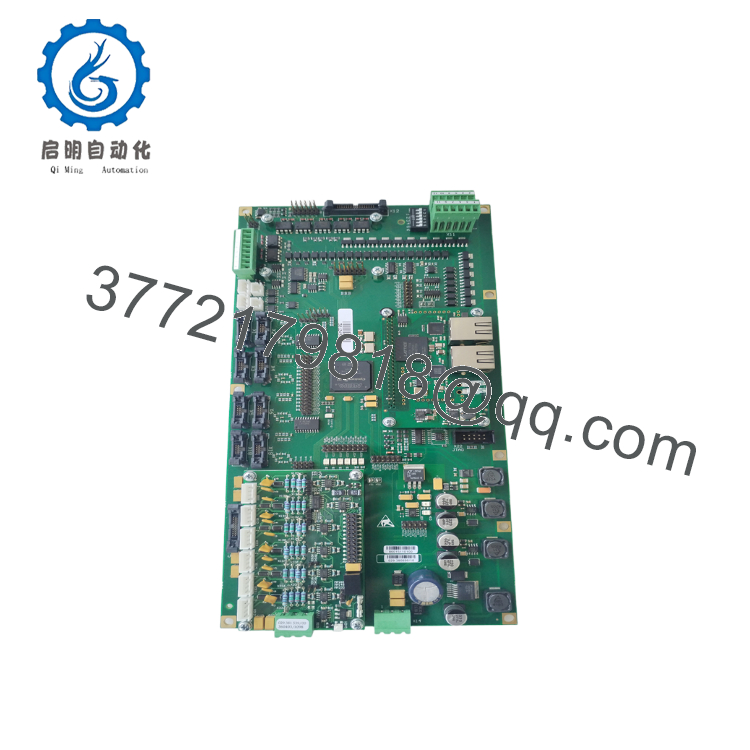
The GE 029.38089610 ML101800034 is a power module designed for GE 9F series gas turbines, including 9FA and 9FB models. It handles high-voltage transmission channels critical for reliable ignition and excitation systems in power generation applications.
Field crews choose this unit for its direct compatibility with existing turbine control racks. It delivers stable high-voltage output from a 115V AC 400 Hz input, supporting continuous operation in demanding environments. Verify exact firmware and rack compatibility with your OEM drawings before swap-out.

- 029.38089610 ML101800034
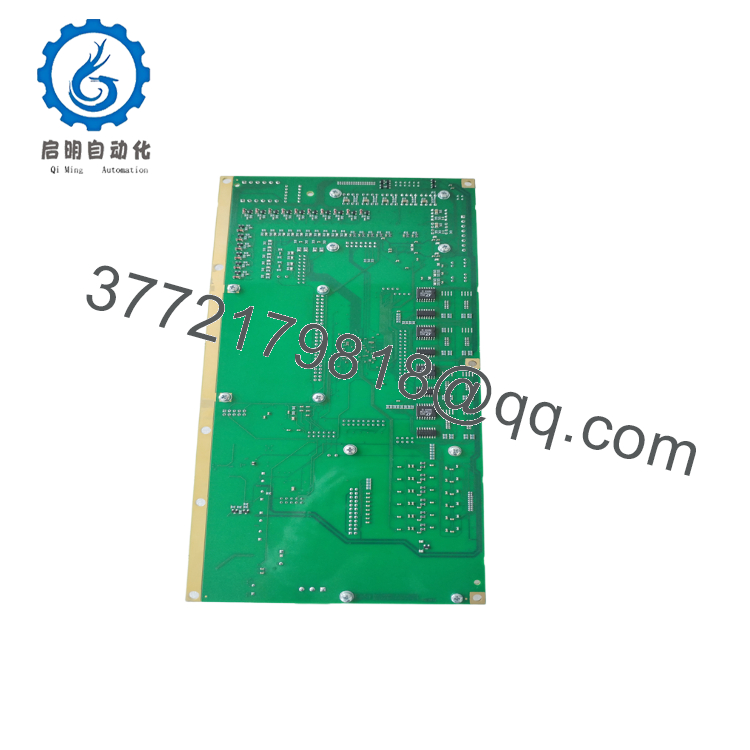
- 029.38089610 ML101800034
5. Troubleshooting Quick Reference
| Symptom | Possible Cause | Relevance to this Part | Quick Check Method | Recommendation |
|---|---|---|---|---|
| No output voltage on ignition leads | Input power missing | ✅ High | Measure 115V AC at input terminals with multimeter | Confirm input supply and fuses first |
| Intermittent high-voltage dropout | Loose connections or failed channel | ✅ High | Check wiring integrity and output waveform with scope | Inspect module connectors; replace if output unstable |
| Module fails to power up (no LEDs) | Backplane or external PSU issue | ❌ Low | Verify 24V DC control power to rack | Test rack power supply before module replacement |
| Overheating during operation | Excessive load or cooling failure | ⚠️ Medium | Monitor temperature and current draw | Check airflow and reduce duty cycle if needed |
| Communication loss with turbine controller | Module not seated properly | ✅ Medium | Reseat module and monitor diagnostic codes | Clean contacts and retest handshake |
Contact technical support with photos of the installed module, diagnostic logs, and measured voltages if issues persist.
6. Frequently Asked Questions (FAQ)
Is this module brand new or surplus? It is New Original / New Surplus. These units come from OEM spares with full traceability via packing lists and serial verification. They have never been installed in the field.
Will this fit my GE 9FA or 9FB turbine directly? Yes, it is designed as a direct replacement for the 9F series. Always cross-check your specific turbine serial number and rack configuration against the OEM manual. Pinouts and firmware levels matter.
Can I hot-swap this power module? No. Kill power to the affected rack section first. Hot-swapping high-voltage modules risks damage to the backplane and other cards. Follow proper lockout/tagout procedures.
What is the lead time and availability? Units are in stock and ready for immediate shipment. Typical delivery is 1-3 business days domestically with expedited options available. Contact us for international shipping details.
Does it come with a test report? Yes. Every unit undergoes inbound inspection, functional testing on a compatible GE turbine simulation rig, and electrical parameter verification. Full test reports and photos are available upon request.
How does the warranty work on surplus stock? We provide a 1-year warranty against defects in materials and workmanship. Coverage starts from shipment date. This is standard for tested New Surplus industrial controls.
What firmware or configuration checks should I make before installation? Document the existing module’s settings and firmware if applicable. Match any DIP switches or jumpers exactly. Take clear photos before removal to avoid configuration mismatches that cause startup delays.



