
 WhatsApp: +86 16626708626
 Email:
  Phone: +86 16626708626
Description
Key Technical Specifications
| Parameter | Value |
|---|---|
| Manufacturer | GE |
| Model | DS3810MM |
| Product Type | Memory Circuit Board |
| Series | Speedtronic Mark IV |
| Primary Function | Program and configuration memory storage |
| Memory Type | EPROM / EEPROM (revision dependent) |
| Configuration | Onboard jumpers and memory devices |
| Application | Gas and steam turbine control systems |
| Installation | Mark IV control rack |
| Cooling | Passive convection |
| Operating Environment | Industrial control cabinet |
| Lifecycle Status | Legacy product; surplus inventory only |
The DS3810MM family is used within the GE Speedtronic Mark IV control platform. Multiple hardware revisions, including DS3810MMAB and DS3810MMBA, are available, with differences in memory configuration and board layout. Compatibility should always be verified before replacement.
Product Introduction
The GE DS3810MM is a memory circuit board developed for the Speedtronic Mark IV turbine control system. It stores operating firmware, configuration parameters, and control logic required for reliable turbine operation.
Because several hardware revisions exist within the DS3810MM family, technicians should match the complete part number and board revision before installation. This helps prevent configuration conflicts and minimizes commissioning time after replacement.
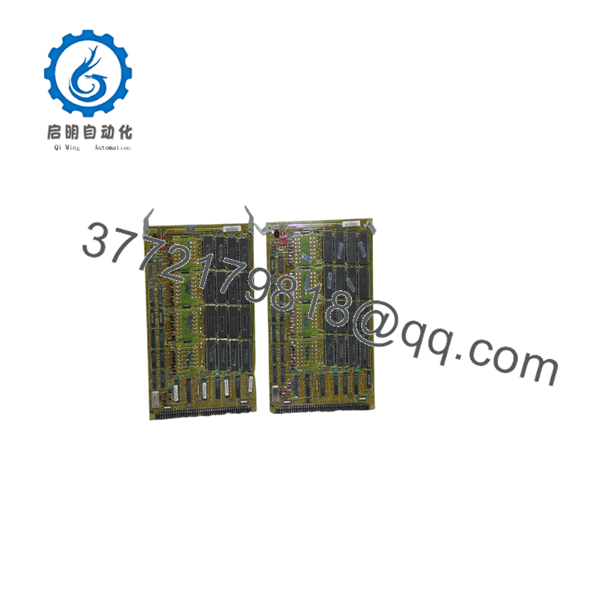
DS3810MM
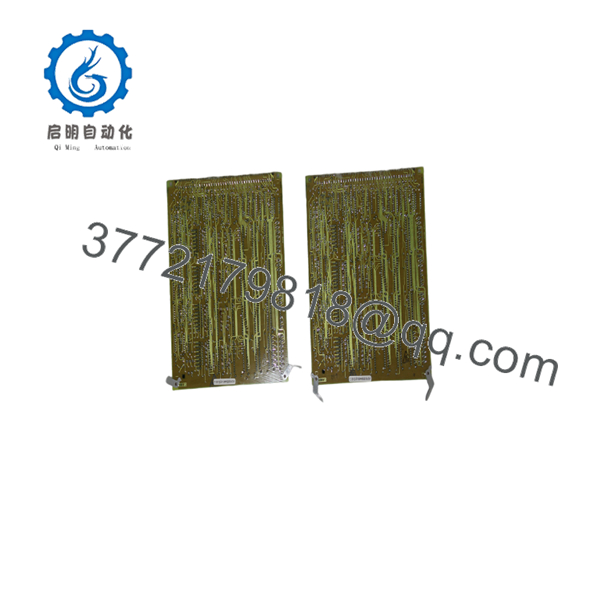
DS3810MM
Troubleshooting Quick Reference
| Symptom | Possible Cause | Relevance | Quick Check Method | Recommendation |
|---|---|---|---|---|
| System fails to boot | Memory corruption | ✅ High | Check controller diagnostics and startup LEDs | Replace board if memory faults are confirmed |
| Configuration missing | EEPROM failure | ✅ High | Compare configuration backup with controller | Reload configuration or replace board |
| Intermittent processor faults | Poor board connection | ✅ Medium | Reseat board and inspect edge connectors | Clean contacts and inspect backplane |
| Checksum or firmware error | Incorrect EPROM revision | ✅ High | Verify EPROM labels against OEM records | Install matching firmware revision |
| Random system resets | External power instability | ❌ Medium | Measure rack supply voltages | Eliminate power issues before replacing board |
| No communication after replacement | Wrong board revision | ✅ High | Verify complete catalog number | Install the correct hardware revision |
Field Tip: One of the most common causes of unsuccessful replacement is installing a different DS3810MM hardware revision. Before removing the original board, record every jumper position, EPROM label, and part-number suffix. A photo of both sides of the board can save hours of troubleshooting later.
Frequently Asked Questions (FAQ)
Q1. Is DS3810MM still manufactured?
No. The belongs to the legacy GE Speedtronic Mark IV platform and is generally available only as new surplus or professionally refurbished inventory.
Q2. Can any board replace another?
Not necessarily. GE released multiple revisions, such as DS3810MMAB, DS3810MMBA, and other variants. The complete part number, revision code, and installed firmware must match the existing system.
Q3. Can I hot-swap this board?
No. Mark IV memory boards are not hot-swappable. Shut down the control cabinet, follow lockout/tagout procedures, and discharge stored energy before removing the board.
Q4. What should I document before replacement?
Record:
- Complete part number and suffix
- EPROM labels and firmware revisions
- Jumper locations
- Connector positions
- Existing system alarms
These records greatly reduce commissioning time.
Q5. Why is a New Surplus board less expensive than buying from the OEM?
New Surplus inventory consists of genuine unused components remaining from distributor or project stock after OEM production has ended. Since the Mark IV platform is obsolete, these parts are supplied through specialized industrial automation vendors rather than current factory production.
Q6. How should the board be tested before shipment?
A professional inspection should include:
- Visual inspection for corrosion and physical damage
- Connector integrity check
- Memory device verification
- Functional testing in a compatible Mark IV test rack where available
- Anti-static packaging and serialized QC documentation
Q7. What is the biggest installation mistake?
Installing a board with the wrong firmware or hardware revision. Even boards that appear identical can contain different memory devices or jumper configurations, resulting in startup failures or configuration mismatches. Always verify compatibility against the original board before energizing the system.



