
 WhatsApp: +86 16626708626
 Email:
  Phone: +86 16626708626
Description
Key Technical Specifications
| Parameter | Value |
| Manufacturer | GE Fanuc |
| Part Number | IC693ALG223 |
| Series | Series 90-30 |
| Module Type | Analog Current Input Module |
| Input Channels | 16 single-ended channels |
| Input Current Ranges | 0 to 20 mA, 4 to 20 mA (user configurable) |
| Resolution | 12 bits (1 to 4000 counts for 4–20 mA, 0 to 4000 counts for 0–20 mA) |
| Update Rate | 13 ms for all 16 channels |
| Input Impedance | 250 ohms |
| Calibration | Factory calibrated |
| Common Mode Voltage | 11 V DC maximum |
| Isolation | 1,500 V AC optical isolation (user side to logic side) |
| Backplane Power Consumption | 120 mA at 5 V DC, 125 mA at 24 V DC loop power |
Product Introduction & Supply Chain Strategy
The GE Fanuc IC693ALG223 is a 16-channel analog current input module designed for Series 90-30 PLCs. It accepts process signals in the 0–20 mA and 4–20 mA ranges, converting field sensor values into digital words for industrial process monitoring and closed-loop control.
Sourcing this module as New Surplus provides an essential insurance policy against unplanned downtime on legacy Series 90-30 architectures. Buying verified, uninstalled surplus eliminates the risk of early failure associated with degraded second-hand parts while avoiding the high capital expense of complete system migration.
Installation & Configuration Guide
Stage 1: Pre-Installation (Prep & Safety)
- Perform Lock-Out/Tag-Out (LOTO) procedures on the CPU rack power supply and field current loops.
- Put on a grounded anti-static wrist strap before touching the module to prevent ESD damage to sensitive analog components.
- Record or photograph the position of external power connections, field wiring on the 20-pin terminal block, and existing rack slot assignments.
Stage 2: Removal
- Unplug the 20-pin removable terminal block by pressing the top and bottom release tabs and pulling straight outward.
- Press the module release lever located at the bottom of the IC693ALG223 module card.
- Pivot the bottom of the module forward and lift it off the top rail of the Series 90-30 baseplate.
Stage 3: Installation (Clone & Seat)
- Hook the top rear notch of the IC693ALG223 onto the baseplate top lip in the designated slot.
- Swing the module down until the bottom latch clicks securely into the baseplate slot.
- Reattach the pre-wired 20-pin terminal block to the front connector and verify the retaining screws/latches are locked.
Stage 4: Power-On & Testing
- Measure field current signals with a calibrated multimeter to confirm input levels sit between 4 and 20 mA.
- Turn on the rack power supply and confirm the module power-up sequence completes with no CPU fault table entries.
- Monitor the PLC reference memory (%AI registers) using Proficy Machine Edition or Logicmaster 90 to confirm real-time count values match field transmitter signals.
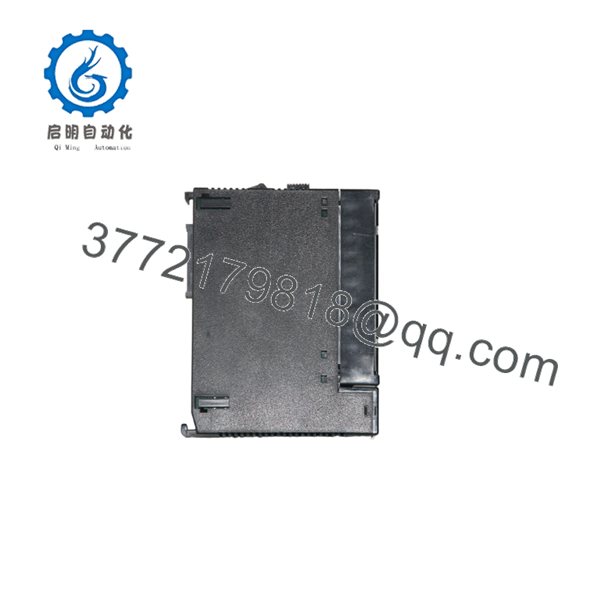
IC693ALG223
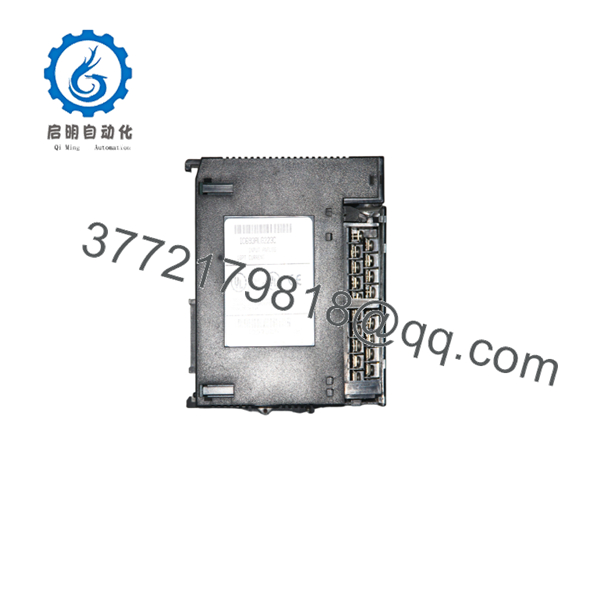
IC693ALG223
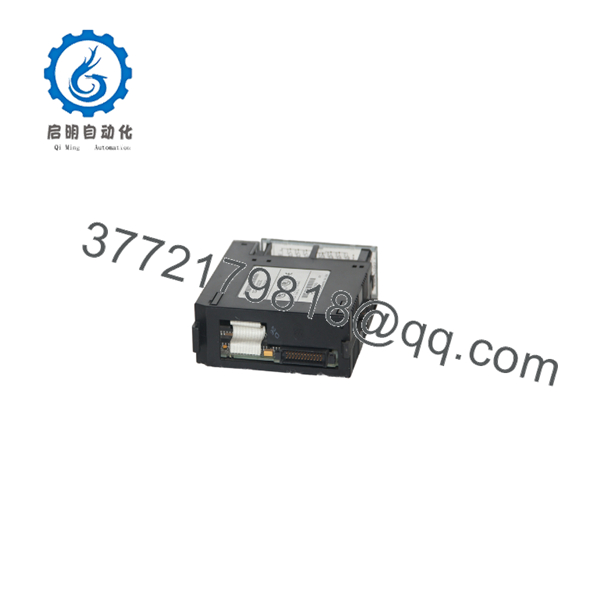
IC693ALG223
Firmware/Software Versions & Upgrade Notes
- CPU Requirements: Compatible with all GE Fanuc Series 90-30 CPUs (including CPU311 through CPU374) running firmware release 5.0 or higher.
- Software Configuration: The IC693ALG223 is software-configured using Proficy Machine Edition or Logicmaster 90. Channel ranges (0–20 mA vs. 4–20 mA) and alarm limits are defined in the hardware configuration file, not via physical DIP switches.
- Replacement Swap Warnings: When swapping a module, ensure the target slot configuration in the active project file matches the physical hardware model. Replacing a lower-density analog card (such as an IC693ALG221 4-channel card) with an IC693ALG223 requires updating the %AI address allocation in the software configuration to avoid memory overlap.
Frequently Asked Questions (FAQ)
Is this module a new item or a used pulled part?
This product is a Brand New Surplus unit. It is not used, not pulled from a decommissioned plant, and not refurbished. All modules undergo rigorous quality verification to ensure OEM-level reliability.
Why choose New Surplus over low-cost refurbished analog cards?
Analog cards rely on precision internal components that degrade over years of thermal cycling. Refurbished cards often exhibit signal drift, poor calibration retention, and failing isolation barriers. Investing in New Surplus guarantees original OEM accuracy, zero hours of operating wear, and full operational longevity.
How are these modules tested before shipment?
Every undergoes a complete quality control inspection. This includes serial number verification, physical backplane pin checks, isolation continuity testing, and power-on validation in a Series 90-30 test rack to confirm signal conversion integrity.
Does the support hot-swapping while the PLC rack is running?
No. Series 90-30 baseplates do not support hot-swapping of I/O modules. Always turn off power to the baseplate before removing or inserting the to avoid damaging the backplane communications bus and module logic components.
Do I need to calibrate the before putting it into service?
No. The module is factory calibrated across all 16 channels. Signal scaling is handled directly in the PLC software hardware configuration by setting the lower and upper Engineering Units corresponding to 4–20 mA (or 0–20 mA).
What warranty is provided with this New Surplus card?
This unit includes a comprehensive 1-year functional warranty. If any operational defect or hardware failure occurs during normal use within 12 months, we will immediately provide a replacement unit from our inventory buffer.



