
 WhatsApp: +86 16626708626
 Email:
  Phone: +86 16626708626
Description
Key Technical Specifications
| Parameter | Value |
| Manufacturer | GE Fanuc |
| Part Number | IC693BEM331 |
| Series | Series 90-30 |
| Module Type | Genius Bus Controller (GBC) |
| Bus Protocol | Genius I/O Bus (Proprietary Token Passing) |
| Communication Speed | 153.6 Kbps, 76.8 Kbps, 38.4 Kbps, or 19.2 Kbps |
| Network Devices | Supports up to 31 target devices per bus |
| Network Distance | Up to 7,500 feet (2,286 meters) at 19.2 Kbps using shielded twisted-pair cable |
| Memory Address Space | Up to 128 bytes input / 128 bytes output per device |
| Isolation | 1,500 V AC optical isolation (Genius bus to backplane) |
| Diagnostics | Bus errors, device dropouts, and diagnostic reporting to CPU |
| Backplane Power Consumption | 300 mA at 5 V DC |
Product Introduction & Supply Chain Strategy
The GE Fanuc IC693BEM331 is a Genius Bus Controller (GBC) module designed for Series 90-30 PLC architectures. It serves as the primary communication gateway, allowing the central PLC host to interface with distributed Genius blocks, Field Control stations, Genius PowerTRAC monitors, and frequency drives across a shielded twinaxial network.
Securing this module as New Surplus provides vital supply-chain insurance for plants relying on legacy Genius I/O networks. Sourcing unused, factory-fresh inventory mitigates the high risks of field network dropouts, communication corruptions, and unbudgeted downtime associated with aging second-hand components.
Installation & Configuration Guide
Stage 1: Pre-Installation (Prep & Safety)
- Perform Lock-Out/Tag-Out (LOTO) procedures on the PLC rack power supply and connected field communication lines.
- Put on a grounded anti-static wrist strap to protect internal processing chips from ESD damage.
- Document or photograph the physical position of Serial Bus Address (SBA) assignments, terminal block wiring (Serial 1, Serial 2, Shield Out, Shield In), and terminating resistor locations.
Stage 2: Removal
- Loosen the retaining screws and gently disconnect the Genius bus terminal connector from the front of the IC693BEM331 module.
- Depress the module release lever located at the bottom of the card on the baseplate.
- Pivot the bottom of the module forward and lift the upper mounting hook off the Series 90-30 baseplate top rail.
Stage 3: Installation (Clone & Seat)
- Hook the top rear lip of the replacement IC693BEM331 onto the designated baseplate slot rail.
- Rotate the module downwards until the bottom retention latch snaps securely into the baseplate slot.
- Reattach the Genius communication terminal block, ensuring correct wire pairing and checking that terminating resistors (typically 75, 100, or 120 ohms) are properly seated at end-of-line nodes.
Stage 4: Power-On & Testing
- Reapply power to the Series 90-30 CPU rack.
- Verify that the module OK LED illuminates solid green and that the COMM OK LED toggles active, indicating successful Genius bus token passing.
- Access the CPU diagnostic table in Proficy Machine Edition or Logicmaster 90 to confirm that all 31 potential device nodes on the Genius network show healthy status with no bus error counters incrementing.
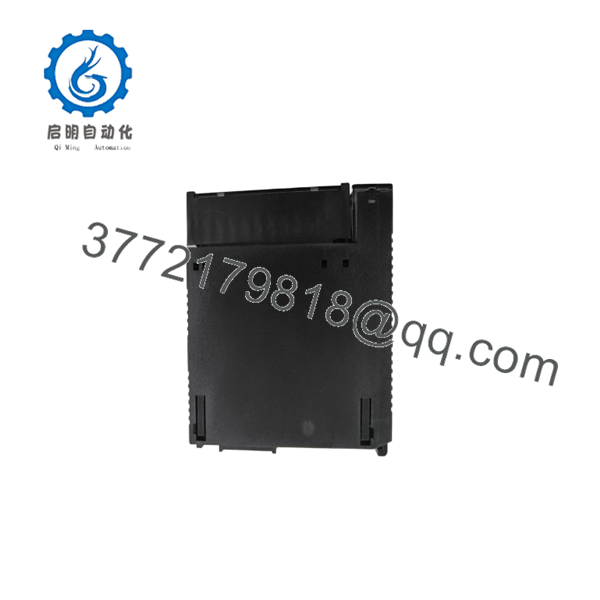
IC693BEM331
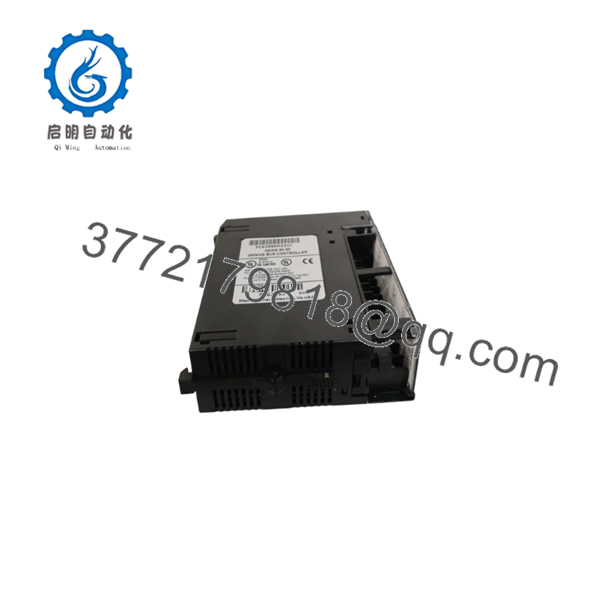
IC693BEM331
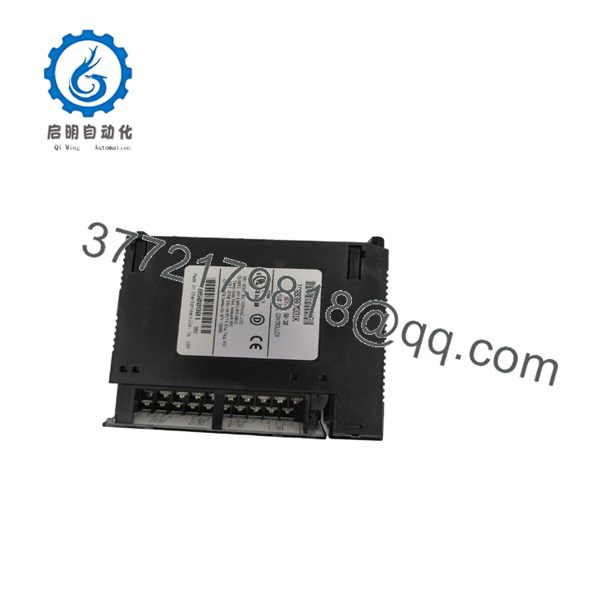
IC693BEM331
Firmware/Software Versions & Upgrade Notes
- CPU Compatibility: Compatible with Series 90-30 CPU models (CPU331 and higher) running system firmware version 5.0 or later.
- Firmware Dependencies: The IC693BEM331 contains onboard firmware governing Genius token-passing protocols. Ensure that replacement modules match or exceed the firmware revision level (e.g., Revision 4.6 or later) of the module being replaced to maintain full diagnostic compatibility with older CPU configurations.
- Replacement Precautions: Genius Bus Controllers require precise configuration matching in the PLC software project file. Modifying the Serial Bus Address (SBA) or baud rate in hardware configuration without matching the physical network cabling impedance will result in complete Genius bus communication collapse.
Frequently Asked Questions (FAQ)
Is this IC693BEM331 module brand new or pulled from a used rack?
This product is a Brand New Surplus unit. It is not used, not pulled from a decommissioned plant, and not refurbished. All modules undergo rigorous quality verification to ensure OEM-level reliability.
Why should we purchase New Surplus instead of lower-cost refurbished communication cards?
Network interface cards like the run continuous high-frequency communication protocols and generate significant localized heat. Refurbished cards often harbor degraded line transceivers and aging optocouplers that manifest as intermittent bus dropouts or communication timing errors. Buying New Surplus ensures full transceiver signal strength and zero prior component stress.
What quality control procedures are conducted before shipment?
Every undergoes a complete verification process. This includes anti-counterfeit serial checks, physical inspection of backplane card-edge pins, isolation testing, and a live power-on test in a Series 90-30 rack to confirm Genius bus handshake integrity.
Can the be hot-swapped while the PLC is under power?
No. Series 90-30 baseplates do not support hot-swapping under power. Always turn off power to the rack before extracting or inserting the card to avoid corrupting the backplane bus or damaging sensitive communication transceivers.
What cable type is required for connecting the to a Genius network?
Genius networks require high-grade shielded twisted-pair twinaxial cable (such as Belden 9880 or equivalent) with proper terminating resistors installed at both physical ends of the bus to prevent signal reflection.
What warranty is provided with this New Surplus card?
This module is backed by a comprehensive 1-year functional warranty. If any operational defect or hardware fault occurs under normal operating conditions within 12 months, we will instantly supply a replacement from our buffer inventory.



