
 WhatsApp: +86 16626708626
 Email:
  Phone: +86 16626708626
Description
Key Technical Specifications
- Manufacturer: GE Fanuc Automation
- Part Number: IC693CHS392J
- Product Family: Series 90-30 PLC
- Module Type: 10-Slot Expansion Baseplate
- Baseplate Function: Additional I/O rack for Series 90-30 PLC systems
- CPU Slot: None
- I/O Slots: 10 slots
- Power Supply Slot: Dedicated power supply position
- Backplane Voltage: 5 VDC
- Internal Current Consumption: 150 mA at 5 VDC
- Expansion Connector: 25-pin female D-shell connector
- Rack Addressing: DIP switch selectable rack number
- Maximum Expansion Cable Length: 50 ft (15 m)
- Compatible PLC Platform: GE Fanuc Series 90-30
- Mounting Type: Panel mounting
- Operating Environment: Indoor industrial control cabinets
- Revision: J (IC693CHS392-J)
The GE Fanuc IC693CHS392J is a Revision J version of the Series 90-30 10-slot expansion baseplate. It provides additional I/O capacity for Series 90-30 PLC systems and connects to the CPU baseplate through the expansion bus.
Product Introduction
The GE Fanuc IC693CHS392J is a 10-slot expansion baseplate designed for GE Fanuc Series 90-30 modular PLC systems. Unlike the CPU baseplate, this rack does not contain a CPU position. It extends the available I/O capacity by allowing additional Series 90-30 input, output, and specialty modules to be installed.
The IC693CHS392J connects to the main CPU rack through a dedicated expansion cable and 25-pin D-shell connector. A local power supply module is required to provide backplane power for installed modules. Rack addressing is configured through an onboard DIP switch, allowing multiple expansion racks within the same control system.
This baseplate is commonly found in legacy manufacturing systems where maintaining the existing Series 90-30 architecture is preferred over a complete PLC migration.
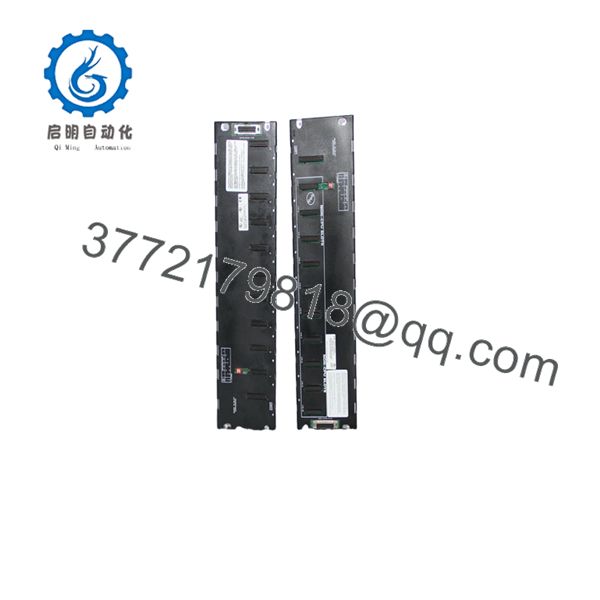
IC693CHS392J
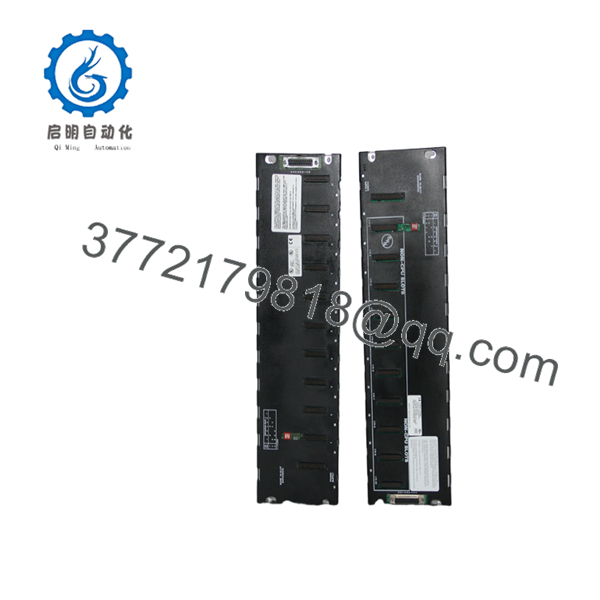
IC693CHS392J
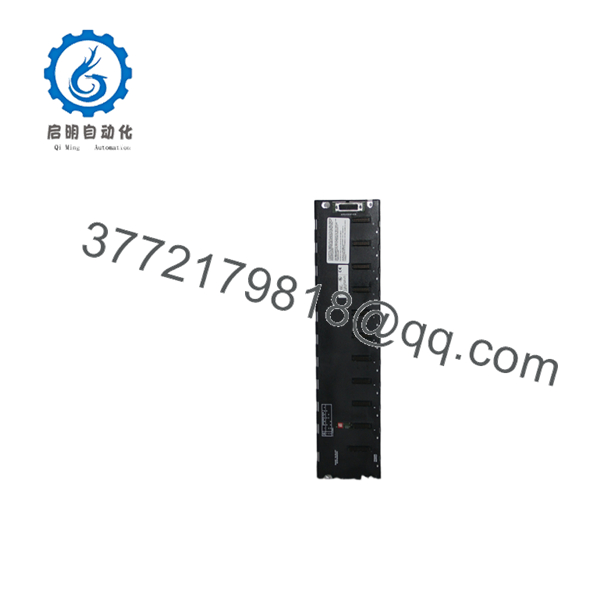
IC693CHS392J
Installation & Configuration Guide
Stage 1: Pre-Installation Preparation (Approx. 10 minutes)
⚠️ Safety First
- Notify operations before modifying the PLC rack system.
- Place the controlled process into a safe operating condition.
- Apply lockout/tagout procedures.
- Remove power from the PLC system before handling modules or rack wiring.
Tools Required
- ESD wrist strap
- Phillips screwdriver
- Digital multimeter
- Wire labels
- Documentation camera
Data Backup
Before replacement:
- Record the existing rack number setting.
- Document all installed I/O modules.
- Photograph expansion cable routing.
- Record power supply model.
- Save PLC hardware configuration data.
Stage 2: Removing the Existing Expansion Baseplate
Steps:
- Switch off PLC system power.
- Disconnect field wiring from installed I/O modules if required.
- Remove installed modules carefully.
- Disconnect the expansion cable.
- Remove power supply wiring.
- Remove mounting screws and extract the old baseplate.
⚠️ Important:
Keep the original rack configuration records. Incorrect rack numbering can prevent the CPU from recognizing expansion modules.
Stage 3: Installing IC693CHS392J
Steps:
- Wear an ESD wrist strap.
- Verify the replacement part number: IC693CHS392J.
- Mount the expansion baseplate inside the control cabinet.
- Install the compatible Series 90-30 power supply.
- Set the rack address DIP switches.
- Connect the expansion cable to the CPU baseplate.
- Install I/O modules in their original positions.
Configuration Checklist
- Rack number matches original setting
- Expansion cable length is within limits
- Power supply rating verified
- I/O module locations restored
- Ground connection confirmed
Stage 4: Power-On & Testing
Pre-Power Check
- Confirm correct power supply installation.
- Verify expansion cable connection.
- Check rack grounding.
- Confirm module seating.
Power-On Steps
- Energize the PLC rack.
- Check CPU diagnostic status.
- Verify expansion rack recognition.
- Confirm I/O modules appear in hardware configuration.
- Test representative inputs and outputs.
- Monitor PLC diagnostics during operation.
⚠️ Troubleshooting Note
If the expansion rack is not recognized:
- Check the rack address DIP switch.
- Verify the expansion cable connection.
- Confirm the cable length limit.
- Check that the baseplate is connected to a CPU rack.
- Verify power supply operation.
Frequently Asked Questions (FAQ)
Q1: Is the GE Fanuc obsolete?
Yes. The IC693CHS392 series belongs to the discontinued Series 90-30 PLC family. Replacement units are typically obtained through surplus, refurbished, or remaining inventory channels.
Q2: What is the difference between IC693CHS391 and ?
The IC693CHS391 is a CPU baseplate with a CPU position. The is an expansion baseplate without a CPU slot and is used to add additional I/O capacity.
Q3: How many modules can hold?
The baseplate provides 10 I/O module positions plus a dedicated power supply position. It does not provide a CPU installation slot.
Q4: Can operate as a standalone PLC rack?
No. The expansion baseplate must be connected to a Series 90-30 CPU system through the expansion bus.
Q5: What is the maximum distance between CPU rack and ?
The maximum expansion cable distance is 50 ft (15 m) between the CPU baseplate and expansion baseplate.
Q6: Which modules can be installed on ?
The rack supports most Series 90-30 I/O and option modules. Certain intelligent modules, including some PCM, ADC, BEM330, and CMM modules, require installation on the CPU baseplate instead.
Q7: What should be verified before ordering ?
Confirm:
- Exact part number:
- PLC family: GE Fanuc Series 90-30
- Rack type: 10-slot expansion baseplate
- Revision: J
- Existing rack address
- Expansion cable requirements
- Required condition: New Original, New Surplus, or Tested Refurbished
For Series 90-30 expansion rack replacement, the rack number, cable length, and module placement are the critical compatibility points. A mechanically identical baseplate can still fail system recognition if configuration details are incorrect.



