
 WhatsApp: +86 16626708626
 Email:
  Phone: +86 16626708626
Description
Key Technical Specifications
| Parameter | IC693CPU374 |
|---|---|
| Manufacturer | GE Fanuc |
| PLC Family | Series 90-30 |
| CPU Type | Single-slot CPU with embedded Ethernet |
| Processor | Embedded 586 |
| Processor Speed | 133 MHz |
| Typical Boolean Scan Rate | 0.15 ms per 1K logic |
| User Memory | 240 KB / 245,760 bytes |
| Discrete Inputs | 2,048 fixed |
| Discrete Outputs | 2,048 fixed |
| Register Memory | 128–32,640 words configurable |
| Analog Input References | 128–32,640 words configurable |
| Analog Output References | 128–32,640 words configurable |
| Ethernet Ports | 2 × 10/100Base-T/TX RJ-45 |
| Ethernet IP Addresses | 1 |
| Ethernet Protocols | SRTP, EGD |
| Serial Protocols | SNP, SNPX |
| Memory Storage | RAM and Flash |
| Power Consumption | 7.4 W from 5 VDC |
| Operating Temperature | 0 to +60 °C |
| Storage Temperature | −40 to +85 °C |
The published GE Fanuc CPU374 data specifies 0.15 ms per 1K of Boolean logic, 240 KB total user memory, two 10/100Base-T/TX Ethernet ports, and one Ethernet IP address.
The CPU374’s embedded Ethernet interface supports SRTP and Ethernet Global Data (EGD). The RS-485 interface associated with the Series 90-30 power supply supports SNP and SNPX communications.
Product Introduction
The GE Fanuc IC693CPU374 is a single-slot CPU for the Series 90-30 PLC platform, combining PLC processing with an embedded Ethernet interface. Its 133 MHz processor and 240 KB user memory support Series 90-30 control programs, while two 10/100 Mbps Ethernet ports provide network connectivity.
The integrated Ethernet switch reduces the need for a separate Ethernet interface module in compatible Series 90-30 configurations. The CPU supports SRTP and Ethernet Global Data, while serial SNP/SNPX communications remain available through the system’s RS-485 interface.
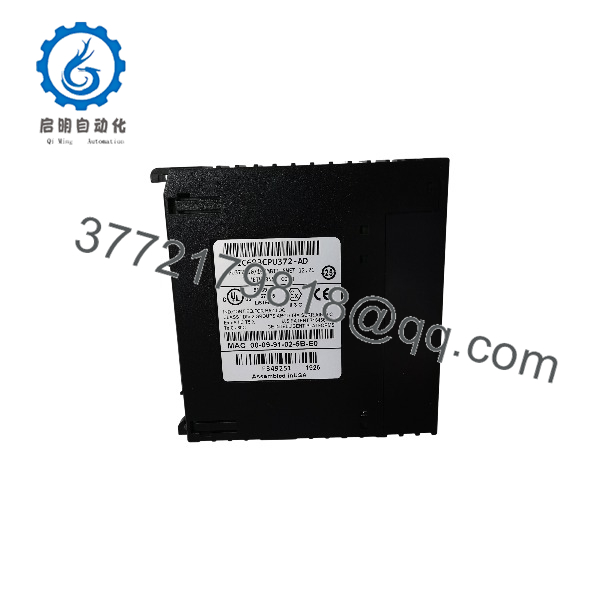
IC693CPU374
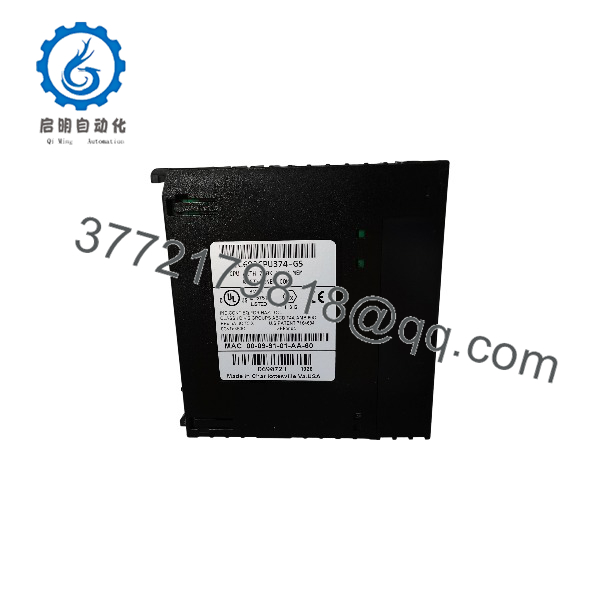
IC693CPU374
Installation & Configuration Guide
Stage 1 — Pre-Installation Preparation
Estimated time: 20–30 minutes
- Record the complete CPU catalog number and hardware revision.
- Back up the existing Series 90-30 application and configuration.
- Record the CPU firmware version.
- Document the Ethernet IP configuration.
- Record the PLC rack and slot position.
- Verify the existing power supply and baseplate are compatible with the CPU374.
- Photograph Ethernet and serial connections before removal.
⚠️ Firmware revision matters when replacing legacy Series 90-30 CPUs. Do not assume two CPU374 units have identical firmware simply because the base catalog number is the same.
Stage 2 — Removing the Existing CPU
Estimated time: 15–25 minutes
- Place the controlled process in its approved shutdown state.
- Apply appropriate lockout/tagout procedures.
- Remove power from the Series 90-30 rack.
- Disconnect the Ethernet cables and any applicable serial connection.
- Record the CPU slot location.
- Release the CPU retaining hardware.
- Remove the CPU from the backplane.
- Protect the removed module from ESD and retain it until commissioning is complete.
Stage 3 — Installing the IC693CPU374
Estimated time: 15–25 minutes
- Verify the replacement catalog number.
- Inspect the card edge connector and module housing.
- Confirm the Series 90-30 rack is de-energized.
- Insert the CPU374 into the correct slot.
- Secure the module according to the Series 90-30 installation procedure.
- Reconnect the Ethernet cables to the appropriate ports.
- Restore any required serial connection.
- Verify the CPU’s physical and network configuration.
⚠️ Do not insert or remove the CPU with the rack energized unless the specific rack and installation procedure explicitly permits it.
Stage 4 — Power-On & Testing
Estimated time: 30–60 minutes
- Energize the Series 90-30 rack.
- Check CPU status LEDs.
- Verify that the CPU completes its startup sequence without a fault.
- Connect the programming workstation.
- Confirm the application and hardware configuration.
- Verify the Ethernet IP address.
- Test SRTP or EGD communication with the connected devices.
- Verify PLC I/O status.
- Confirm the application reaches the expected operating state.
- Perform a controlled restart and verify configuration retention.
FAQ
1. What is the IC693CPU374?
The IC693CPU374 is a GE Fanuc Series 90-30 single-slot CPU module with embedded Ethernet communications. It executes the PLC application and manages network communication for compatible Series 90-30 systems.
2. How much memory does the CPU374 have?
The provides 240 KB (245,760 bytes) of total user memory. The amount available for the user program depends partly on how configurable reference memory such as %R, %AI, and %AQ is allocated.
3. How many Ethernet ports does the IC693CPU374 have?
It has two 10/100Base-T/TX RJ-45 Ethernet ports with an integrated switch. The published specifications identify one configurable Ethernet IP address.
4. Which Ethernet protocols are supported?
The embedded Ethernet interface supports SRTP and Ethernet Global Data (EGD). The CPU’s Ethernet interface should not be confused with the separate serial SNP/SNPX communication path.
5. Is the compatible with every Series 90-30 rack?
It is a Series 90-30 CPU module, but the complete rack configuration must be checked before replacement. Verify the baseplate, power supply, firmware, installed I/O modules, application memory configuration, and communications requirements.
6. What firmware revisions exist for the ?
GE Fanuc released multiple firmware revisions. For example, GE documentation identifies CPU firmware 11.10 for -BG and later hardware, with Ethernet daughterboard firmware 1.02. The document states that this firmware is compatible with previous hardware and firmware versions.
7. What should I verify before purchasing an replacement?
Verify the full catalog number, hardware revision, CPU firmware, Ethernet configuration, application backup, and physical condition. For used or refurbished units, request confirmation that the CPU boots correctly, communicates through both Ethernet ports, and retains the required configuration.



