
 WhatsApp: +86 16626708626
 Email:
  Phone: +86 16626708626
Description
Key Technical Specifications
| Parameter | Value |
| Protocol Support | Profibus DP-V0 and DP-V1 Master |
| Max Network Slaves | Up to 125 slave devices |
| Bus Baud Rates | 9.6 kbps to 12 Mbps (Auto-detected / Configured) |
| Interface Port | 1 x RS-485 DB9 Female Connector |
| Backplane Interface | RX3i Universal Backplane (IC695) |
| Backplane Current Draw | 0.45 A @ 3.3 VDC, 0.12 A @ 5 VDC |
| Data Exchange Limits | Up to 2,448 bytes input data, 2,448 bytes output data |
| Status LEDs | PROFIBUS OK, NETWORK, MOD STATUS |
| Operating Temperature | 0 °C to 60 °C (32 °F to 140 °F) |
| Isolation | 1500 VAC continuous bus isolation |
Product Introduction & Supply Chain Strategy
The GE Fanuc / Emerson IC695PBM300 acts as a high-speed communication gateway that links PACSystems RX3i controllers to field-level Profibus DP networks. It manages real-time data exchange across drive systems, remote I/O nodes, and instrumentation racks with speeds up to 12 Mbps.
Purchasing this module as New Surplus eliminates the hidden failure points typical of secondhand units, such as degraded optocouplers, damaged DB9 connector pins, and thermal fatigue on RS-485 transceivers. Sourcing New Surplus parts guarantees immediate operational readiness, helping plant managers avoid long lead times and prevent total fieldbus shutdowns that can lead to catastrophic losses in continuous processing plants.
Installation & Configuration Guide
1.Pre-Installation (Prep & Safety):Safety and preparation before physical handling.
Verify that the main enclosure power is fully isolated following standard LOTO protocols. Wear a grounded ESD wrist strap before unboxing or touching the IC695PBM300 module. Take a reference photo of the DB9 Profibus cable connection, line termination switches on nearby connectors, and network node configurations.
2.Removal:Safe extraction techniques.
Loosen the retaining screws on the DB9 Profibus cable connector and pull it straight off the module port. Squeeze the top and bottom release tabs on the IC695PBM300 simultaneously to disengage the backplane lock. Slide the old module straight forward out of the RX3i Universal Backplane slot to avoid putting bending stress on the rear connector pins.
3.Installation (Clone & Seat):Hardware mounting and cabling.
Check the backplane connector pins on the new IC695PBM300 for damage or foreign debris. Align the module with the top and bottom guide channels of the assigned slot on the IC695 Universal Backplane. Firmly push the module rearward until both retention latches snap securely into place. Reattach the DB9 Profibus cable and tighten its thumb screws.
4.Power-On & Testing:System initialization and functional checks.
Re-energize the rack and observe the LED boot sequence. The MOD STATUS indicator should turn solid green, confirming internal diagnostics have passed. Open Proficy Machine Edition, connect to the CPU, upload the GSD files if required, and verify that the NETWORK LED turns solid green to confirm active cyclic communications with all configured field slaves.
Firmware/Software Versions & Upgrade Notes
- Recommended Firmware: Revision IC695PBM300-BB (or later) runs optimal on Firmware Revision 2.0 or higher, paired with Proficy Machine Edition V6.0 or later.
- GSD File Requirement: Ensure that the exact matching GSD file version is loaded in Proficy Machine Edition prior to uploading or modifying node hardware configurations.
- Firmware Mismatch Risk: Updating or changing module firmware version while connected to an operational network causes immediate bus resets. Always disconnect the DB9 bus connector or shut down field devices before flashing firmware to prevent communication timeouts on active nodes.
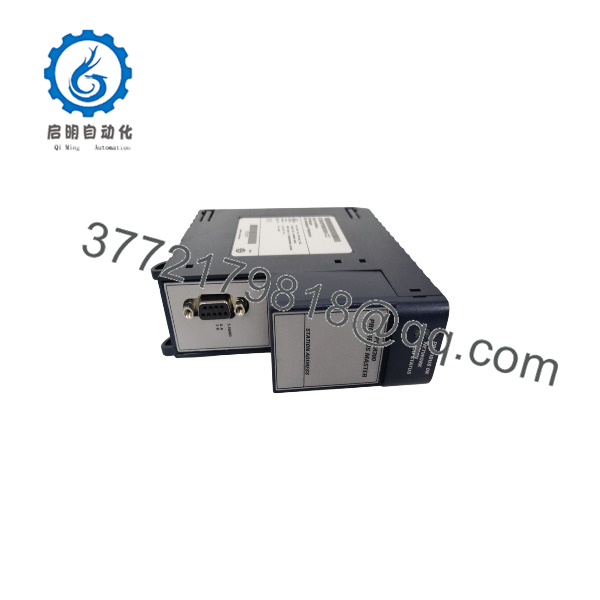
IC695PBM300
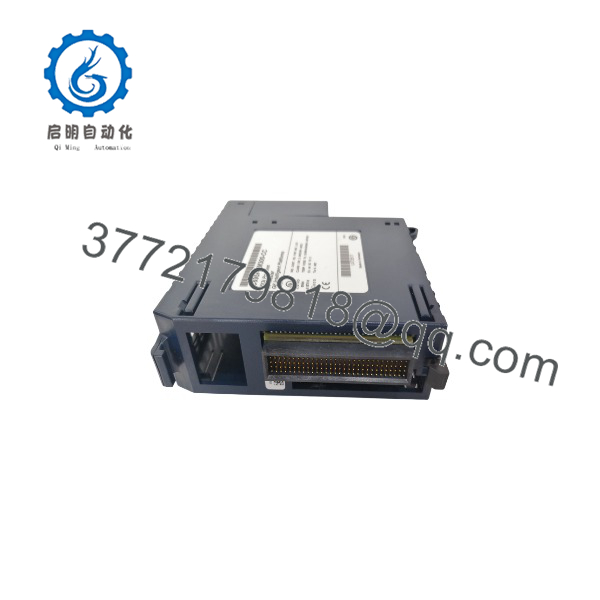
IC695PBM300
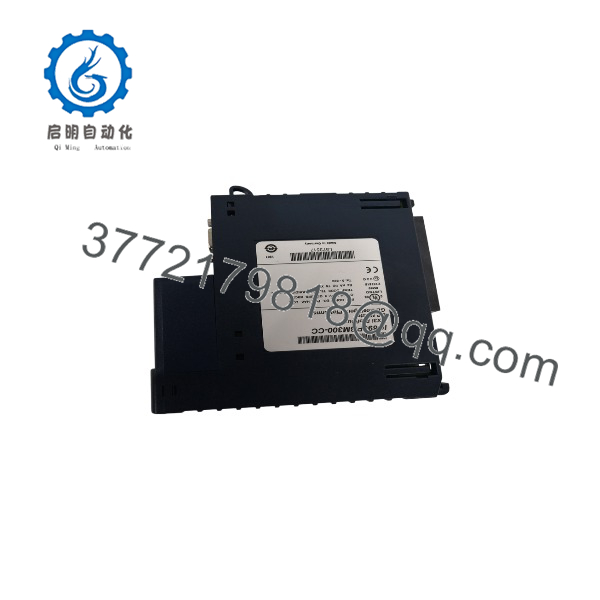
IC695PBM300
Frequently Asked Questions (FAQ)
Is the IC695PBM300 completely new and unused?
Yes. This product is a Brand New Surplus unit. It is not used, not pulled from a decommissioned plant, and not refurbished. All modules undergo rigorous quality verification to ensure OEM-level reliability. The original packaging is opened only for final physical inspection and serial number recording.
Why choose New Surplus over a refurbished module?
Refurbished parts frequently hide internal component wear. Heat exposure degrades electrolytic capacitors, and high-speed RS-485 transceivers suffer electrical stress that can lead to intermittent bus dropouts. Saving a few hundred dollars on a used module risks thousands of dollars in downtime caused by fieldbus signal loss.
Can the be installed in any slot in the RX3i rack?
The must be installed in an RX3i Universal Backplane (IC695 series backplanes). It cannot be installed in expansion backplanes (IC694 series). It can occupy any available Universal slot, provided the backplane power supply can meet its current demands.
Do I need external bus termination when using the ?
Yes. As a Profibus DP interface, standard RS-485 network rules apply. If the sits at either physical end of the Profibus cable segment, the active termination switch on the DB9 bus connector must be switched to the “ON” position. If it is located in the middle of a loop, termination must remain “OFF.”
Does the support hot-swapping or RIUP (Removal and Insertion Under Power)?
No. Inserting or removing the while the backplane is powered can cause voltage spikes across the PCI connector pins, potentially damaging the module or the backplane itself. Always shut off backplane power before removing or inserting the unit.
What warranty coverage is included with this New Surplus unit?
We back this module with a full 1-year functional warranty. If any hardware defect or backplane communication error occurs under normal operating conditions within 12 months, we provide a direct replacement from our inventory.



