
 WhatsApp: +86 16626708626
 Email:
  Phone: +86 16626708626
Description
Key Technical Specifications
- Manufacturer: GE Fanuc Automation
- Part Number: IC660BBD024
- Product Family: Genius I/O
- Module Type: Intelligent Source I/O Block
- Circuit Count: 32 discrete circuits
- Power Supply Voltage: 12/24 VDC
- I/O Configuration: Configurable input, output, or output with feedback
- Communication Network: Genius Bus
- Field Device Compatibility: 2-wire and 3-wire sensors
- Application Type: Distributed PLC I/O control
- Output Protection: Software-controlled short-circuit protection
- Configuration Method: Genius Handheld Monitor or host configuration datagram
The GE Fanuc IC660BBD024 is a 32-circuit 12/24 VDC Source I/O Block designed for Genius distributed control systems. It provides configurable discrete field interfacing between PLC controllers and industrial devices.
Product Introduction
The GE Fanuc IC660BBD024 is a Genius I/O Source Block module used for distributed discrete control applications. This intelligent I/O device provides 32 configurable circuits operating at 12/24 VDC and interfaces PLC systems with field sensors and output devices through the Genius communication network.
The module supports flexible circuit configuration as input, output, or output with feedback. Each circuit includes protection features for output applications, helping reduce damage caused by wiring faults or short-duration electrical surges. It is commonly used in legacy GE Fanuc control systems where maintaining existing Genius I/O architecture is required.
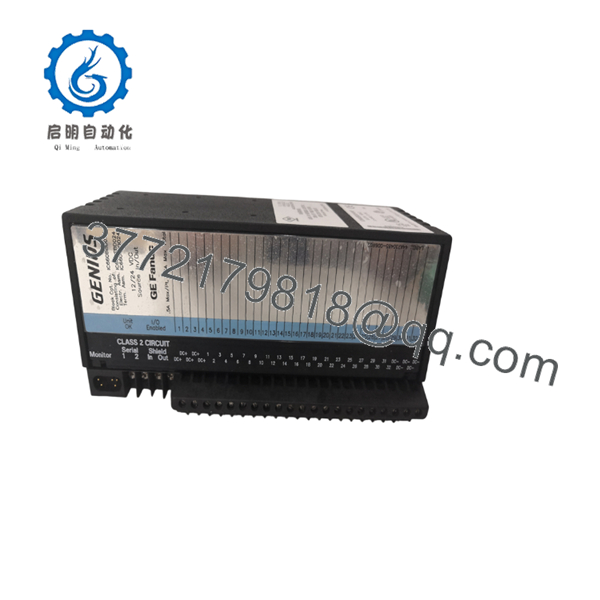
IC660BBD024
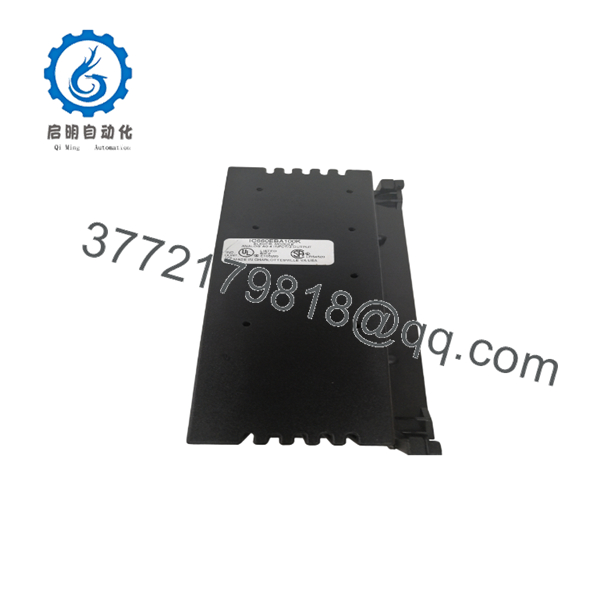
IC660BBD024
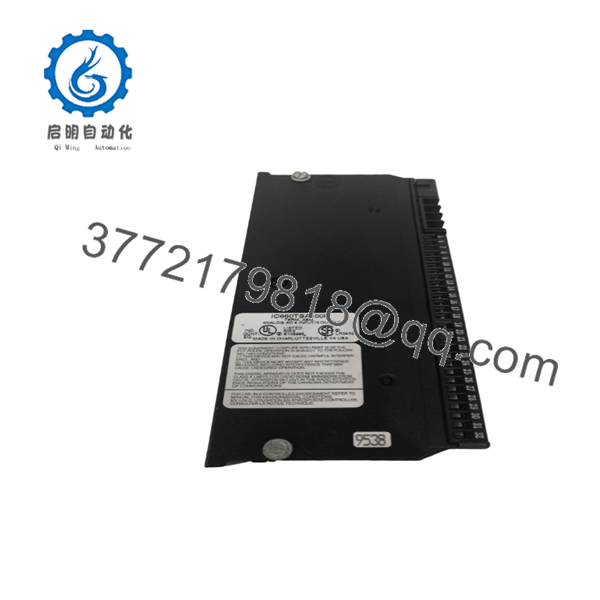
IC660BBD024
Installation & Configuration Guide
Stage 1: Pre-Installation Preparation (Approx. 10 minutes)
⚠️ Safety First
- Notify plant operations before removing the existing Genius I/O block.
- Place the controlled process into a safe operating state.
- Apply lockout/tagout procedures before disconnecting power.
- Wait for stored energy discharge before handling wiring.
Tools Required
- ESD wrist strap
- Phillips screwdriver
- Digital multimeter
- Wire labels
- Smartphone/camera for configuration records
Data Backup
Before removal:
- Record the existing Genius Bus address.
- Photograph terminal wiring.
- Document any configuration parameters.
- Record PLC hardware and communication settings.
- Save controller configuration files if available.
Stage 2: Removing the Old Module (Approx. 10 minutes)
Steps:
- Remove protective covers if installed.
- Label all field wiring before disconnecting terminals.
- Disconnect the Genius Bus communication wiring carefully.
- Remove power connections.
- Release mounting hardware and remove the existing block.
- Inspect wiring terminals and mounting area for corrosion or damage.
⚠️ Note:
Keep the original IC660BBD024 configuration records until the replacement module completes commissioning.
Stage 3: Installing the New Module (Approx. 15 minutes)
Steps:
- Wear an ESD grounding strap before handling the module.
- Verify the replacement part number matches IC660BBD024.
- Mount the Genius Block in the original installation position.
- Reconnect power wiring according to the site drawings.
- Reconnect Genius Bus communication wiring.
- Restore terminal connections using the original wiring labels.
Configuration Clone Checklist
- Genius Bus address matches original module
- Input/output configuration matches previous settings
- Terminal wiring verified
- Power supply voltage checked
- Communication cable polarity confirmed
Stage 4: Power-On & Testing (Approx. 15 minutes)
Pre-Power Check
- Verify 12/24 VDC supply voltage with a multimeter.
- Check for wiring shorts before energizing.
Power-On Steps
- Energize the Genius I/O block.
- Check module status indicators.
- Confirm Genius Bus communication with the PLC.
- Verify configuration parameters.
- Test each input and output channel.
- Perform a controlled field device test.
⚠️ Troubleshooting Note
If communication fails:
- Verify Genius Bus address settings.
- Check network wiring polarity.
- Confirm PLC Genius communication configuration.
- Compare the replacement module configuration with the original unit.
Frequently Asked Questions (FAQ)
Q1: Is the GE Fanuc IC660BBD024 obsolete?
Yes. The belongs to the legacy GE Fanuc Genius I/O product family. Availability depends on surplus inventory and refurbished stock channels. Verify condition and test documentation before installation in critical applications.
Q2: Can I hot-swap the while the system is running?
No. Treat this module as a powered industrial I/O device, not a hot-swappable component. Remove power before disconnecting field wiring or the Genius Bus connection. Pulling the module under power can create communication faults or damage connected equipment.
Q3: What type of devices can connect to the ?
The module supports discrete industrial devices including 2-wire and 3-wire sensors. Its 32 circuits can be configured for input, output, or output with feedback operation depending on the application requirements.
Q4: Can the directly replace another Genius I/O block?
Only if the original system uses the same electrical configuration and Genius Bus setup. Verify circuit type, voltage level, bus address, and PLC configuration before replacement.
Q5: Will I lose PLC logic when replacing this module?
No. The PLC application program normally remains stored in the controller. However, the Genius I/O block configuration must match the previous module settings for correct operation.
Q6: Why is this module usually purchased from surplus suppliers?
The is part of a discontinued GE Fanuc product family. Many plants continue operating legacy Genius I/O systems, so replacement demand is typically handled through new surplus, tested used, or refurbished inventory channels.
Q7: What should I verify before ordering an ?
Confirm:
- Exact part number:
- Required voltage: 12/24 VDC
- Circuit count: 32
- Genius Bus compatibility
- Existing configuration settings
- Required condition: New Original, New Surplus, or Tested Refurbished
For legacy automation systems, matching the installed hardware revision and configuration is often more important than the physical model number alone.



