
 WhatsApp: +86 16626708626
 Email:
  Phone: +86 16626708626
Description
Key Technical Specifications
- Model: IC693CHS391C
- Manufacturer: GE Fanuc
- Series: Series 90-30
- Type: 10-slot modular CPU baseplate
- Slots: 10 total
- CPU Slot: Slot 1 reserved for CPU or special option module
- Power Supply Position: Leftmost slot for power supply module
- Internal Power Consumption: 420 mA at 5 VDC
- Expansion Connector: 25-pin female connector on right end
- Baseplate Type: Main CPU baseplate with expansion support
- Rack Assignment: Default Rack 0
- Weight: 0.5 kg
Product Introduction
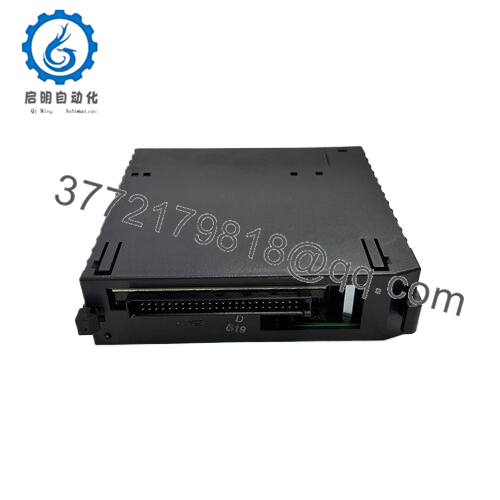
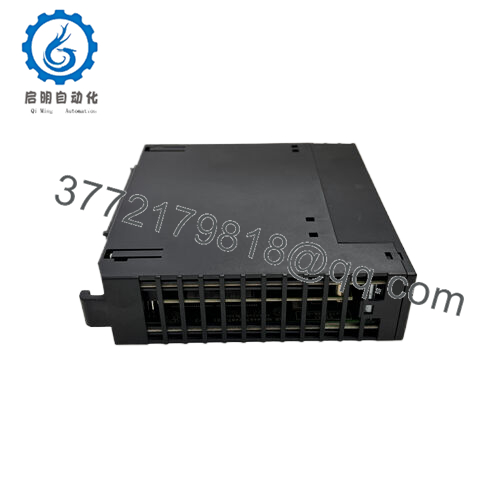
GE IC693CHS391C is a Series 90-30 10-slot modular CPU baseplate used as the main rack in GE PLC systems. It accepts the power supply on the left, the CPU in Slot 1, and I/O or option modules in the remaining slots.
Buyers choose this rack when they need a direct replacement for an existing 90-30 CPU baseplate. It supports expansion and remote baseplates through the right-side 25-pin connector, so it fits standard retrofit and repair work.
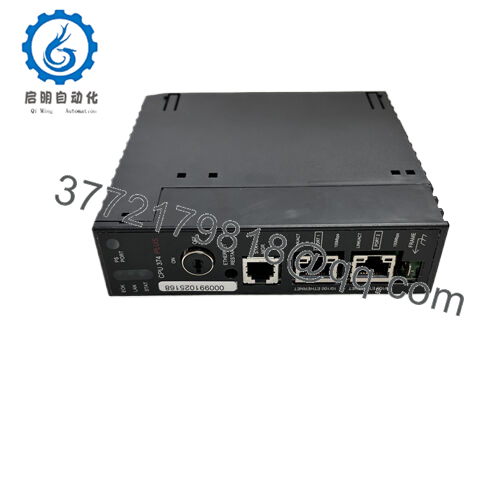
- IC693CHS391C
Troubleshooting Quick Reference
| Symptom | Possible Cause | Relevance to this Part | Quick Check Method | Recommendation |
|---|---|---|---|---|
| CPU will not power up | Missing or failed power supply module | High | Measure 5 VDC at the power supply output and check rack seating | Replace the power supply before replacing the baseplate |
| CPU fault LEDs active | Wrong CPU module, bad CPU, or rack issue | Medium | Verify CPU seating in Slot 1 and inspect rack connector pins | Check CPU and backplane alignment first |
| Expansion rack not seen | Bad 25-pin expansion cable or connector | High | Inspect cable continuity and connector pin condition | Replace cable or clean/retension connector before swapping rack |
| I/O modules not responding | Module placement or rack addressing issue | Medium | Confirm I/O modules are in slots 2 and above | Re-seat modules and verify rack configuration |
| Intermittent resets | Loose power connection or backplane contact issue | High | Wiggle-test connections with power off, inspect for bent pins | Replace only after confirming power and contact integrity |
| Mechanical fit problems | Wrong rack variant or damaged mounting points | High | Compare slot layout, bracket spacing, and connector orientation | Verify exact part number before installation |
If you are stuck, send photos of the front and rear connectors, the CPU LED pattern, and the diagnostic logs.
Frequently Asked Questions
Q: Is IC693CHS391C the CPU itself?
No. It is the 10-slot CPU baseplate, not the CPU module. The CPU installs in Slot 1, and the power supply goes on the left side.
Q: Can I use this as a direct replacement for another Series 90-30 rack?
Usually yes, if the existing rack is the same 10-slot main baseplate style. Still verify connector layout, slot count, and system wiring before ordering.
Q: Is this hot-swappable?
No. Do not swap it live. Power down first, then remove the CPU and power supply in the correct order. Hot removal can damage the backplane or connected modules.
Q: Why is this cheaper than factory-new stock?
This is typically sold as new surplus or pre-owned industrial stock, so the pricing reflects secondary-market availability rather than current OEM production.
Q: Will my CPU program stay in memory when I replace the baseplate?
The baseplate does not store the program. Program retention depends on the CPU and its memory system, so back up the project before any hardware swap.
Q: What should I verify before installation?
Check slot count, CPU slot position, power supply fit, expansion connector type, and rack power budget. Also inspect for bent pins, cracked plastic, and corrosion.
Q: Do you test units before shipment?
A proper supplier should verify physical condition, connector integrity, and rack functionality before release. Ask for photos, test notes, and serial traceability if that matters to your maintenance window.



