
 WhatsApp: +86 16626708626
 Email:
  Phone: +86 16626708626
Description
3. Key Technical Specifications
- Slot Capacity: 10-slot (CPU + I/O expansion architecture)
- System Type: Series 90-30 PLC baseplate
- Backplane Voltage: 5 V DC
- Internal Current Consumption: ~420 mA @ 5 V DC
- Expansion Interface: 25-pin D-sub connector
- Module Compatibility: Digital I/O, analog I/O, comms modules
- Rack Role: CPU base or expansion baseplate (system-dependent configuration)
- Mounting: Panel/DIN rail compatible industrial enclosure
- Typical Dimensions: ~17.44 × 5.12 × 5.59 in
- Weight: ~0.5–0.9 kg depending on revision
- Operating Architecture: Modular distributed PLC backplane bus
- Temperature Range: Industrial cabinet-rated (system dependent)
4. Product Introduction
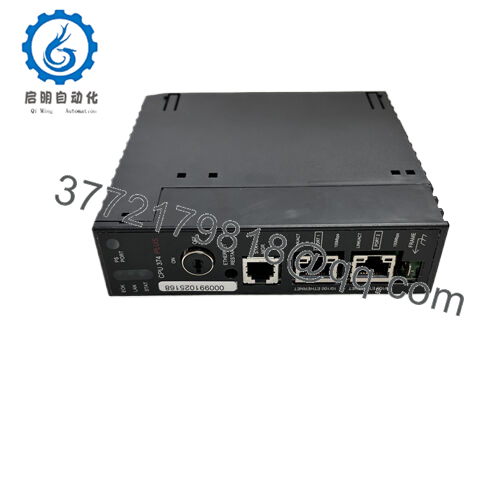
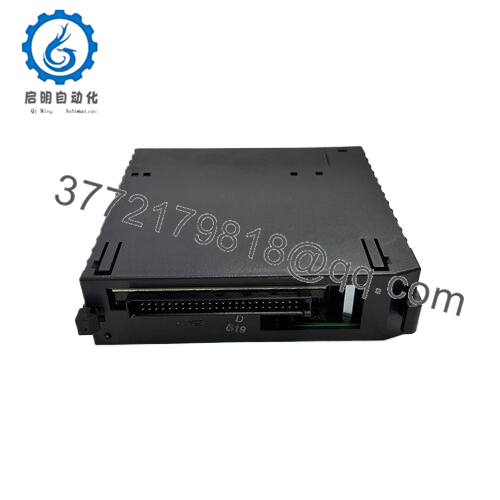
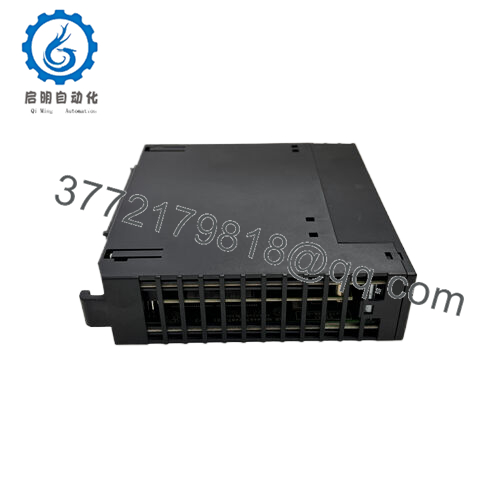
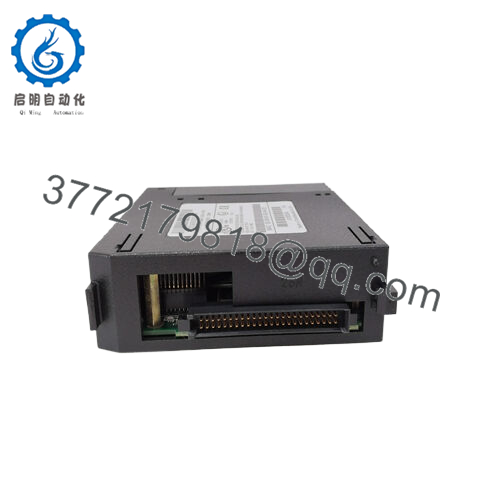
The GE IC693CHS391N is a 10-slot baseplate used in the GE Fanuc Series 90-30 PLC system. It provides the physical backplane and slot structure required to mount a CPU, power supply, and I/O modules in either a main or expansion rack configuration.
It is typically deployed in legacy industrial automation systems where system expansion is required without redesigning existing control cabinets. The 25-pin expansion interface enables multi-rack architectures while maintaining synchronized backplane communication across modules.

- IC693CHS391N
5. Installation & Configuration Guide
Stage 1: Pre-Installation Preparation (10–15 min)
- ⚠️ Confirm complete plant shutdown and apply LOTO to all incoming power sources
- Verify 0 V on backplane and power supply using calibrated multimeter
- Tools required: ESD wrist strap, PH1 screwdriver, torque driver, labeling kit, camera
- Record:
- Slot assignments (CPU / power supply / I/O positions)
- DIP switch settings on existing rack
- 25-pin expansion cable routing
- Backup PLC configuration using GE programming software
Stage 2: Removing the Old Baseplate (15–25 min)
- Remove all I/O modules carefully (do not stress backplane pins)
- Label each module before removal to preserve slot mapping
- Disconnect 25-pin expansion cable (if expansion rack exists)
- Remove power supply module first, then CPU module
- Unscrew rack mounting points and extract baseplate
- Inspect backplane for bent pins, discoloration, or arcing marks
⚠️ Do not flex the rack during removal — Series 90-30 backplanes are sensitive to misalignment damage.
Stage 3: Installing the New Baseplate (15–25 min)
- Verify exact model match: IC693CHS391N revision compatibility
- Mount rack securely to panel or DIN rail
- Install power supply into slot 1 (mandatory slot position rule)
- Install CPU into designated CPU slot
- Reinsert I/O modules following original slot order
- Reconnect 25-pin expansion cable and verify seating
- Tighten mounting screws evenly to avoid chassis warp
Self-check:
- CPU seated correctly
- Power supply aligned
- Expansion cable locked
- No empty/unintended slots
Stage 4: Power-On & Testing (10–20 min)
- Energize power supply only (no field wiring load initially)
- Verify LED status on CPU and power module
- Connect programming terminal and confirm rack detection
- Check I/O configuration consistency with hardware map
- Perform controlled dry-run of critical I/O points
- Gradually reintroduce field loads
⚠️ If CPU does not recognize rack, inspect backplane alignment and expansion cable continuity first.
6. Frequently Asked Questions (FAQ)
1. Is the IC693CHS391N still manufactured?
No. It belongs to the GE Fanuc Series 90-30 legacy platform. Most units today are surplus or refurbished stock.
2. Can I mix this rack with RX3i systems?
No. The 90-30 backplane architecture is incompatible with RX3i (different hardware bus and software environment).
3. What happens if a slot is misconfigured?
The PLC may fail to initialize I/O scanning or show configuration mismatch faults. Slot mapping in hardware config must match physical placement.
4. Can this rack be hot-swapped?
No. The backplane and CPU are not designed for live insertion. Power must be fully removed before any module or rack change.
5. Why does this rack fail in the field?
Most failures are mechanical: bent pins, loose expansion cables, or oxidized backplane contacts—not electronic failure of the rack itself.
6. Is the 10-slot structure fixed?
Yes. It is a fixed mechanical backplane layout: one CPU slot plus I/O expansion slots. It cannot be reconfigured.
7. Why are prices inconsistent across suppliers?
Condition differences (tested surplus vs refurbished), completeness of rack, and revision differences strongly affect pricing.



