
 WhatsApp: +86 16626708626
 Email:
  Phone: +86 16626708626
Description
3. Key Technical Specifications
| Parameter | Value |
| Network Role | PROFIBUS-DP Master (DP-V0 Class 1) |
| Maximum Slave Capacity | Up to 125 PROFIBUS-DP slave devices |
| Supported Transmission Rates | 9.6k, 19.2k, 93.75k, 187.5k, 500k, 1.5M, 3M, 6M, 12M Baud |
| Physical Interface | One (1) Standard 9-pin D-sub female connector (RS-485) |
| Service Port | One (1) RS-232 serial port (RJ-37 / RJ-45 type) for firmware/diagnostics |
| Max Data Transfer per Slave | 244 Bytes Input and 244 Bytes Output |
| Synchronous Modes Supported | Sync and Freeze |
| Backplane Current Consumption | 450 mA @ 5 VDC (typical) |
| Slot Position | Installs in any standard I/O slot (excluding Power Supply / Slot 1) |
| Isolation Rating | 1,500 V field-to-logic isolation |
| Status Indicators | COM (Network Communication) and SYS (Module System State) LEDs |
| Operating Temperature | 0°C to 60°C (32°F to 140°F) |
4. Product Introduction & Supply Chain Strategy
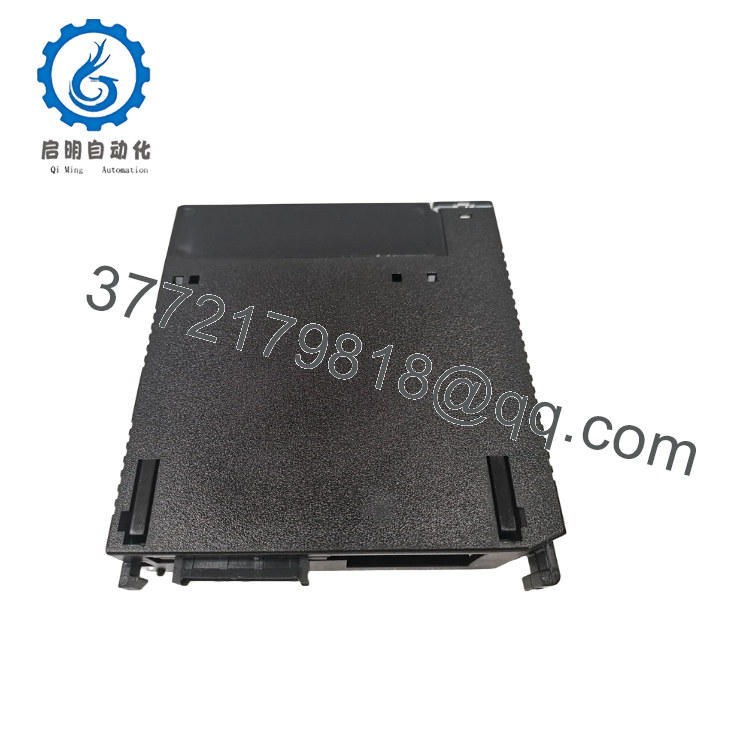
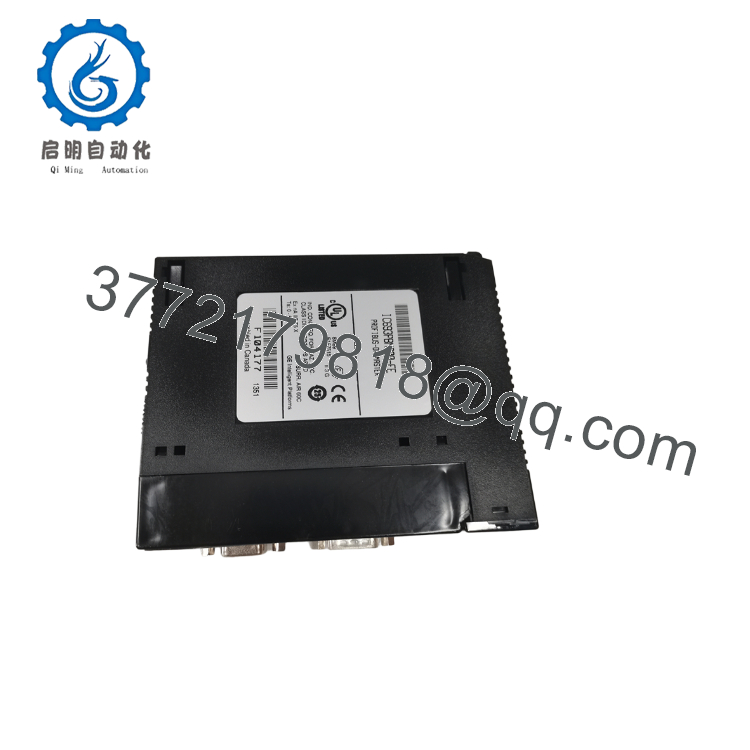
The GE IC693PBM200-FE is a high-performance PROFIBUS-DP Master module that acts as a robust communication bridge for the GE Fanuc Series 90-30 PLC platform. Adhering to the standard RS-485 physical network layer, this single-slot module coordinates real-time deterministic data exchanges with up to 125 external DP slave devices, including remote I/O drops, variable frequency drives, process transmitters, and valve manifolds. By transmitting critical command packets at speeds up to 12 Mbps, the controller achieves precise synchronization and deterministic processing profiles over long distances.
From an operations and inventory planning perspective, maintaining a verified “New Surplus” IC693PBM200-FE on-site is essential for mitigating risk on aging control networks. Since the Series 90-30 platform and its specialized communication cards are discontinued, replacements cannot be sourced direct-from-factory. Refurbished communication cards are high-risk options; their integrated transceiver chips and internal isolators degrade over years of industrial run-time, causing erratic network dropouts or “bus-off” errors that halt entire manufacturing lines. Procuring a zero-hours New Surplus unit guarantees signal integrity and backplane safety, stabilizing your Total Cost of Ownership (TCO) while protecting legacy automation lines from costly downtime.

- IC693PBM200-FE
- IC693PBM200-FE
5. Installation & Configuration Guide
Stage 1: Pre-Installation (Prep & Safety)
- Power down the main Series 90-30 PLC chassis. Never install communication modules while the backplane is energized.
- Ground yourself with a static-dissipative wrist strap connected to a bare metal point on the control panel.
- Document the existing physical node address configuration and obtain the network’s
.GSDconfiguration files from your archived project directory.
Stage 2: Removal
- Unplug the 9-pin D-sub PROFIBUS cable and the RS-232 service cable from the front of the active card.
- Pinch the top and bottom structural release latches on the module bezel.
- Pull the module straight out along the chassis guide tracks, ensuring no twisting forces are applied to the gold backplane contacts.
Stage 3: Installation (Clone & Seat)
- Inspect the connector pins of the new IC693PBM200-FE for any structural damage or dust accumulation.
- Insert the new card into the target slot of the main or expansion baseplate (any slot except Slot 1, which is reserved for the system CPU).
- Apply firm, parallel pressure at the top and bottom of the faceplate until you hear the mechanical locks click shut.
- Reconnect the 9-pin network bus connector and torque the retention screws to secure the physical connection.
Stage 4: Power-On & Testing
- Restore system power. Ensure the surrounding 24V bus voltage is clean and within range.
- Verify the module’s SYS LED illuminates green, indicating the card successfully cleared its internal self-test.
- Connect via Proficy Machine Edition, configure the master module slot to match the actual card placement, and download the hardware network mapping parameters.
- Monitor the COM LED. A steady green blink or solid green state indicates active data transmission with configured slaves.
6. Firmware/Software Versions & Upgrade Notes
- Software Tool Compatibility: The IC693PBM200-FE requires Cimplicity Machine Edition (Logic Developer) version 2.6 or later, or modern Proficy Machine Edition software. It is not supported by legacy DOS-based Logicmaster 90.
- CPU Requirements: The system CPU must be running firmware Version 8.0 or later to recognize and handle the communication block commands (
COMM_REQ) initiated by this master card. - Firmware Updates: Firmware upgrades can be loaded through the RS-232 service port on the front panel. Do not interrupt power or disconnect the serial link during a firmware flash sequence; doing so can corrupt the bootloader and render the module permanently inoperable.
7. Frequently Asked Questions (FAQ)
- Q: What is the significance of the “-FE” suffix on the IC693PBM200-FE model?
- A: The “-FE” suffix denotes a specific manufacturing revision and component profile under the original GE Fanuc (now Emerson) production standards. It is fully interchangeable with and directly replaces standard IC693PBM200-AA, -CA, or -EE hardware configurations within existing PLC programs.
- Q: Is this card actually a “New Surplus” component, or has it been remanufactured?
- A: This is a Brand New Surplus unit. It is not used, not pulled from a decommissioned plant, and not refurbished. These modules are pristine, zero-runtime units sourced from unfulfilled projects or strategic spares reserves. The static barrier wrap is only opened under cleanroom conditions for our standard physical Quality Control inspections.
- Q: Why should I pay more for a New Surplus communication card rather than a cheaper, repaired one?
- A: Our pricing reflects the cost of securing genuine New Surplus inventory globally. It may be 20-30% higher than a refurbished gamble, but it is substantially less than OEM list prices, and it buys you 100% peace of mind. Communication modules are highly sensitive to electrical noise; refurbished cards often use older RS-485 driver chips that are prone to thermal drift, which can cause erratic network-wide connection dropouts.
- Q: How does this module handle network diagnostic information from slave devices?
- A: The IC693PBM200-FE continuously compiles slave diagnostic bits into an internal array. The host CPU can retrieve detailed status logs and error counters using standard ladder-logic
COMM_REQ(Communication Request) blocks, making it easy to isolate field-level wiring issues or offline nodes.
- A: The IC693PBM200-FE continuously compiles slave diagnostic bits into an internal array. The host CPU can retrieve detailed status logs and error counters using standard ladder-logic
- Q: Can this module operate as a slave device on a PROFIBUS network managed by a third-party PLC?
- A: No. The IC693PBM200-FE is strictly a Class 1 PROFIBUS-DP Master module. It is designed to control a dedicated network of slave devices and cannot be configured to behave as a slave to another master controller.
- Q: What kind of warranty protection is included with this purchase?
- A: This module comes with our standard, comprehensive 1-year replacement warranty. If you encounter any structural or functional issues within 12 months, we will immediately provide a replacement unit to minimize your operational downtime.



