
 WhatsApp: +86 16626708626
 Email:
  Phone: +86 16626708626
Description
3. Key Technical Specifications
| Parameter | Value |
| Module Type | Intelligent Temperature Control Module (TCM) |
| Number of Zones | 8 Independent Loop Control Zones |
| Input Channels | 8 Thermocouple Inputs (High-resolution, 12-bit or 0.2°C) |
| Output Channels | 8 Solid-state DC Outputs (Pulse Width Modulation) |
| Output Voltage Range | 18 to 30 VDC (switched from external supply) |
| Output Current Rating | 100 mA maximum per output channel |
| External Power Requirement | 18 to 36 VDC (2.5 A maximum inrush) |
| Internal Power Draw | 150 mA @ 5 VDC from backplane |
| Accuracy Resolution | Maintains zones within ±1°C of specified setpoint |
| Common Mode Voltage | ±12 V maximum capability |
| Diagnostic Capabilities | Open/Reverse Thermocouple detection; Out-of-Tolerance temperature reporting |
| Integrated Safety Protection | Removable internal 2 Amp, 125V subminiature fuse |
4. Product Introduction & Supply Chain Strategy
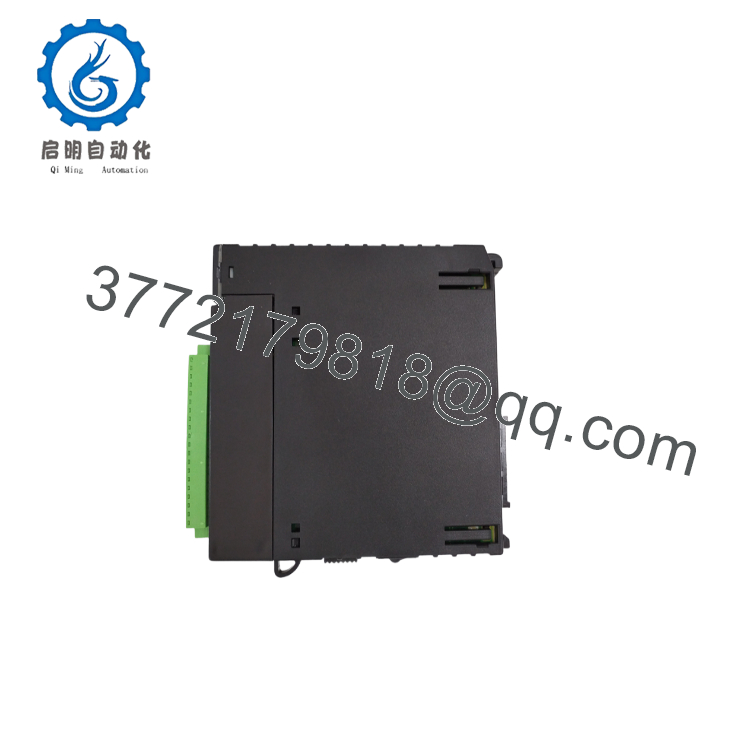
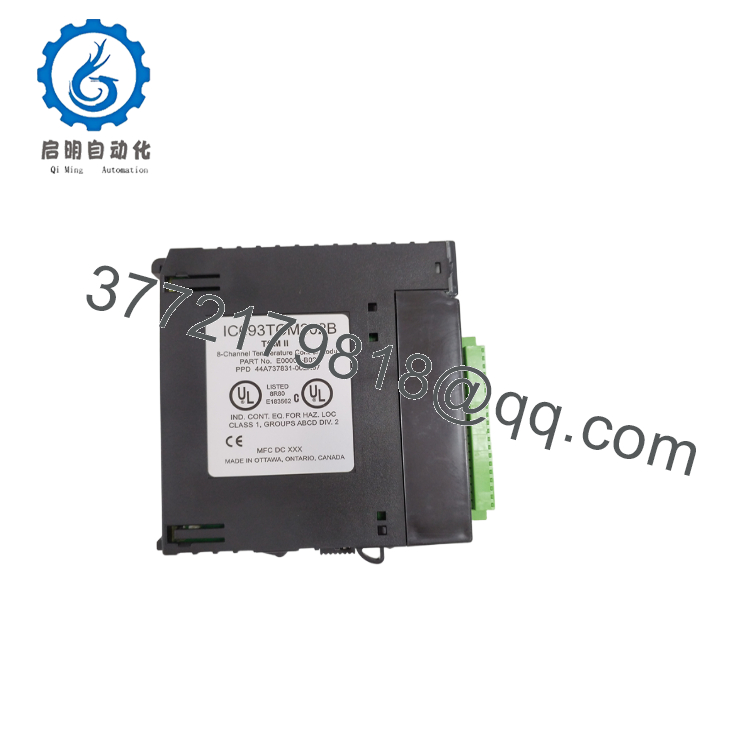
The GE IC693TCM302B is a high-performance, single-slot Temperature Control Module (TCM) designed for the Series 90-30 PLC platform. This intelligent card processes 8 independent thermocouple inputs and drives 8 dedicated solid-state PWM outputs to regulate temperature zones within ±1°C. By offloading complex closed-loop PID arithmetic from the main CPU, the module ensures fast, deterministic thermal regulation. It is a critical component in extrusion, blow-molding, and thermal-packaging machinery (including Husky systems).
From an inventory planning perspective, securing this card as a “New Surplus” asset is vital to your risk-mitigation strategy. Since the Series 90-30 platform has transitioned to End-of-Life (EOL), direct factory replacements are no longer manufactured. Relying on refurbished temperature modules is highly risky; aged analog-to-digital converters and fatigued solid-state switching transistors are prone to thermal drift, which can ruin manufacturing batches or damage heaters. Investing in verified New Surplus inventory keeps your Total Cost of Ownership (TCO) low by preventing unexpected downtime and avoiding expensive system migrations.

- IC693TCM302B
- IC693TCM302B
5. Installation & Configuration Guide
Stage 1: Pre-Installation (Prep & Safety)
- Power down the main Series 90-30 PLC rack and isolate the external 24 VDC power supply feeding the heater relays.
- Put on an ESD-safe wrist strap connected to the metal chassis of the control enclosure before handling the new module.
- Note or photograph the DIP switches (if configured) and match the input and output terminal wiring blocks precisely.
Stage 2: Removal
- Unplug the separate screw-terminal blocks (the left connector for thermocouple inputs and the right connector for control outputs) from the front of the module. Do not disconnect the individual field wires.
- Pinch the upper and lower plastic release tabs on the module faceplate.
- Pull the module straight out of the slot, keeping it perpendicular to the chassis to avoid bending any of the gold-plated backplane interface pins.
Stage 3: Installation (Clone & Seat)
- Inspect the backplane connectors on the new IC693TCM302B to verify they are straight and debris-free.
- Slide the module into its designated standard I/O slot (any slot except Slot 1, which is reserved for the system CPU) along the guide rails.
- Press firmly at the top and bottom of the bezel until the plastic clips latch securely into the backplane.
- Reconnect the pre-wired thermocouple input and control output terminal blocks to their respective slots on the front cover.
Stage 4: Power-On & Testing
- Restore power to the PLC rack and the external 24 VDC supply.
- Confirm that the P (External Power) and R (Run) LEDs turn solid green. If the F (Fault) LED flashes alternately with the R LED, immediately check your external supply wiring or check for a blown internal module fuse.
- Verify individual channel output LEDs (1–8) modulate on and off as the PID loops begin regulating target zones.
- Connect your programming terminal to run an online loop check and verify that temperature readings (%AQ registers) match actual field measurements.
6. Firmware/Software Versions & Upgrade Notes
- Baseline Software Support: Configuration and monitoring of the IC693TCM302B require Logicmaster 90, VersaPro, or Proficy Machine Edition.
- Data Registers: System registers (%Q and %AQ) are utilized to transfer configurations, control commands, and setpoints dynamically between the CPU program and the TCM.
- Firmware Notes: The “B” suffix represents a highly stable product revision that improves electrical noise immunity on thermocouple inputs. This revision serves as a direct, drop-in replacement for earlier “A” revision modules without requiring changes to your existing PLC code.
7. Frequently Asked Questions (FAQ)
- Q: Is this IC693TCM302B module brand new or is it a refurbished/rebuilt card?
- A: This is a Brand New Surplus unit. It is not used, not pulled from a decommissioned plant, and not refurbished. These cards are unused, zero-runtime units sourced from surplus capital projects or factory spares reserves. Each module is structurally inspected and repackaged in ESD-safe packaging before leaving our facility.
- Q: Why should I pay more for a New Surplus card when repaired ones are cheaper?
- A: Our pricing reflects the cost of securing genuine New Surplus inventory globally. It may be 20-30% higher than a refurbished gamble, but it is substantially less than OEM list prices, and it buys you 100% peace of mind. Refurbished analog cards often suffer from component degradation, causing temperature readings to drift over time. Buying New Surplus ensures long-term calibration accuracy and reliability.
- Q: What happens to my temperature zones if a thermocouple breaks during operation?
- A: The IC693TCM302B includes built-in open-circuit and reverse-polarity thermocouple detection. If a thermocouple fault is detected, the module can be configured to either shut down the affected output immediately to prevent runaway heating or drop back to a pre-defined manual duty cycle.
- Q: The green “P” (External Power) LED is off, but my PLC rack is powered up. What is wrong?
- A: The “P” LED indicates the status of the external 18 to 36 VDC power supply connected to the terminal blocks. If this voltage is present but the LED remains off, the module’s internal 2 Amp, 125V subminiature fuse may be blown. This fuse is located behind the front cover and can be replaced if necessary.
- Q: Can I run this module in manual mode without the PID loops active?
- A: Yes. The TCM supports both automatic (closed-loop PID) and manual (open-loop) modes. In manual mode, you write duty-cycle values directly to the control outputs, allowing you to run pre-heat cycles or troubleshoot your heaters without relying on sensor feedback.
- Q: What warranty coverage do you provide on this legacy module?
- A: This IC693TCM302B is backed by our comprehensive 1-year replacement warranty. In the rare event of a functional failure within the first 12 months, we will supply a replacement unit promptly, protecting your operations from extended downtime.



