
 WhatsApp: +86 16626708626
 Email:
  Phone: +86 16626708626
Description
Key Technical Specifications
| Parameter | Value |
| Number of Slots | 7 total slots for functional modules and processors |
| Bus Support | Dual-bus backplane: High-speed PCI bus and legacy serial bus |
| Power Supply Slots | Supports up to 2 redundant or non-redundant RX3i power supplies (occupies dedicated slots) |
| Module Compatibility | All RX3i CPUs, network modules, and standard I/O discrete/analog cards |
| Mounting Options | Panel mount (surface) or standard 19-inch rack mount using adapter brackets |
| Grounding Mechanism | Dedicated structural grounding bolt on the chassis frame |
| Internal Current Limits | Maximum 15 A total for the 5 VDC rail; maximum 15 A for the 3.3 VDC rail |
| Operating Temperature | 0 to +60 °C (32 to 140 °F) |
Product Introduction & Supply Chain Strategy
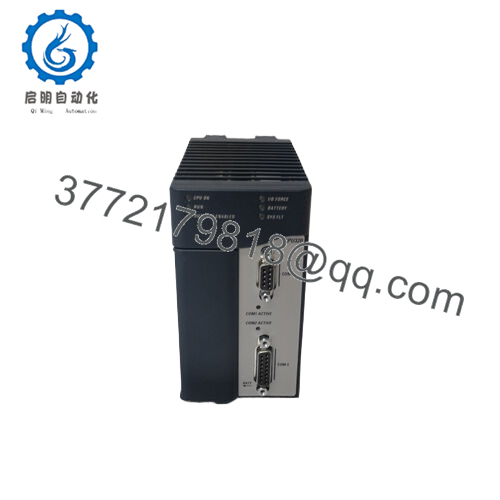
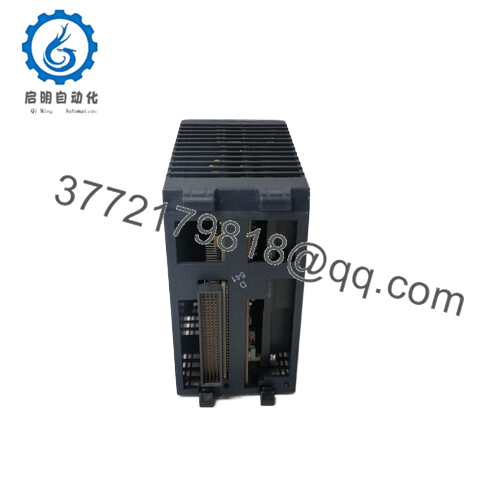
The IC695CHS007 is a 7-slot universal backplane engineered for the PACSystems RX3i control platform. Featuring an advanced dual-bus architecture, this chassis contains both a high-speed PCI bus for data-intensive controllers, network cards, and coprocessors, alongside a standard serial bus for legacy I/O compatibility. The baseplate layout supports redundant power supply modules to maximize system availability, making it a key component in mission-critical applications such as oil and gas processing, water filtration facilities, and automated power distribution networks.
From an inventory and life-cycle management perspective, the baseplate chassis represents the foundational point-of-failure for an entire automation node. If a backplane track suffers physical damage, corrosion, or an electrical short across its gold pins, the entire PLC rack drops offline instantly, rendering all individual I/O cards useless. Procuring this unit as a Brand New Surplus item guarantees structural integrity and pristine, uncorroded backplane channels that haven’t faced thermal stress. Keeping a new surplus IC695CHS007 in your buffer stock significantly lowers your lead time variability, serving as an operational insurance policy against multi-day infrastructure shutdowns.

- IC695CHS007
Installation & Configuration Guide
Stage 1: Pre-Installation (Prep & Safety)
- De-energize all primary input power lines routing into the control cabinet following standard plant lock-out/tag-out (LOTO) procedures.
- Put on a grounded anti-static wrist strap, ensuring a direct skin connection, and clip the terminal end to the bare metal structural frame of the enclosure.
- Unpack the new surplus backplane inside an ESD-protected area and inspect the alignment tracks and rear connector slots for transit defects.
Stage 2: Removal
- Label and disconnect all external wiring bundles, network drop cables, and power connections from every module seated in the old rack.
- Unseat and extract all modules (CPU, Power Supplies, I/O) from the old chassis, placing them directly onto ESD-safe mats.
- Loosen the mounting screws securing the old IC695CHS007 baseplate to the subpanel backplate and remove the empty chassis frame.
Stage 3: Installation (Clone & Seat)
- Position the new surplus IC695CHS007 against the enclosure subpanel mounting holes. Tighten the four corner mounting screws to 25 in-lbs of torque to ensure a solid mechanical bond.
- Connect a dedicated 14 AWG or larger copper grounding wire from the panel’s central earth ground bus bar directly to the grounding bolt on the right flange of the new chassis.
- Reinsert the RX3i modules into their precise original slot assignments. Slide each module vertically down the track guides until the rear pins press completely into the backplane socket, locking the top and bottom chassis tabs securely.
Stage 4: Power-On & Testing
- Reattach the primary power wiring harnesses to the faceplates of the power supply modules.
- Remove LOTO safety tags and restore primary line power to the cabinet panel.
- Verify that the power supply indicators switch to solid green, followed by the processor completing its diagnostic self-test cycle.
- Establish an online software connection via PAC Machine Edition to confirm the backplane mapping matches the active configuration file and ensure the I/O fault log is clear of bus error reports.
Firmware/Software Versions & Upgrade Notes
The IC695CHS007 universal backplane operates as a hardware pass-through routing system and does not contain user-upgradable firmware or onboard microprocessors. However, the dual-bus architecture requires that any CPU module installed in the rack (such as an IC695CPU310 or IC695CPE305) is running a firmware baseline that supports universal slot allocation.
When relocating legacy Series 90-30 I/O cards into this universal RX3i backplane, verify your project configuration profiles in PAC Machine Edition are adjusted correctly. Series 90-30 modules can only operate across the serial bus tracks on this chassis and must be mapped to slots that match their physical placement restrictions. Always verify inside the software hardware configuration catalog that your rack configuration perfectly reflects a 7-slot universal chassis profile to prevent processing mismatches when downloading the project runtime file.
Frequently Asked Questions (FAQ)
What makes this a “universal” backplane compared to older PLC racks?
The term “universal” indicates that the IC695CHS007 contains two distinct internal communication buses running in parallel behind the slots: a high-speed PCI bus and a standard serial bus. This dual-bus design allows the chassis to support both advanced, high-performance RX3i modules and legacy Series 90-30 discrete or analog I/O cards within the same physical rack.
Are these 7-slot units completely new or pulled from decommissioned panels?
These units are 100% genuine New Surplus items. They are completely unused, factory-fresh, and have never been deployed in an active production panel or field environment. They are not refurbished, repaired, or modified. Every chassis undergoes inbound inspection and visual verification to ensure that all backplane connectors and pins are in pristine condition.
Why shouldn’t I just buy a lower-priced refurbished or used chassis?
A used or refurbished backplane represents a high-risk gamble for an automated network. Over years of operation, thermal expansion and contraction cycles can cause micro-fractures in the backplane trace solder joints, resulting in intermittent communication dropouts that are extremely difficult to diagnose. Additionally, the gold plating on the contact pins can wear thin or oxidize over time. A verified new surplus chassis guarantees a zero-hour operational lifespan, eliminating the risk of costly, unpredictable downtime.
Can I install two separate power supply units into this 7-slot chassis?
Yes. The IC695CHS007 is explicitly designed to accommodate up to two RX3i power supplies simultaneously. This capability allows you to configure the system for redundant operation—where one supply automatically maintains the load if the other fails—or for increased capacity when the total current draw of your specialized modules exceeds the output rating of a single power supply.
Do the slots have specific module restrictions or can I put any card anywhere?
While the backplane is highly flexible, the left-most slots are explicitly dedicated to the power supply modules. Advanced RX3i modules that require the high-speed PCI bus must be placed in slots that align with the PCI tracks. Standard serial modules can be placed in any remaining slot that supports the serial communication lines. Always refer to your PAC Machine Edition hardware configuration tool to verify slot-by-slot module compatibility.



