
 WhatsApp: +86 16626708626
 Email:
  Phone: +86 16626708626
Description
Key Technical Specifications
- Model: IC698ETM001
- Series: GE PACSystems RX7i
- Function: Ethernet interface for PLC communications
- Ports: 2 x RJ45 Ethernet ports
- Network Speed: 10/100 Mbps auto-sensing, some listings state gigabit support; verify exact hardware revision before purchase
- Protocols: TCP/IP, SRTP, EGD, Modbus TCP, Ethernet/IP, PROFINET, SNMP
- Operating Voltage: 5 V DC
- Operating Temperature: 0 to 60 C
- Mounting: RX7i rack/module slot
- Status Indication: LED diagnostics
- Configuration: Station Manager / CPU-side protocol storage
- Weight / Size: Listing data varies; confirm against the exact shipped unit
Product Introduction
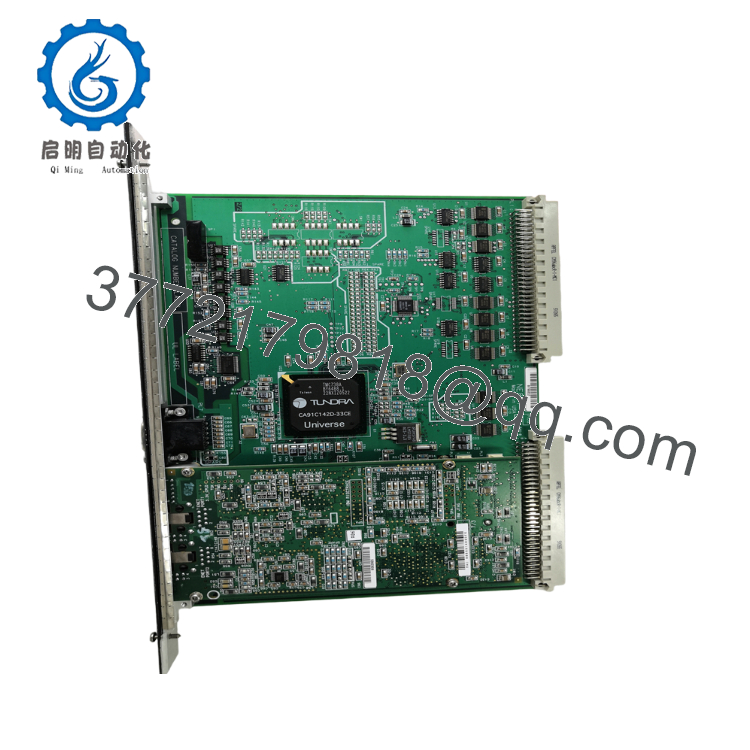
GE IC698ETM001 is an Ethernet interface module for the PACSystems RX7i platform. It connects the rack to HMI, SCADA, engineering workstations, and other Ethernet-based control equipment.
It is chosen when the RX7i needs dedicated communications with SRTP, EGD, and other industrial network traffic. For replacement work, verify firmware, IP settings, and rack compatibility before installation.

- IC698ETM001
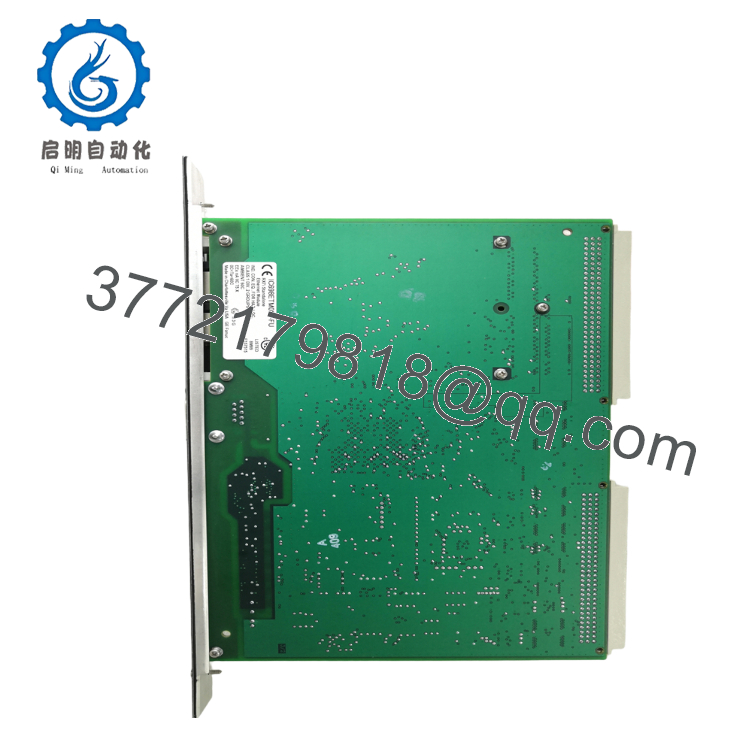
- IC698ETM001
Troubleshooting Quick Reference
| Symptom | Possible Cause | Relevance to this Part | Quick Check Method | Recommendation |
|---|---|---|---|---|
| No link lights on either port | No 5 V DC to the module, bad cable, or dead switch port | ✅ High | Measure 5 V DC at the rack supply and test with a known-good CAT5e patch cord | Check power and cabling before replacing the module |
| Module powers up but cannot reach HMI or SCADA | IP mismatch, subnet error, duplicate address, or bad configuration | ✅ High | Ping the assigned IP, verify subnet mask, and compare the stored IP with the site drawings | Recheck network settings and IP assignment first |
| Status LEDs show fault or repeated reset | Firmware mismatch, corrupted config, or internal module failure | ✅ High | Read the diagnostic buffer and compare firmware revision with the installed CPU/rack | If diagnostics point to hardware fault, replace the module |
| Intermittent comms drops under load | Poor shielding, noisy cabinet ground, bad switch, or marginal cable | ⚠️ Medium | Inspect shield termination, try a different switch port, and watch link stability during traffic | Fix the network layer before calling the module bad |
| EGD or SRTP data updates are missing | Wrong protocol setup, CPU mismatch, or disabled service | ✅ High | Check the configuration in the controller and confirm the expected exchange is enabled | Verify software setup before swapping hardware |
| Only one port works | Failed port, bad cable, or incorrect redundancy setup | ✅ High | Swap cables and test both ports one at a time | Replace only if the same port fails with known-good cabling |
If you are stuck, send photos of the module LEDs, rack slot, and diagnostic logs to technical support.
Frequently Asked Questions
Q: Is IC698ETM001 hot-swappable?
A: Treat it as a maintenance item, not a casual pull-and-replace part. Even if the rack supports removal in some conditions, I would kill power unless the OEM manual for your exact system says otherwise.
Q: What system does this module fit?
A: It belongs in the GE PACSystems RX7i platform. Do not assume it will drop into older Series 90-70 racks; that is a common mistake and it wastes time fast.
Q: Does it keep the program when I replace it?
A: The PLC program lives in the CPU, not in this Ethernet interface module. That said, network settings, IP details, and protocol configuration still need to be checked after swap.
Q: Why is this cheaper than factory new?
A: Because surplus and tested units usually come from excess inventory, closed projects, or decommissioned stock. The lower price should be matched with clear condition disclosure and real test evidence.
Q: What condition should I expect?
A: For B2B listings, the cleanest wording is New Original, New Surplus, or Refurbished (tested). Do not mix those terms; buyers notice immediately when condition language is sloppy.
Q: What should I verify before ordering a replacement?
A: Confirm the exact model number, rack compatibility, firmware revision, and network protocol requirements. I have seen swaps fail simply because the replacement matched the part number but not the site configuration.
Q: How do I avoid installation mistakes?
A: Take photos of the old module, record IP settings, and copy the wiring and network notes before removal. Most rework comes from simple setup errors, not from the hardware itself.



